
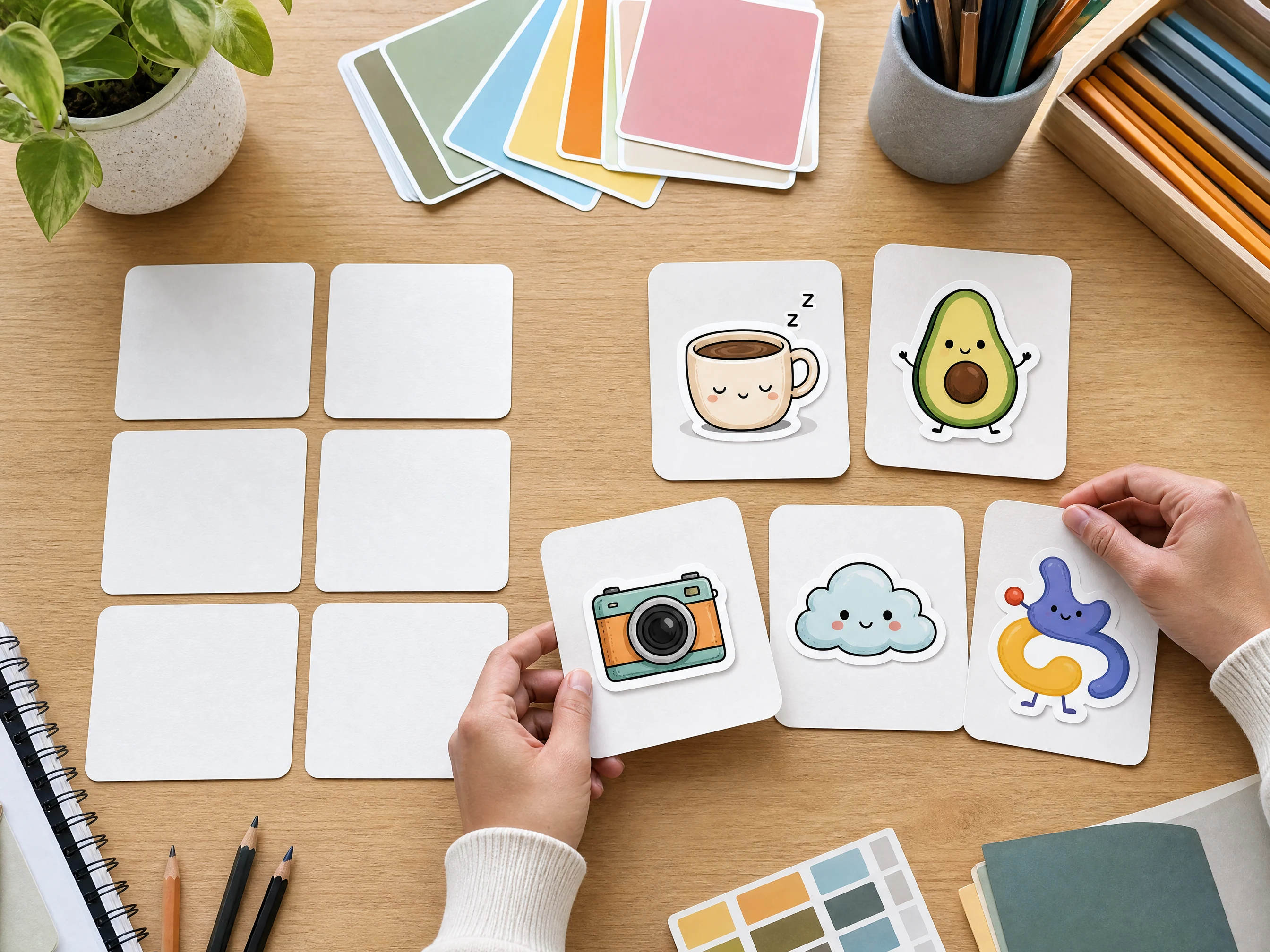
Text aur photo se custom stickers ke liye AI sticker generator
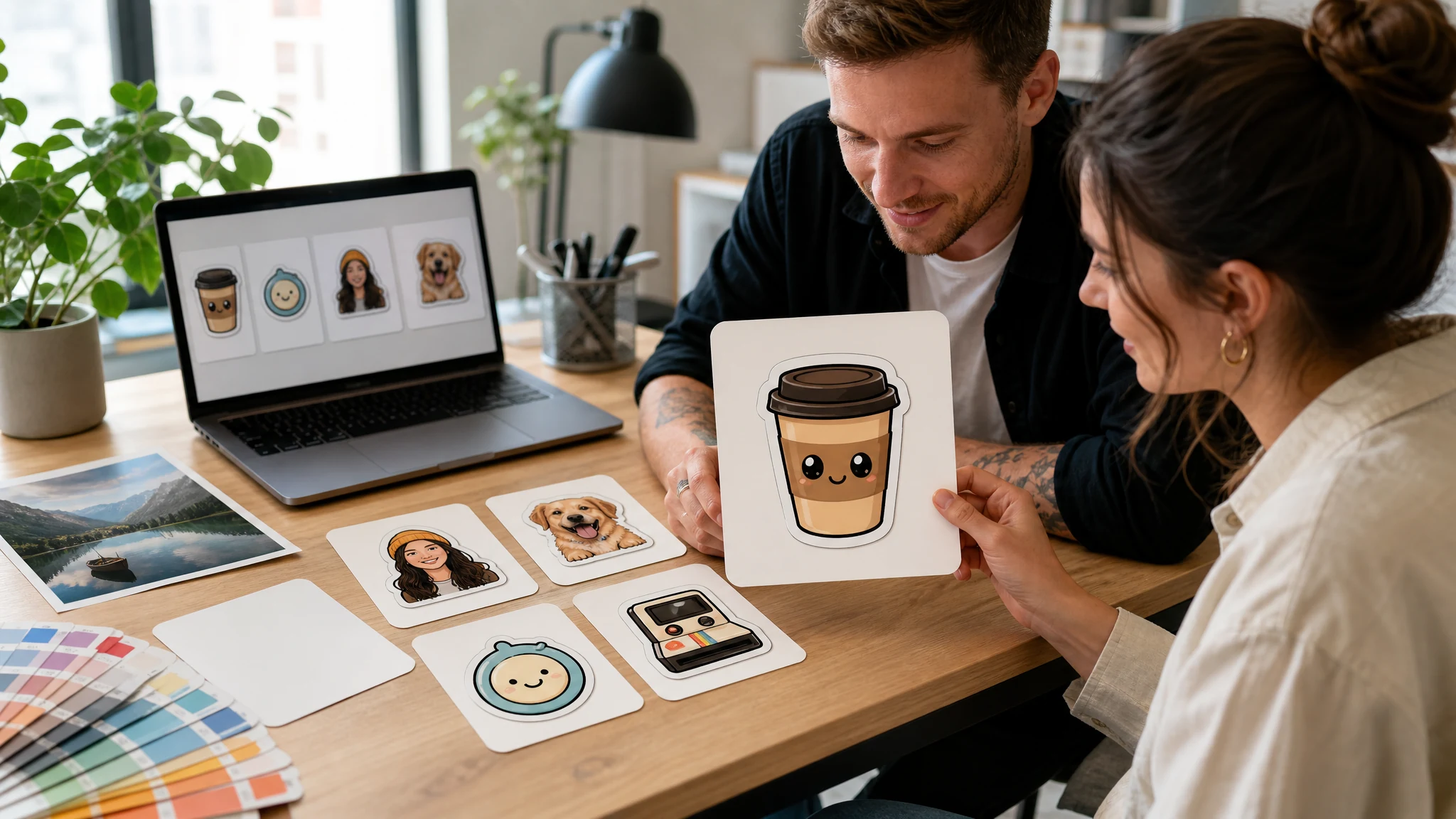
Prompt ya photo se sticker-style image banaye. Character describe kare, portrait upload kare, sticker style aur clean edge chune, phir chats, profile, creator post, mockup ya idea board ke liye design download kare.
दुनिया भर में 12,000,000+ उपयोगकर्ता भरोसा करते हैं।
AI sticker generator 3 steps me use kare
First run focused rakhe: mode chune, style set kare, phir edge ya use-case preset badal kar compare kare.
Text ya photo mode chune
Sticker scratch se describe kare ya ek clear source photo upload kare jise use karne ka right ho.
Sticker style pick kare
Kawaii, emoji, chibi, minimal, retro, mascot ya logo badge direction chune, phir edge aur use case set kare.
Generate aur download kare
Sticker-style result preview kare, local history me compare kare, phir favorite version download kare.
AI sticker maker se kya bana sakte hain?
Social reactions, profile stickers, pet stickers, mascot ideas, creator packs, safe mockups aur fast merch concepts ke liye use kare.
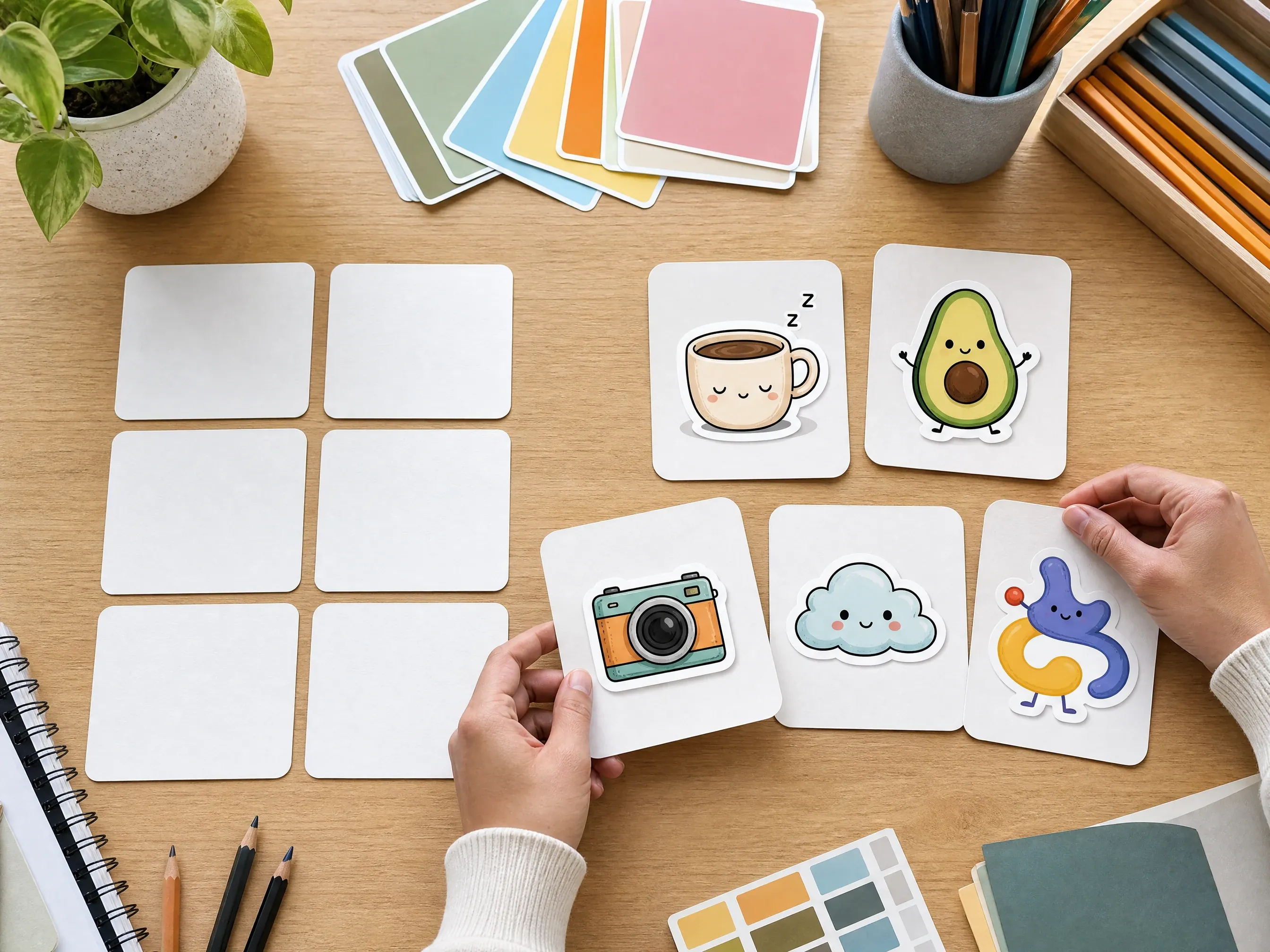
Text se sticker banane ke ideas
Sleepy coffee cup, happy avocado ya retro camera jaisi short idea ko sticker image me badle.
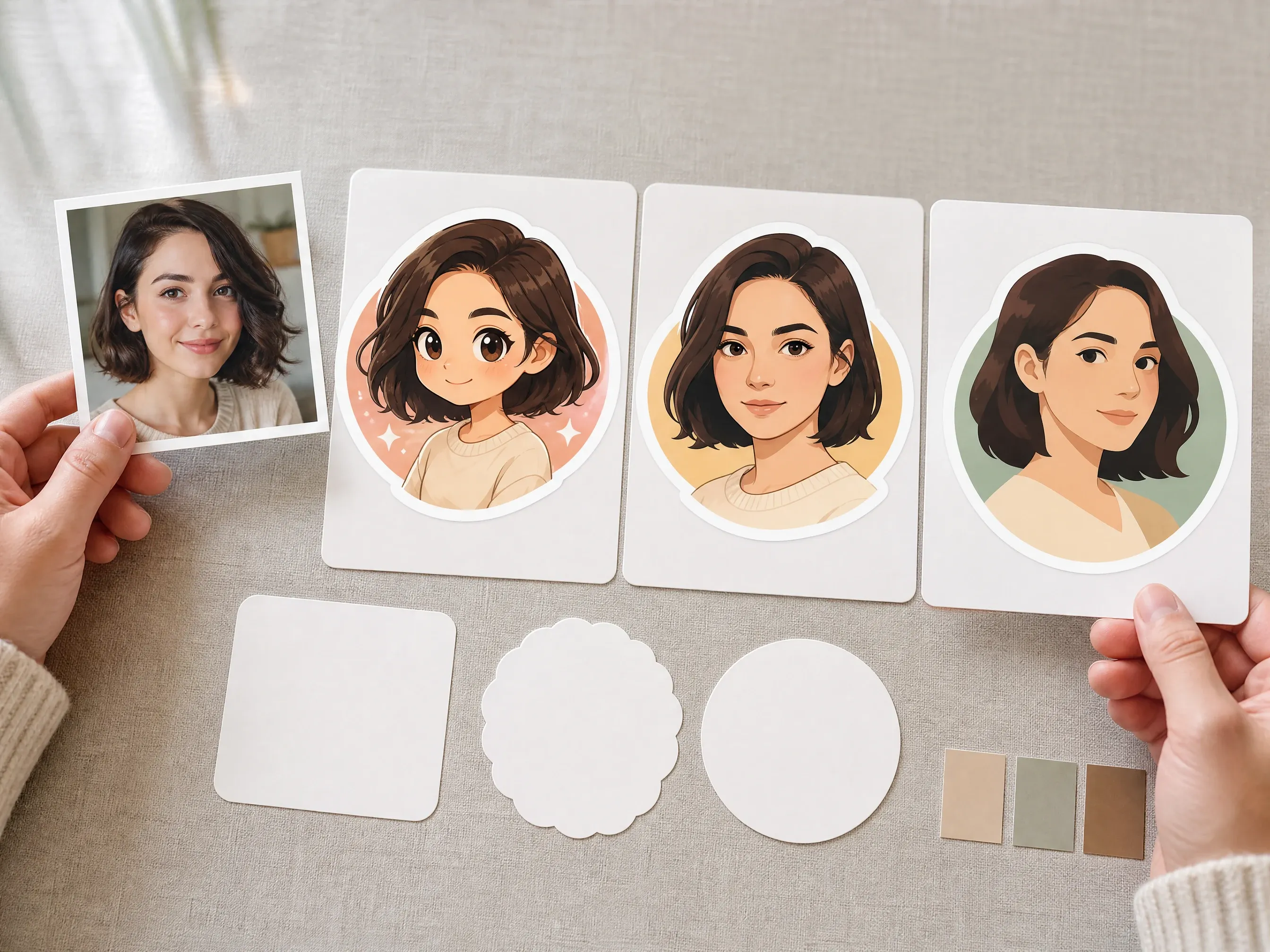
Photo se sticker portraits
Clear portrait upload karke playful profile ya chat sticker look banaye.
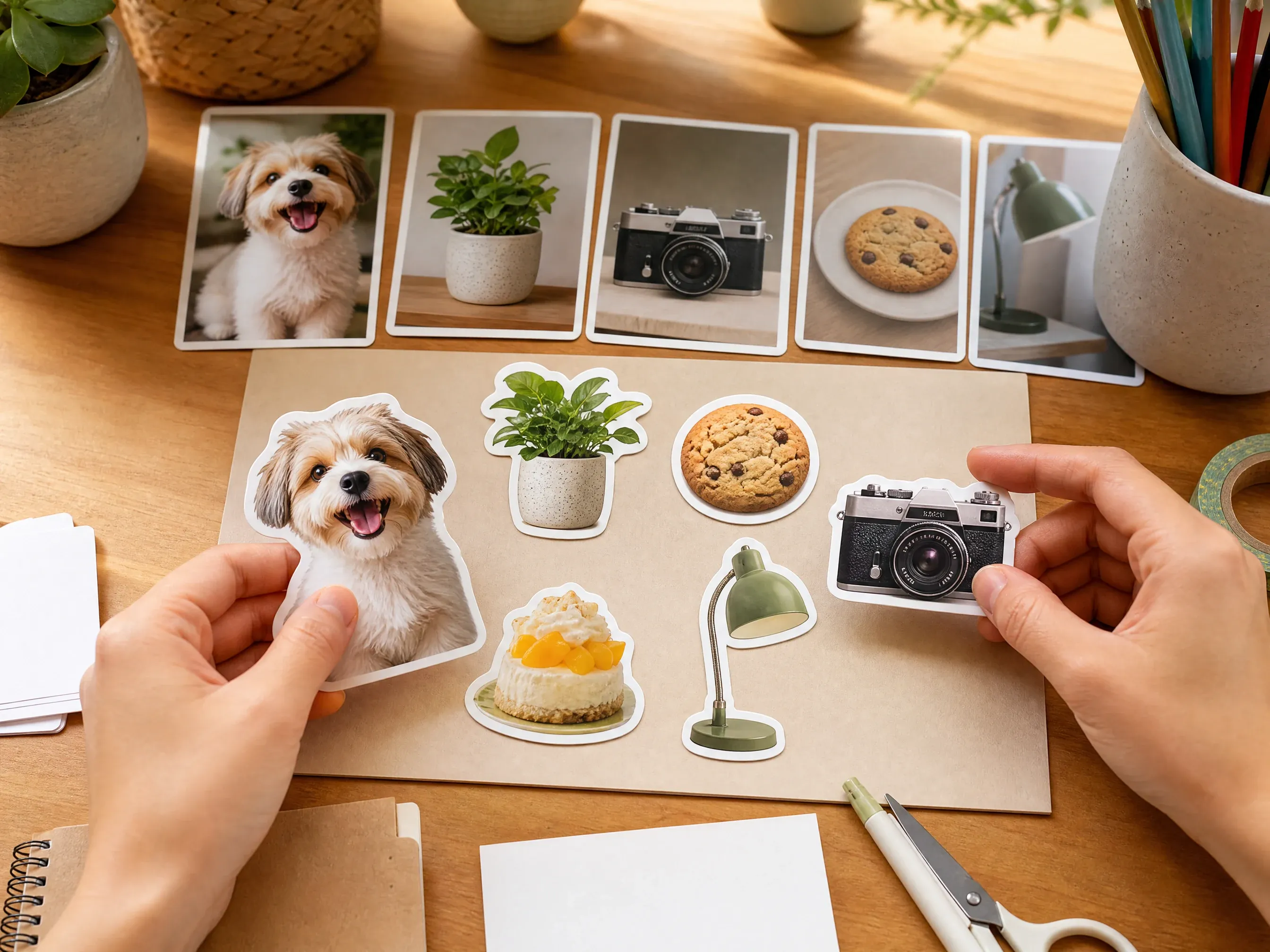
Pet aur object stickers
Pets, food, products, desk objects ya hobbies ko sticker-style images me badle.
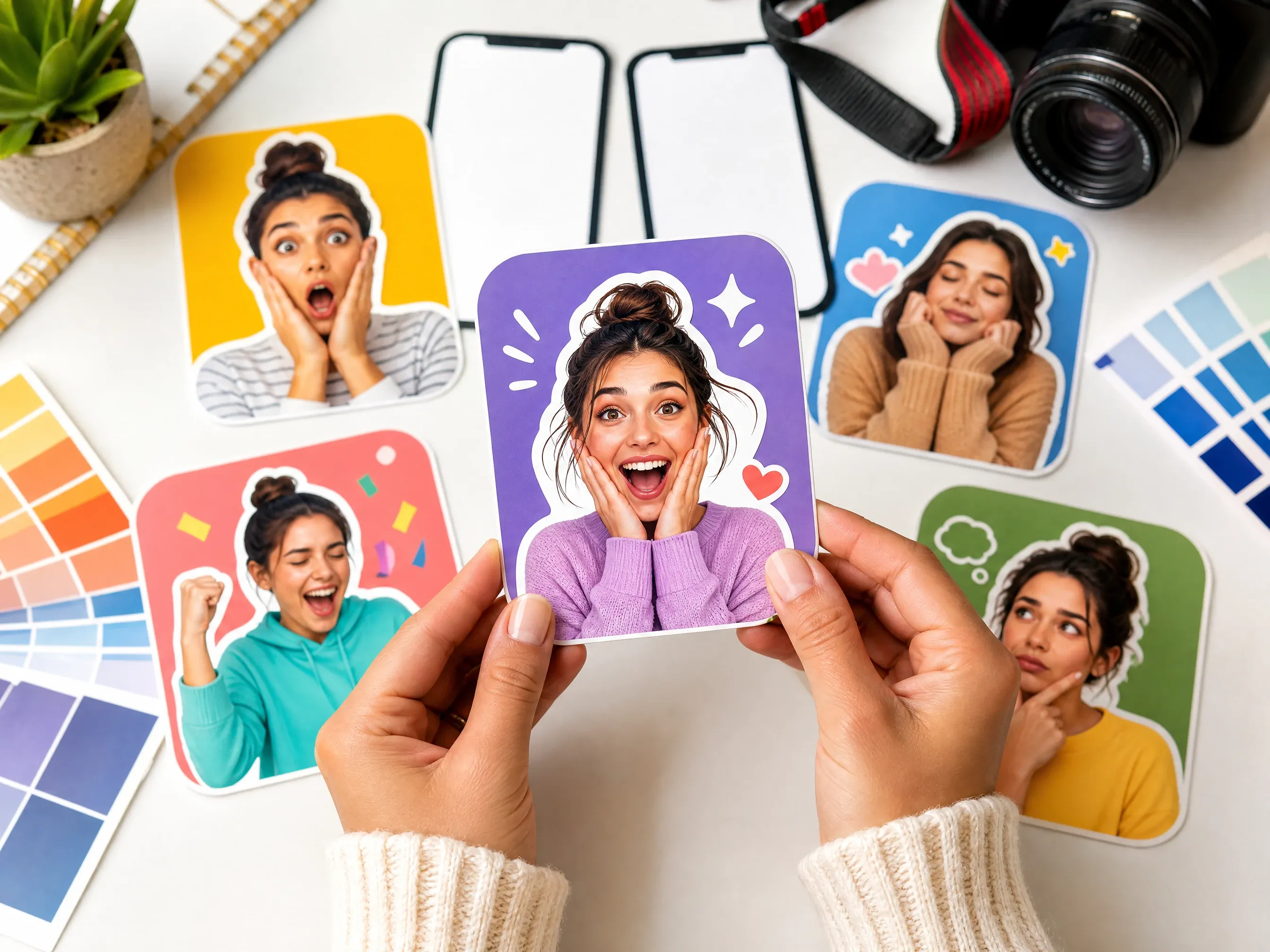
Creator ke reaction stickers
Community replies, stream panels aur social reactions ke expressive concepts generate kare.
AI sticker generator kya hai?
AI sticker generator text prompt ya uploaded image ko clear subject, playful style aur clean edge direction wale sticker design me badalta hai.
Text se sticker
Subject, mood, color, style aur edge describe karke scratch se sticker image banaye.
Photo se sticker
Jab portrait, pet, object, product ya artwork cue preserve karna ho tab clear source image upload kare.
Style aur edge direction
Style preset, edge intent, output intent, ratio aur resolution result ko real sticker brief banate hain.
Custom AI stickers ke liye Face AI kyu use kare?
Page workbench se start hota hai aur controls sticker outcome par focused rehte hain: mode, style, edge, use case, preview, download, history aur next edit.
टूल-फर्स्ट वर्कफ़्लो
Create area pehle dikhta hai, long article padhne ki zarurat nahi.
Sticker ke apne presets
Alag sticker directions prompt ko control karna asaan banati hain.
Text aur photo se shuruaat
Fresh idea ke liye prompt-only, source subject important ho to photo mode.
Output ki saaf seema
True alpha, cut paths, sticker packs, chat export aur printing ke liye separate review ya tools chahiye.
Behtar AI sticker results ke tips
Simple subject, clearly named style aur tiny lettering se bachna sticker generation ko stable banata hai.
Ek clear subject use kare
Single pet, face, object, mascot ya food item busy group scene se zyada readable hota hai.
Style ka naam likhe
Generic sticker ke bajay kawaii, emoji, chibi, minimal, retro, mascot ya badge likhe.
Text avoid kare
AI image text distort ho sakta hai. Exact names, slogans, labels aur logos export ke baad manually add kare.
Print se pehle review kare
Sticker-style images ko alpha, cut path, bleed, scale aur rights ke manual checks chahiye.
Face AI sticker generator vs print sticker shops aur generic image prompts
Fast online sticker-style design workflow ke liye Face AI use kare. Exact cut paths, physical production ya editable vector files ke liye print shop ya design app better hai.
| मानदंड | Face AIहमारा Face AI ka sticker workflow | अन्य वर्कफ़्लो |
|---|---|---|
| शुरुआती बिंदु | Prompt-first aur photo-first sticker ideas ek workbench me. | Print shops usually finished artwork se start karte hain; generic tools sticker structure prompt par chhod dete hain. |
| नियंत्रण | Mode, style, edge intent, output intent, aspect ratio, resolution, examples, history, download aur share. | Dedicated platforms transparent PNG, pack creation, cut paths ya shipping de sakte hain. |
| आउटपुट की सच्चाई | Review, chats, profiles, thumbnails, mockups aur concepts ke liye sticker-style images. | Production workflows vector, alpha, bleed, trim aur physical printing ke liye better hain. |
| सर्वोत्तम उपयोग | Social stickers, profile ideas, pet stickers, mascot concepts aur quick mockups. | Manual design tools exact type, brand marks, color specs aur dimensions ke liye better hain. |
| अड़चन | Browser creation with local history, download aur clean next step. | Design apps zyada control deti hain par first idea slow hota hai. |
| सीमा | Guaranteed alpha channel, vector cut path, six-pack consistency, physical shipping ya one-click app export nahi. | Specialized services account, credits ya print order ke saath ye features de sakte hain. |
शुरुआती बिंदु
Prompt-first aur photo-first sticker ideas ek workbench me.
Print shops usually finished artwork se start karte hain; generic tools sticker structure prompt par chhod dete hain.
नियंत्रण
Mode, style, edge intent, output intent, aspect ratio, resolution, examples, history, download aur share.
Dedicated platforms transparent PNG, pack creation, cut paths ya shipping de sakte hain.
आउटपुट की सच्चाई
Review, chats, profiles, thumbnails, mockups aur concepts ke liye sticker-style images.
Production workflows vector, alpha, bleed, trim aur physical printing ke liye better hain.
सर्वोत्तम उपयोग
Social stickers, profile ideas, pet stickers, mascot concepts aur quick mockups.
Manual design tools exact type, brand marks, color specs aur dimensions ke liye better hain.
अड़चन
Browser creation with local history, download aur clean next step.
Design apps zyada control deti hain par first idea slow hota hai.
सीमा
Guaranteed alpha channel, vector cut path, six-pack consistency, physical shipping ya one-click app export nahi.
Specialized services account, credits ya print order ke saath ye features de sakte hain.
Creators AI sticker generator kaise use karte hain
Comments practical loop par focused hain: mode, style, edge aur use case chune, generate kare, history compare kare, phir download ya refine kare.
"Page real sticker decisions se start hota hai, sirf prompt box nahi."

Rose de Guzman
Studio producer
"Hum campaign design se pehle quick reaction ideas banate hain."

Luna Hernandez
Creator partnerships lead
"Badge aur mascot presets real trademarks se door rakhte hain."

Mia Torres
डिज़ाइन डायरेक्टर
"Photo mode single clean subject ke saath strongest hai."

Kai Nakamura
वैश्विक रचनात्मक निदेशक
"Output intent non-design teammates ko better brief deta hai."

Priya Chen
रचनात्मक रणनीति प्रमुख
"Examples sticker-specific hain, first run scattered nahi hota."

Rahul Gupta
VP ऑफ डिमांड जनरेशन
"Page real sticker decisions se start hota hai, sirf prompt box nahi."
Rose de Guzman
Studio producer
"Hum campaign design se pehle quick reaction ideas banate hain."
Luna Hernandez
Creator partnerships lead
"Badge aur mascot presets real trademarks se door rakhte hain."
Mia Torres
डिज़ाइन डायरेक्टर
"Photo mode single clean subject ke saath strongest hai."
Kai Nakamura
वैश्विक रचनात्मक निदेशक
"Output intent non-design teammates ko better brief deta hai."
Priya Chen
रचनात्मक रणनीति प्रमुख
"Examples sticker-specific hain, first run scattered nahi hota."
Rahul Gupta
VP ऑफ डिमांड जनरेशन
"Transparent PNG aur print prep ke limits clear hain."

Astrid Nielsen
थॉट लीडरशिप प्रमुख
"Page real sticker decisions se start hota hai, sirf prompt box nahi."
Rose de Guzman
Studio producer
"Hum campaign design se pehle quick reaction ideas banate hain."
Luna Hernandez
Creator partnerships lead
"Badge aur mascot presets real trademarks se door rakhte hain."
Mia Torres
डिज़ाइन डायरेक्टर
"Photo mode single clean subject ke saath strongest hai."
Kai Nakamura
वैश्विक रचनात्मक निदेशक
"Output intent non-design teammates ko better brief deta hai."
Priya Chen
रचनात्मक रणनीति प्रमुख
"Examples sticker-specific hain, first run scattered nahi hota."
Rahul Gupta
VP ऑफ डिमांड जनरेशन
"Transparent PNG aur print prep ke limits clear hain."
Astrid Nielsen
थॉट लीडरशिप प्रमुख
"White edge, shadow aur no-border options enough direction dete hain."

Rafael Santos
क्रिएटिव VP
"Creator reactions aur profile stickers me simple subject best hai."

Ananya Iyer
कंटेंट मार्केटिंग लीड
"Examples overloaded prompts se bachate hain."

Charlotte Beaumont
कंटेंट ऑपरेशंस निदेशक
"History plus download first pass ke liye enough hai."

Yifan Zheng
डिमांड जनरेशन प्रमुख
"Portrait upload se pehle permission reminder important hai."

Linh Nguyen
Growth creative lead
"Plain image generator se zyada sticker workflow lagta hai."

Zeke Williams
सीनियर आर्ट डायरेक्टर
"Merch mockup moodboard step hai, print file claim nahi."

Zara Davis
सोशल मीडिया डायरेक्टर
"White edge, shadow aur no-border options enough direction dete hain."
Rafael Santos
क्रिएटिव VP
"Creator reactions aur profile stickers me simple subject best hai."
Ananya Iyer
कंटेंट मार्केटिंग लीड
"Examples overloaded prompts se bachate hain."
Charlotte Beaumont
कंटेंट ऑपरेशंस निदेशक
"History plus download first pass ke liye enough hai."
Yifan Zheng
डिमांड जनरेशन प्रमुख
"Portrait upload se pehle permission reminder important hai."
Linh Nguyen
Growth creative lead
"Plain image generator se zyada sticker workflow lagta hai."
Zeke Williams
सीनियर आर्ट डायरेक्टर
"Merch mockup moodboard step hai, print file claim nahi."
Zara Davis
सोशल मीडिया डायरेक्टर
Sticker result ke baad kya try kare?
Real blocker ke hisab se next Face AI tool chune: more prompt exploration, source-guided variants, transparent cleanup, artifact cleanup ya campaign layout.
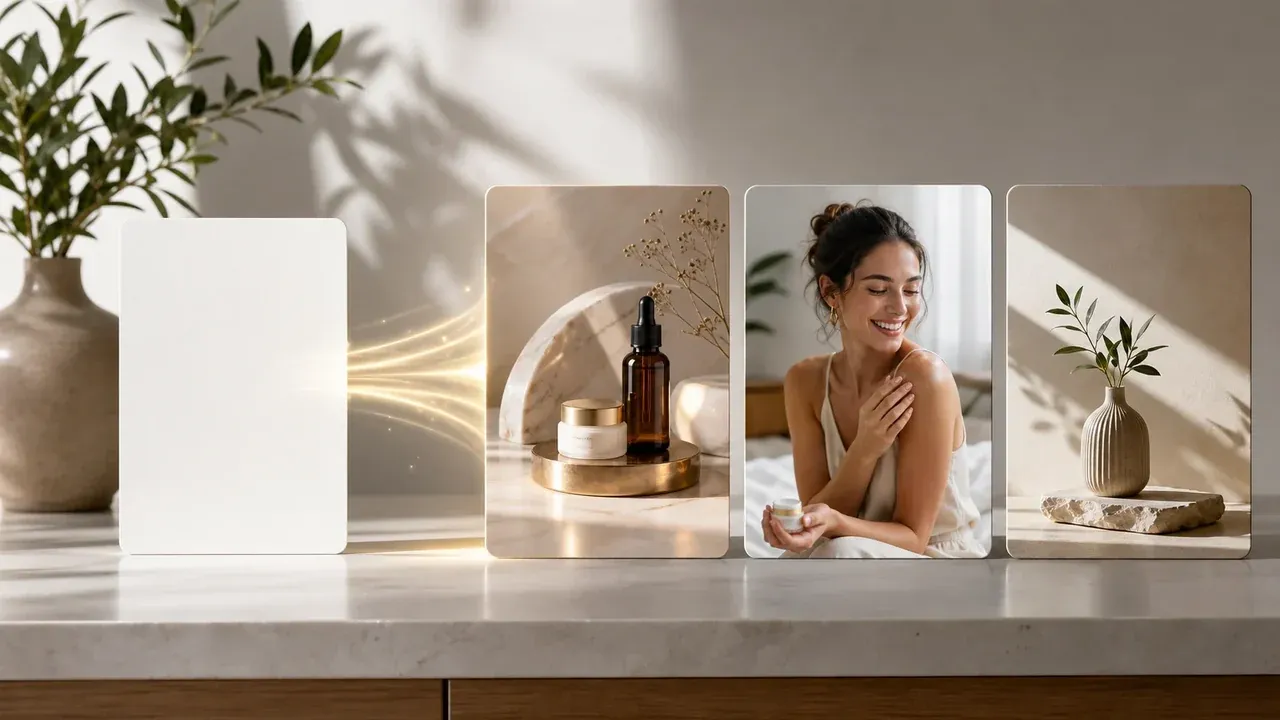
AI इमेज जनरेटर
Source photo na chahiye ho to prompt-only sticker concept start kare.
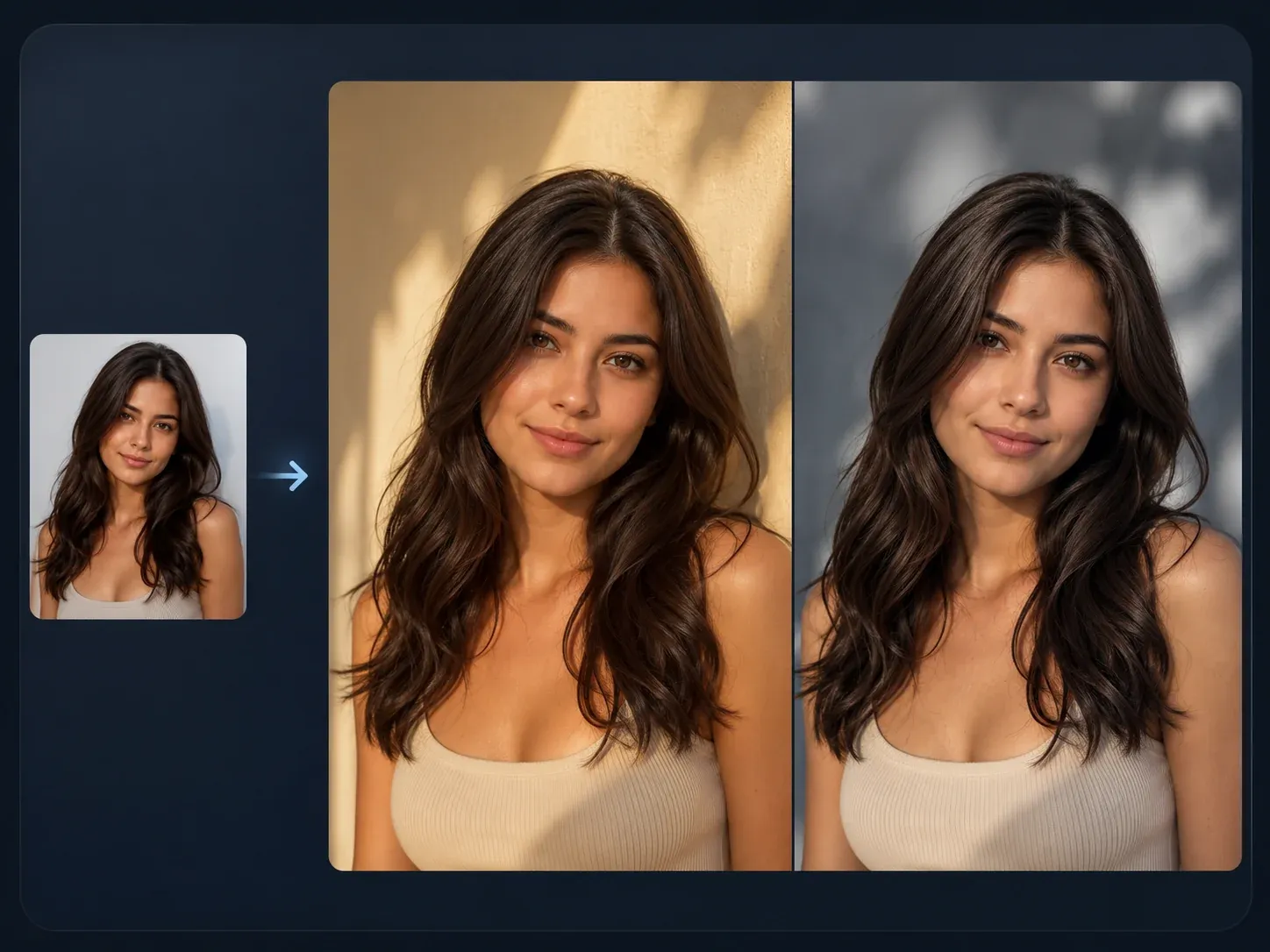
AI Image to Image tool
Sticker idea ko stronger reference image chahiye ho to use kare.
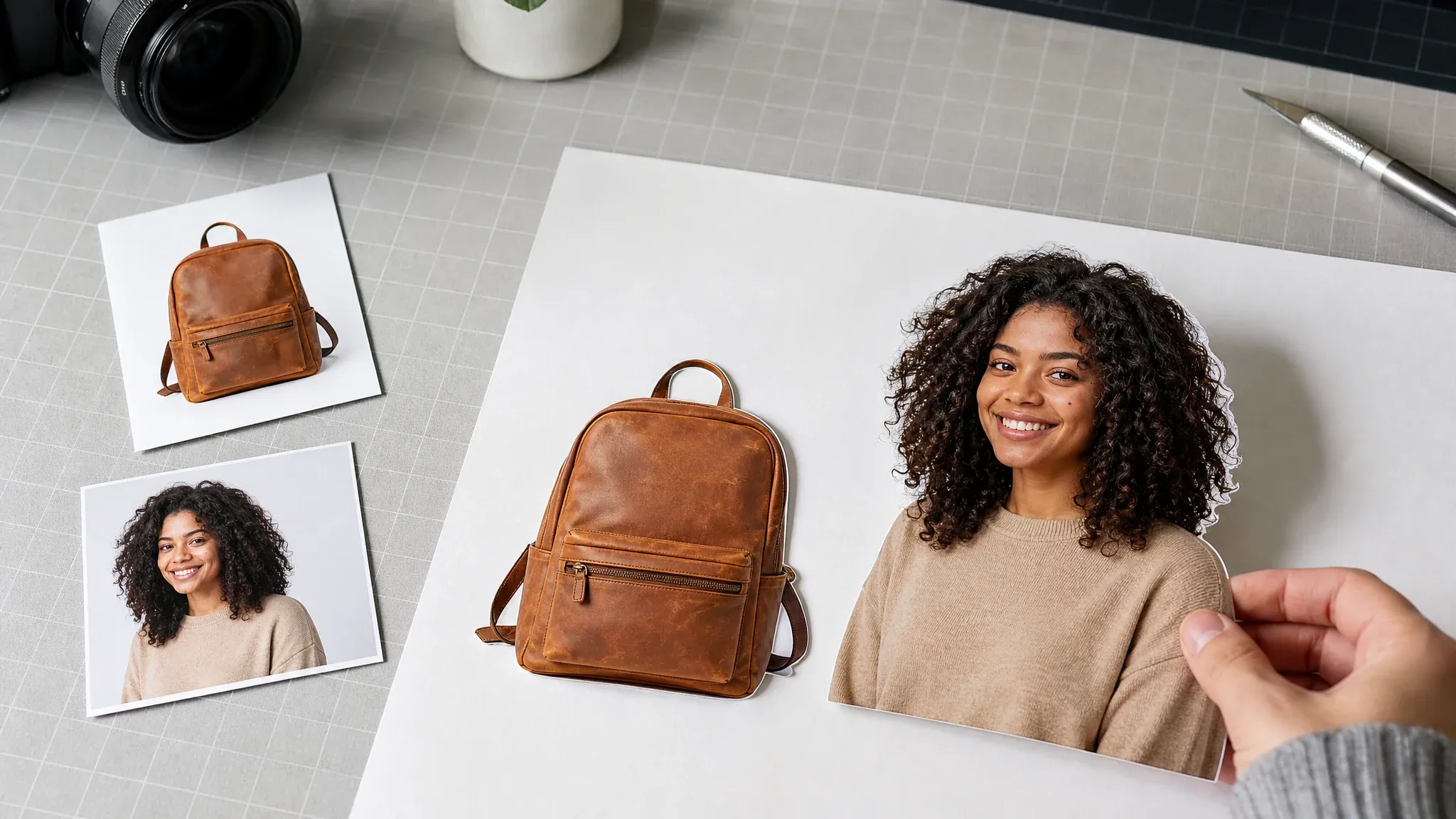
बैकग्राउंड रिमूवर
Separate design layer ke liye generation ke baad transparency cleanup try kare.

AI इमेज एडिटर
Distracting details, edges ya artifacts clean kare.
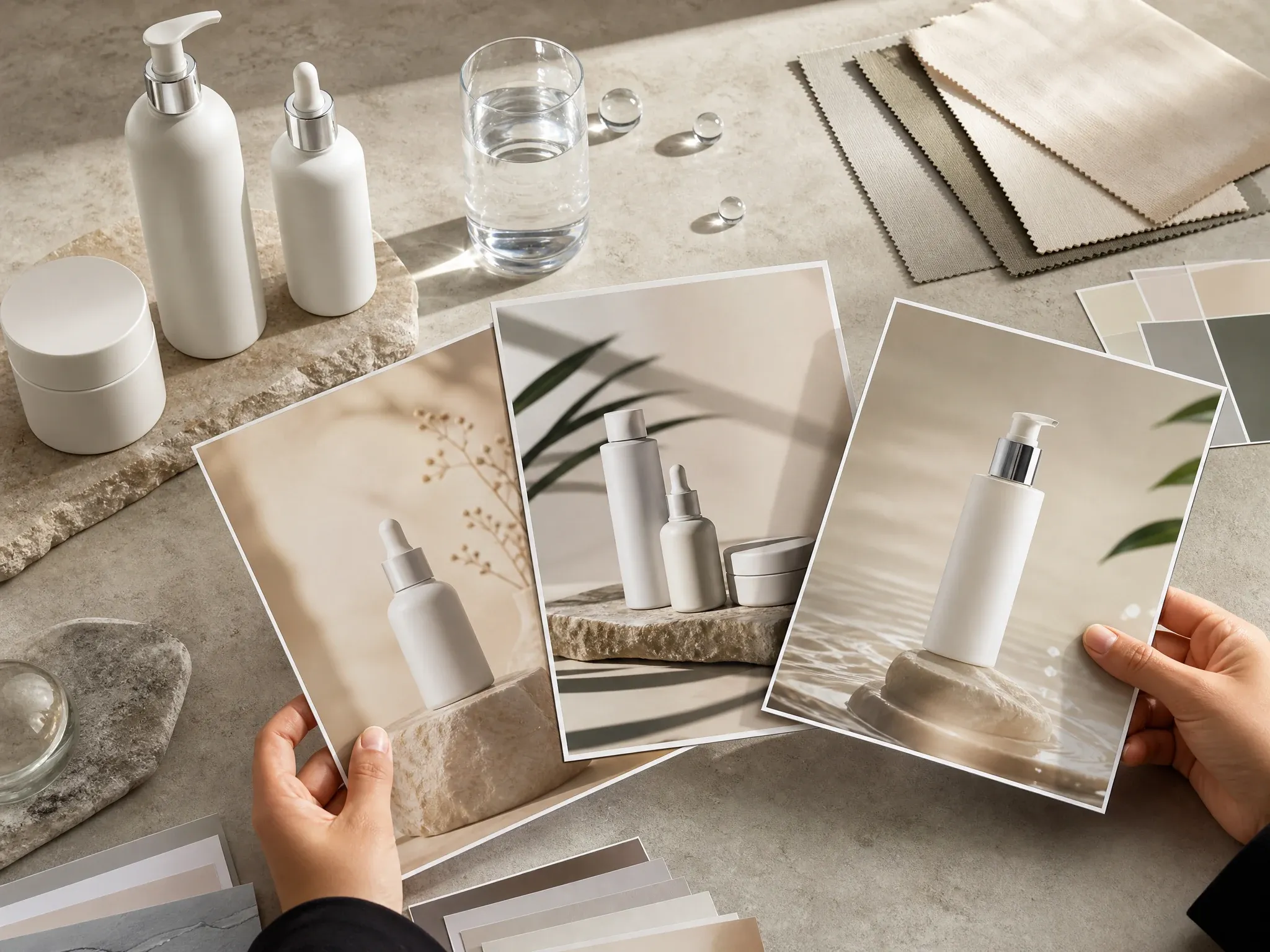
AI पोस्टर जेनरेटर
Sticker concept ko larger campaign visual me badle.
AI sticker generator ke FAQ
Text prompts, photo uploads, styles, transparent background, print readiness, packs, platform use, rights aur better photos par direct answers.
Online tool jo prompt ya source image ko clear subject, playful style aur edge direction wale sticker design me badalta hai.
Haan. Photo mode me ek clear image use kare jise aap own karte hain ya edit karne ki permission hai.
Haan. Text mode use kare, subject describe kare, style aur edge chune, phir sticker-style image generate kare.
Haan. Kawaii, emoji, logo badge, chibi, minimal, retro ya mascot direction se start kare.
Yeh first version sticker-style image output banata hai. True alpha ke liye background remover ya manual review use kare.
Result ko visual concept mane. Production printing ke liye alpha, cut path, bleed, dimensions, color, material aur rights check chahiye.
Aap kai results generate karke compare kar sakte hain, lekin yah page one-click six-pack consistency ya expression-pack generation ka daava nahin karta.
Image download karke manually import kare jahan platform custom stickers support karta ho.
Real logos, celebrities, IDs, copyrighted characters, trademarks aur unauthorized images avoid kare.
Haan, online workbench open karke free start kare. Heavy use par account ya quota limits flow me dikhenge.
AI image generation small letters distort kar sakti hai. Stickers text-free rakhe aur exact labels deterministic editor me add kare.
Good light, visible edges aur simple background wala one clear subject use kare. Blur, busy groups, tiny screenshots, protected logos aur sensitive images avoid kare.
Apna pehla AI sticker online banaye
Sticker idea describe kare ya source photo upload kare, style chune, aur browser me custom sticker-style image generate kare.