
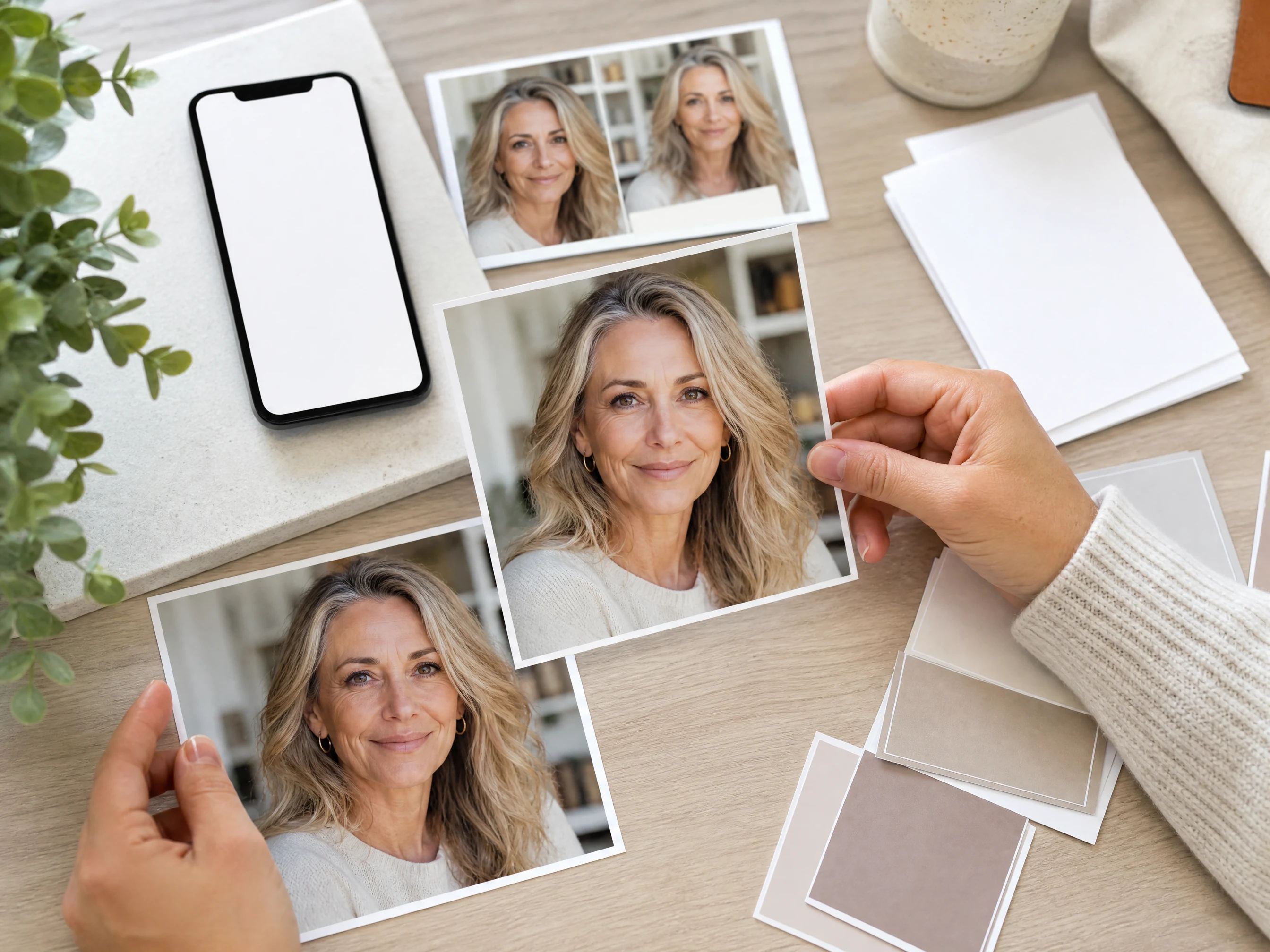
KI-Falten-Entferner für natürliches Porträt-Retouching
Laden Sie ein Porträt hoch und glätten Sie sichtbare feine Linien, Krähenfüße, Lachfalten, Stirnfalten und Augenpartiefalten mit einem fokussierten KI-Retusche-Durchgang. Wählen Sie das Ziel der Faltenreinigung, ergänzen Sie eine optionale Notiz und prüfen Sie dann, ob das Gesicht noch natürlich wirkt, bevor Sie es herunterladen oder weiter verfeinern. Kostenlos online.
Von über 12.000.000 Nutzern weltweit vertraut.
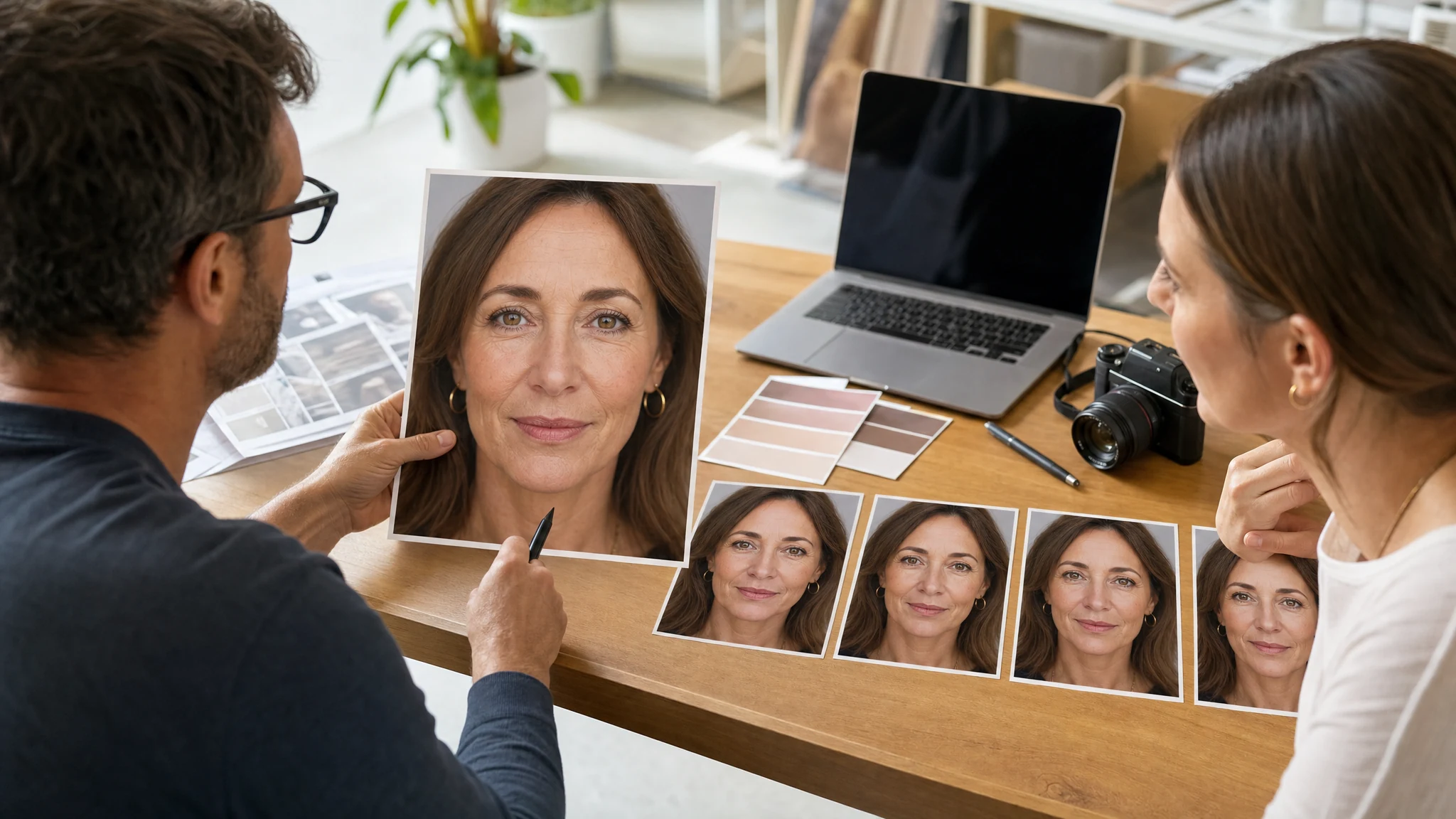
Falten online aus einem Foto entfernen
Halten Sie den Durchgang fokussiert: Laden Sie ein klares Porträt hoch, wählen Sie das Ziel der Falten-Glättung und prüfen Sie dann, ob die Haut noch real wirkt.
Ein Porträt hochladen
Verwenden Sie ein Selfie, Portrait, Profilfoto, Creator-Porträt oder Social-Bild mit einem lesbaren Gesicht und genug Hautdetail für eine natürliche Reinigung.
Einen Falten-Modus wählen
Wählen Sie vor jeder optionalen Notiz feine Linien, Krähenfüße und Augenpartiefalten, Lachfalten oder den natürlichen Refresh.
Erzeugen, prüfen, fortfahren
Laden Sie das natürliche Ergebnis herunter, versuchen Sie einen anderen Retusche-Modus oder verschieben Sie das Porträt in den Bilder-Editor, Hochskalierer oder Foto-Verbesserer für den nächsten Fix.
Anwendungsfälle der Falten-Glättung für Porträts und Profile
Nutzen Sie den KI-Falten-Entferner für natürliche Porträt-Refreshes bei Selfies, Porträts, Creator-Porträts, Social-Posts, Dating-Fotos und professionellen Profilbildern.
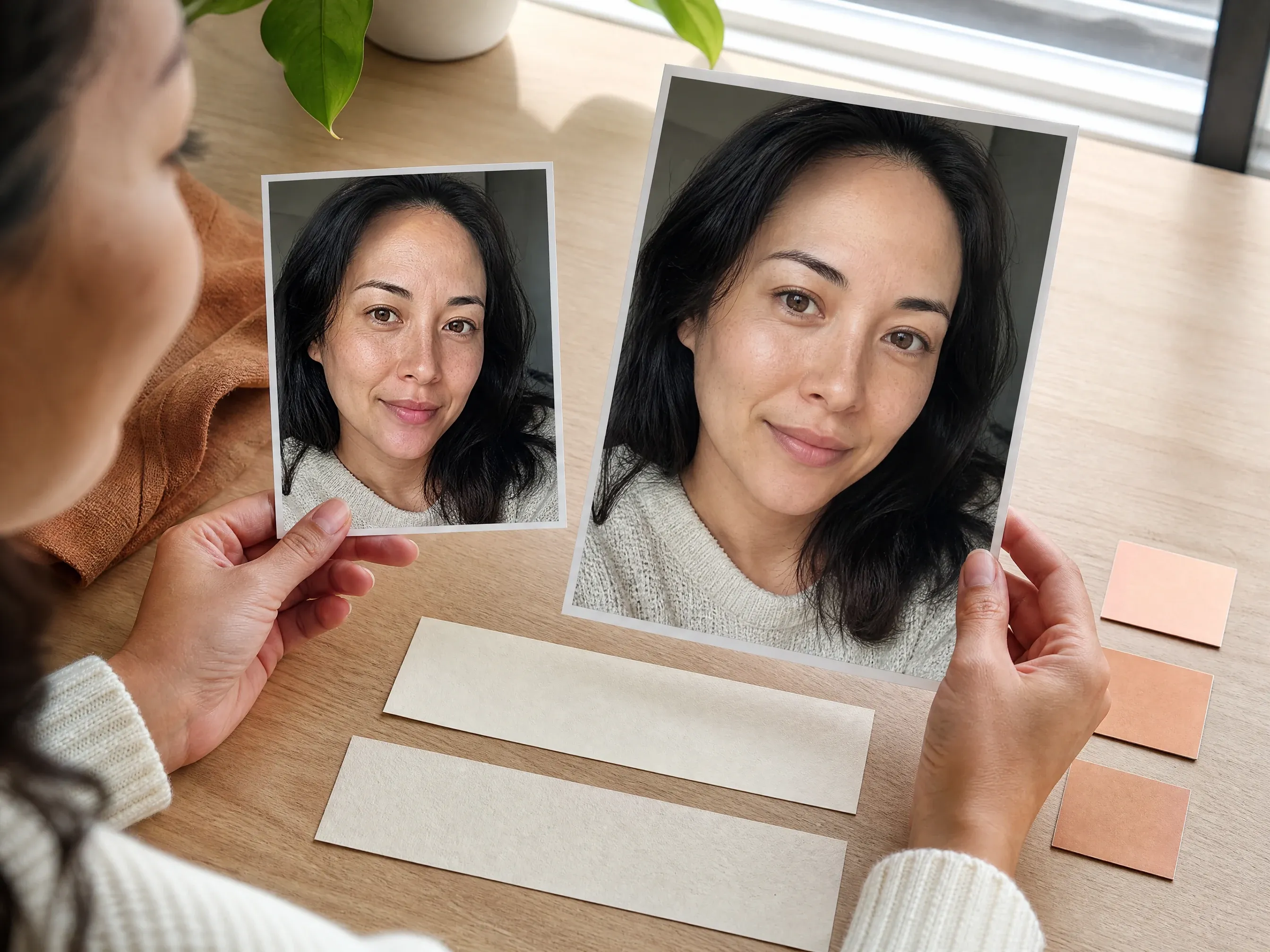
Feine Linien im Selfie glätten
Reduzieren Sie leichte Texturablenkungen, bevor Sie ein Selfie, eine Story, ein Dating-Foto oder ein Profil-Update teilen.
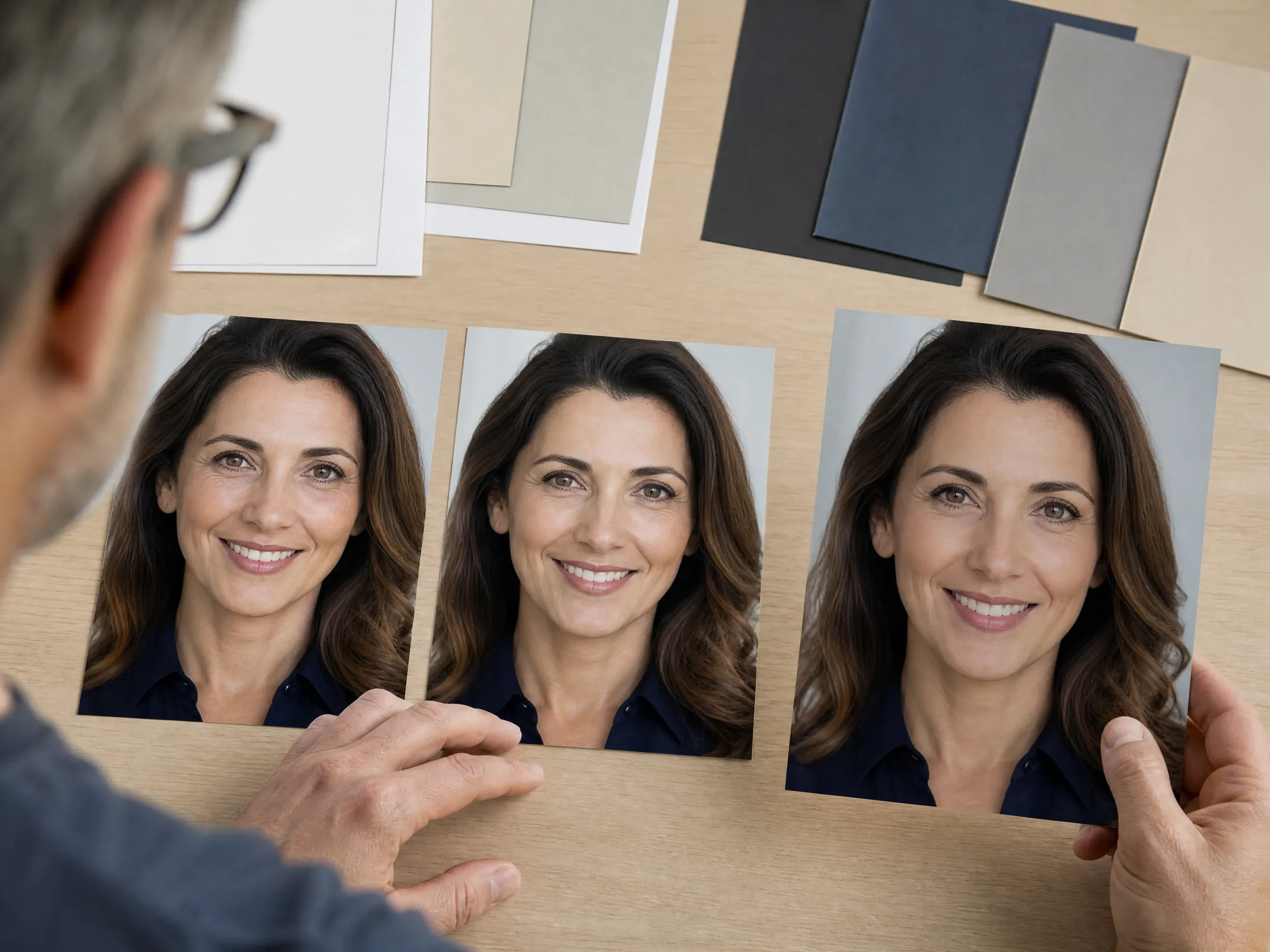
Augenpartiefalten im Porträt erfrischen
Reinigen Sie müde wirkende Augenpartiefalten in einem Lebenslauf-, LinkedIn-, Autoren- oder Firmenporträt, während die Person erkennbar bleibt.
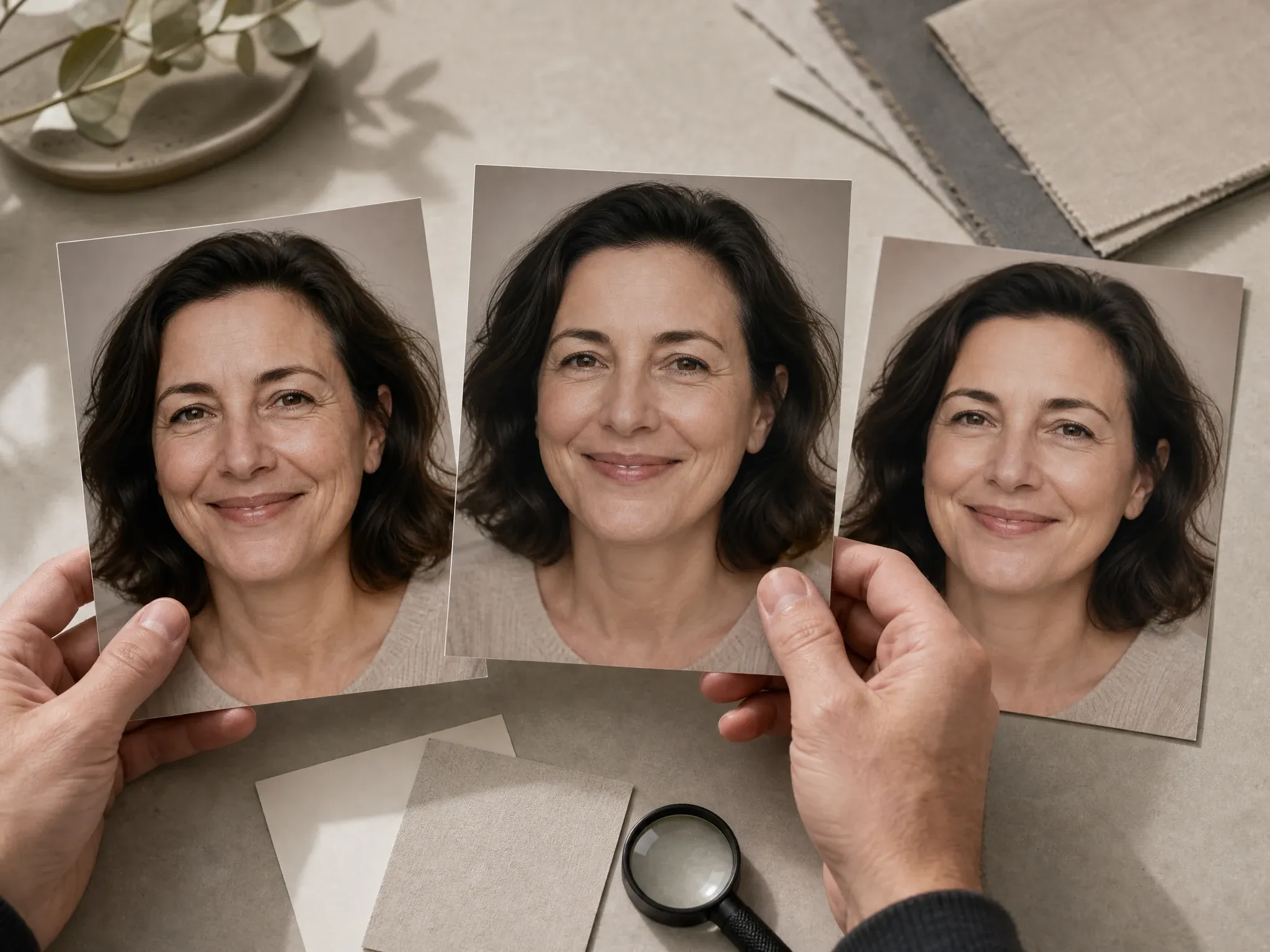
Lachfalten natürlich reduzieren
Verwenden Sie einen fokussierten Durchgang, wenn Mundpartiefalten ablenken, aber das Lächeln und der Gesichtscharakter real bleiben sollen.
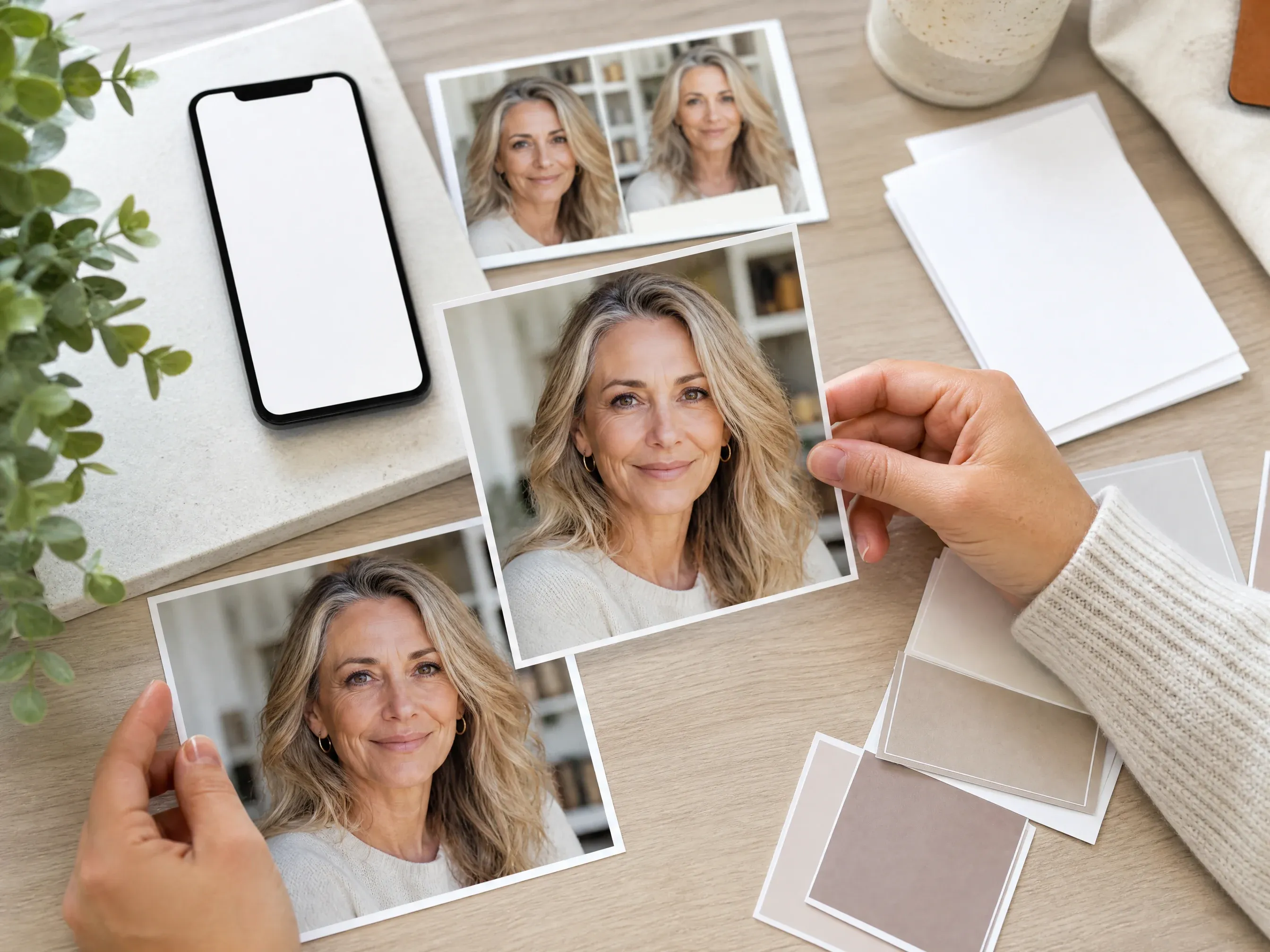
Porträts für Social-Posts verfeinern
Erstellen Sie ein saubereres Profilbild, ohne Gesichtsform, Ausdruck, Haare oder die Stimmung des Hintergrunds zu verändern.
Was ist ein KI-Falten-Entferner?
Ein KI-Falten-Entferner geht von einem hochgeladenen Porträt aus und wendet einen fokussierten Bildbearbeitungs-Durchgang an, um sichtbare Stirnfalten, Krähenfüße, Augenpartiefalten, Lachfalten und andere Porträtfalten zu glätten.
Porträt-zentrierte Retusche
Das Quellfoto verankert Gesicht, Ausdruck, Licht, Beschnitt und Hintergrund, damit die Bearbeitung nah am Original bleibt.
Modusgeführte Faltenreinigung
Getrennte Retusche-Modi halten feine Linien, Augenpartiefalten, Lachfalten und den natürlichen Refresh davon ab, zu einem vagen Beauty-Filter-Prompt zu werden.
Prüfung des natürlichen Ergebnisses
Das beste Ergebnis ist ein frischeres Porträt mit sichtbarer Textur, kein Gesicht, das neu aufgebaut, verschwommen oder unrealistisch jung wirkt.
Warum Face AI für die Faltenentfernung nutzen?
Face AI hält den echten Workflow sichtbar: ein Porträt hochladen, einen Retusche-Modus wählen, eine Fokus-Notiz ergänzen, erzeugen, den Verlauf vergleichen, herunterladen, teilen und nur bei Bedarf zu breiterer Bearbeitung übergehen.
Mehr als Prompt plus Upload
Der Funktionsbereich umfasst Porträt-Upload, Retusche-Modi, optionale Notiz, Verhältnis, Beispiele, Verlauf, Download, Teilen und Folge-Tools.
Branchenübliche Falten-Sprache
Die Seite deckt feine Linien, Krähenfüße, Stirnfalten, Augenpartiefalten, Lachfalten, Profilfotos, Porträts und Social-Porträts ab, ohne professionelle Retusche-Parität zu versprechen.
Grenzen sind sichtbar
Dies ist keine automatische Zonen-Slider-Suite, kein Alters-Umkehr-Filter, kein Falten-Entferner für den Körper, kein Batch-Retusche-Workflow und kein medizinisches Haut-Tool.
Für Iteration gebaut
Die Prüfung der natürlichen Haut braucht oft einen Vergleich. Der Verlauf hilft Ihnen, den leichteren Durchgang zu behalten, wenn eine stärkere Retusche zu glatt wirkt.
Natürliche Ergebnisse bei der Faltenentfernung erzielen
Ein klares Quellporträt und ein enger Retusche-Wunsch zählen meist mehr als ein langer Prompt.
Gutes Licht und sichtbare Textur nutzen
Helle, scharfe Porträts helfen dem Modell, Hautdetails zu verstehen. Starke Unschärfe, harte Schatten und winzige Screenshots sind weniger vorhersehbar.
Ein Retusche-Ziel wählen
Beginnen Sie mit feinen Linien, Augenpartiefalten, Lachfalten oder dem natürlichen Refresh. Zu viele Beauty-Wünsche können die Haut künstlich wirken lassen.
Identität und Ausdruck schützen
Nutzen Sie die Notiz, um Gesichtsform, Poren, realistische Altersmerkmale, Make-up, Bart, Ausdruck, Licht und Beschnitt nah an der Quelle zu halten.
Vor der Veröffentlichung prüfen
Prüfen Sie Textur, Augen, Mund, Haaransatz, Hände, Hintergrundkanten und jedes wichtige Gesichtsdetail, bevor Sie das Bild öffentlich verwenden.
KI-Falten-Entferner vs. Beauty-Filter, manuelle Retusche und Pro-Editoren
Wählen Sie den Workflow, der zur Aufgabe passt. Face AI dient der schnellen natürlichen Falten-Glättung aus einem Porträt, nicht der deterministischen Pro-Retusche.
| Kriterium | Face AIUnser Face AI-Falten-Retusche-Workflow | Andere Workflows |
|---|---|---|
| Startpunkt | Ein Porträt hochladen und vor der Erzeugung einen Falten-Modus wählen. | Beauty-Filter wenden oft eine breite Unschärfe an; manuelle Editoren erfordern Masken-, Pinsel- und Klon-Arbeit. |
| Beste Nutzung | Selfies, Porträts, Profilfotos, Creator-Porträts, Dating-Fotos und Social-Posts mit ablenkenden sichtbaren Linien. | Studio-Editoren sind besser, wenn jede Zone und jede Retusche-Stufe exakt kontrolliert werden muss. |
| Kontrolle | Feine Linien, Krähenfüße, Lachfalten, natürlicher Refresh, optionale Fokus-Notiz, Verhältnis, Verlauf, Download und Teilen. | Pinsel-Tools können exakte Bereiche anvisieren, erfordern aber mehr manuelle Arbeit und Prüfung. |
| Ausgabe-Grenze | Natürlich wirkende kreative Retusche, die weiterhin eine menschliche Prüfung braucht. | Professionelle Suiten können Multi-Foto-Workflows, feine Zonen und wiederholbare Einstellungsstufen unterstützen, wenn diese Regler gefordert sind. |
| Rechte und sensible Fotos | Nur Porträts verwenden, die Sie verarbeiten dürfen, und das Hochladen sensibler Bilder vermeiden. | Manche Dienste fügen stärkere Policy-Zusagen hinzu; prüfen Sie vor sensiblen Arbeiten immer die Produktbedingungen. |
| Nächster Schritt | Das retuschierte Porträt in Bilder-Editor, Hochskalierer, Foto-Verbesserer oder Flecken-Entferner verschieben, wenn ein anderer Punkt offen bleibt. | Einzweck-Seiten enden oft bei einem Download mit weniger Folgeoptionen. |
Startpunkt
Ein Porträt hochladen und vor der Erzeugung einen Falten-Modus wählen.
Beauty-Filter wenden oft eine breite Unschärfe an; manuelle Editoren erfordern Masken-, Pinsel- und Klon-Arbeit.
Beste Nutzung
Selfies, Porträts, Profilfotos, Creator-Porträts, Dating-Fotos und Social-Posts mit ablenkenden sichtbaren Linien.
Studio-Editoren sind besser, wenn jede Zone und jede Retusche-Stufe exakt kontrolliert werden muss.
Kontrolle
Feine Linien, Krähenfüße, Lachfalten, natürlicher Refresh, optionale Fokus-Notiz, Verhältnis, Verlauf, Download und Teilen.
Pinsel-Tools können exakte Bereiche anvisieren, erfordern aber mehr manuelle Arbeit und Prüfung.
Ausgabe-Grenze
Natürlich wirkende kreative Retusche, die weiterhin eine menschliche Prüfung braucht.
Professionelle Suiten können Multi-Foto-Workflows, feine Zonen und wiederholbare Einstellungsstufen unterstützen, wenn diese Regler gefordert sind.
Rechte und sensible Fotos
Nur Porträts verwenden, die Sie verarbeiten dürfen, und das Hochladen sensibler Bilder vermeiden.
Manche Dienste fügen stärkere Policy-Zusagen hinzu; prüfen Sie vor sensiblen Arbeiten immer die Produktbedingungen.
Nächster Schritt
Das retuschierte Porträt in Bilder-Editor, Hochskalierer, Foto-Verbesserer oder Flecken-Entferner verschieben, wenn ein anderer Punkt offen bleibt.
Einzweck-Seiten enden oft bei einem Download mit weniger Folgeoptionen.
Das retuschierte Porträt vor der Verwendung prüfen
Faltenentfernung ist nur dann nützlich, wenn die Person weiterhin wie sich selbst aussieht. Prüfen Sie das finale Bild vor dem Posten, Bewerben, Pitchen oder Veröffentlichen.
Hautstruktur
Achten Sie auf Poren, natürliche Übergänge und realistische Töne. Wirkt die Haut plastisch, versuchen Sie einen leichteren Modus oder eine kürzere Notiz.
Gesichtsidentität
Prüfen Sie Augen, Mund, Kiefer, Ausdruck, Bart, Make-up und Gesichtsform auf unerwünschte Abweichungen.
Nutzungsrechte
Bestätigen Sie, dass Sie das Quellporträt und das finale Bild nutzen dürfen, besonders für Arbeit, Dating, Anzeigen oder öffentliche Profile.
Wie Menschen den KI-Falten-Entferner nutzen
Diese Kommentare fokussieren die praktische Schleife: einen Retusche-Modus wählen, das Ergebnis natürlich halten, den Verlauf vergleichen und dann herunterladen oder verfeinern.
"Der Modus-Picker hält die Bearbeitung realistisch. Feine Linien, Krähenfüße und Lachfalten brauchen unterschiedliche Formulierungen, daher ist das Ergebnis leichter freizugeben."

Kai Nakamura
Global Creative Director
"Ich nutze den dezenten Durchgang für Profil-Refreshes. Das Portrait wirkt sauberer, ohne die Person in einen plastischen Beauty-Filter zu verwandeln."

Nina Volkov
Visual Design Director
"Die Seite ist ehrlich darüber, was sie kann. Sie glättet sichtbare Linien, verlangt aber weiterhin, dass wir Textur, Identität und Ausdruck prüfen, bevor wir das finale Bild verwenden."

Rafael Santos
VP of Creative
"Natürliche Textur zählt mehr, als jemanden jünger aussehen zu lassen. Die mittlere Einstellung ist nützlich, wenn der Prompt sagt, Poren und Ausdruckslinien zu bewahren."

Priya Chen
Creative Strategy Lead
"Für Creator-Porträts hilft das Verlaufs-Panel, einen sanften Refresh mit einer stärkeren Retusche zu vergleichen und den zu behalten, der noch wie die ursprüngliche Person wirkt."

Devon Park
Interactive Creative Director
"Ich starte gern mit Augenpartie-Glättung für müde Headshots und Lachfalten-Reinigung für Social-Porträts. Der Brief bleibt fokussiert."

Mia Torres
Design Director
"Der Modus-Picker hält die Bearbeitung realistisch. Feine Linien, Krähenfüße und Lachfalten brauchen unterschiedliche Formulierungen, daher ist das Ergebnis leichter freizugeben."
Kai Nakamura
Global Creative Director
"Ich nutze den dezenten Durchgang für Profil-Refreshes. Das Portrait wirkt sauberer, ohne die Person in einen plastischen Beauty-Filter zu verwandeln."
Nina Volkov
Visual Design Director
"Die Seite ist ehrlich darüber, was sie kann. Sie glättet sichtbare Linien, verlangt aber weiterhin, dass wir Textur, Identität und Ausdruck prüfen, bevor wir das finale Bild verwenden."
Rafael Santos
VP of Creative
"Natürliche Textur zählt mehr, als jemanden jünger aussehen zu lassen. Die mittlere Einstellung ist nützlich, wenn der Prompt sagt, Poren und Ausdruckslinien zu bewahren."
Priya Chen
Creative Strategy Lead
"Für Creator-Porträts hilft das Verlaufs-Panel, einen sanften Refresh mit einer stärkeren Retusche zu vergleichen und den zu behalten, der noch wie die ursprüngliche Person wirkt."
Devon Park
Interactive Creative Director
"Ich starte gern mit Augenpartie-Glättung für müde Headshots und Lachfalten-Reinigung für Social-Porträts. Der Brief bleibt fokussiert."
Mia Torres
Design Director
"Die besten Ergebnisse kamen von hellen Porträts mit lesbarem Hautdetail. Low-Light-Screenshots und starke Unschärfe brauchen nach der Erzeugung weiterhin manuelle Prüfung."

Zeke Williams
Senior Art Director
"Der Modus-Picker hält die Bearbeitung realistisch. Feine Linien, Krähenfüße und Lachfalten brauchen unterschiedliche Formulierungen, daher ist das Ergebnis leichter freizugeben."
Kai Nakamura
Global Creative Director
"Ich nutze den dezenten Durchgang für Profil-Refreshes. Das Portrait wirkt sauberer, ohne die Person in einen plastischen Beauty-Filter zu verwandeln."
Nina Volkov
Visual Design Director
"Die Seite ist ehrlich darüber, was sie kann. Sie glättet sichtbare Linien, verlangt aber weiterhin, dass wir Textur, Identität und Ausdruck prüfen, bevor wir das finale Bild verwenden."
Rafael Santos
VP of Creative
"Natürliche Textur zählt mehr, als jemanden jünger aussehen zu lassen. Die mittlere Einstellung ist nützlich, wenn der Prompt sagt, Poren und Ausdruckslinien zu bewahren."
Priya Chen
Creative Strategy Lead
"Für Creator-Porträts hilft das Verlaufs-Panel, einen sanften Refresh mit einer stärkeren Retusche zu vergleichen und den zu behalten, der noch wie die ursprüngliche Person wirkt."
Devon Park
Interactive Creative Director
"Ich starte gern mit Augenpartie-Glättung für müde Headshots und Lachfalten-Reinigung für Social-Porträts. Der Brief bleibt fokussiert."
Mia Torres
Design Director
"Die besten Ergebnisse kamen von hellen Porträts mit lesbarem Hautdetail. Low-Light-Screenshots und starke Unschärfe brauchen nach der Erzeugung weiterhin manuelle Prüfung."
Zeke Williams
Senior Art Director
"Wir nutzen es als leichten Porträt-Refresh, nicht als Versprechen, das Alter umzukehren. Diese Grenze macht die Freigabe einfacher."

Marie Laurent
Storytelling & Brand Lead
"Die Prompt-Beispiele helfen Nicht-Design-Kollegen, eine natürliche Stirnfalten-Glättung zu verlangen, ohne das ganze Gesicht neu aufzubauen."

Astrid Nielsen
Head of Thought Leadership
"Für Profil- und Social-Bilder ist es schneller, als einen vollen Editor zu öffnen, wenn der einzige Blocker ein paar ablenkende Linien sind."

Charlotte Beaumont
Director of Content Operations
"Die verwandten Tools ergeben Sinn. Ist die Retusche nahe dran, aber weich, können wir hochskalieren; ist der Hintergrund ablenkend, wechseln wir in den Bilder-Editor."

Yifan Zheng
Demand Generation Lead
"Es ist nützlicher als eine leere Prompt-Box, weil die Seite die Retusche-Optionen erklärt und worauf man prüfen soll, bevor man das Ergebnis behält."

Jordan Kim
Growth Lead
"Der Augenpartie-Modus ist nützlich, weil er den Brief eng hält. Ich kann Augenpartie-Glättung verlangen, ohne den ganzen Ausdruck zu verändern."

Aaliyah Williams
Digital Marketing Director
"Die Option des natürlichen Refresh gibt unserem Team einen konservativen Startpunkt für Profilfotos. Wir prüfen die Hautstruktur weiterhin vor dem Download."

Jieun Park
Growth Marketing Lead
"Wir nutzen es als leichten Porträt-Refresh, nicht als Versprechen, das Alter umzukehren. Diese Grenze macht die Freigabe einfacher."
Marie Laurent
Storytelling & Brand Lead
"Die Prompt-Beispiele helfen Nicht-Design-Kollegen, eine natürliche Stirnfalten-Glättung zu verlangen, ohne das ganze Gesicht neu aufzubauen."
Astrid Nielsen
Head of Thought Leadership
"Für Profil- und Social-Bilder ist es schneller, als einen vollen Editor zu öffnen, wenn der einzige Blocker ein paar ablenkende Linien sind."
Charlotte Beaumont
Director of Content Operations
"Die verwandten Tools ergeben Sinn. Ist die Retusche nahe dran, aber weich, können wir hochskalieren; ist der Hintergrund ablenkend, wechseln wir in den Bilder-Editor."
Yifan Zheng
Demand Generation Lead
"Es ist nützlicher als eine leere Prompt-Box, weil die Seite die Retusche-Optionen erklärt und worauf man prüfen soll, bevor man das Ergebnis behält."
Jordan Kim
Growth Lead
"Der Augenpartie-Modus ist nützlich, weil er den Brief eng hält. Ich kann Augenpartie-Glättung verlangen, ohne den ganzen Ausdruck zu verändern."
Aaliyah Williams
Digital Marketing Director
"Die Option des natürlichen Refresh gibt unserem Team einen konservativen Startpunkt für Profilfotos. Wir prüfen die Hautstruktur weiterhin vor dem Download."
Jieun Park
Growth Marketing Lead
Was sollten Sie nach der Faltenentfernung versuchen?
Wählen Sie das nächste Face AI-Tool danach, was das Bild weiterhin blockiert: breitere Bearbeitung, schärferer Export, sauberere Fotoqualität, neue Headshot-Richtung oder Flecken-Reinigung.

KI-Bilder-Editor
Den breiteren Editor nutzen, wenn das Porträt auch Objekt-Reinigung, Hintergrund-Ersatz oder eine andere lokale Korrektur braucht.
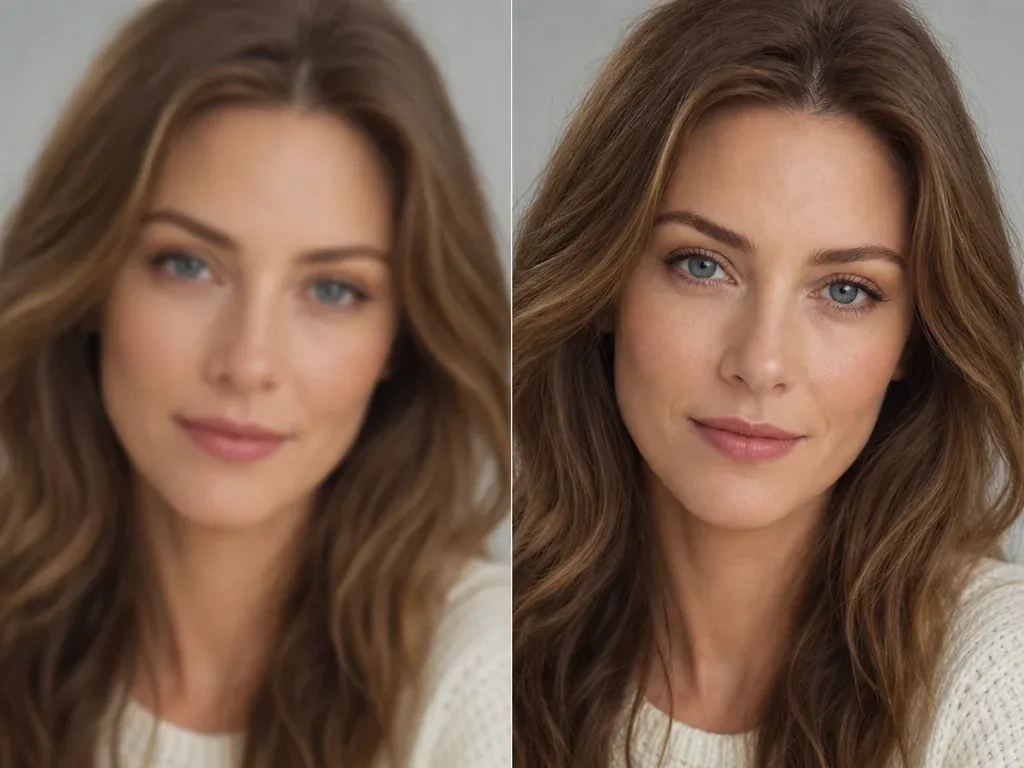
KI-Bild-Hochskalierer
Das gewählte Porträt nach der Falten-Glättung schärfen, wenn das Gesicht natürlich wirkt, der Export aber mehr Klarheit braucht.
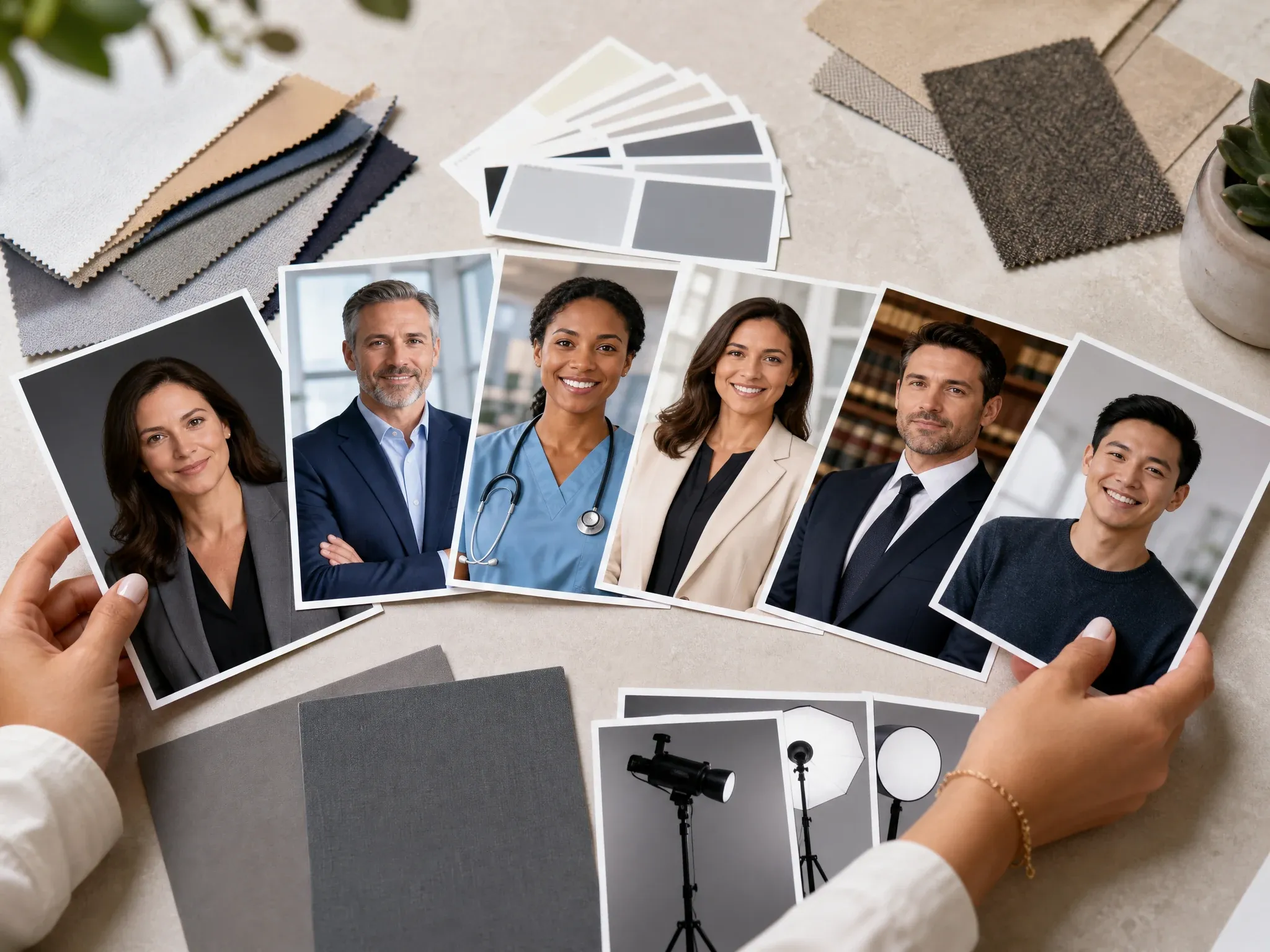
KI-Headshot-Generator
Eine neue professionelle Porträt-Richtung erstellen, wenn das Quell-Selfie für eine Retusche nicht stark genug ist.
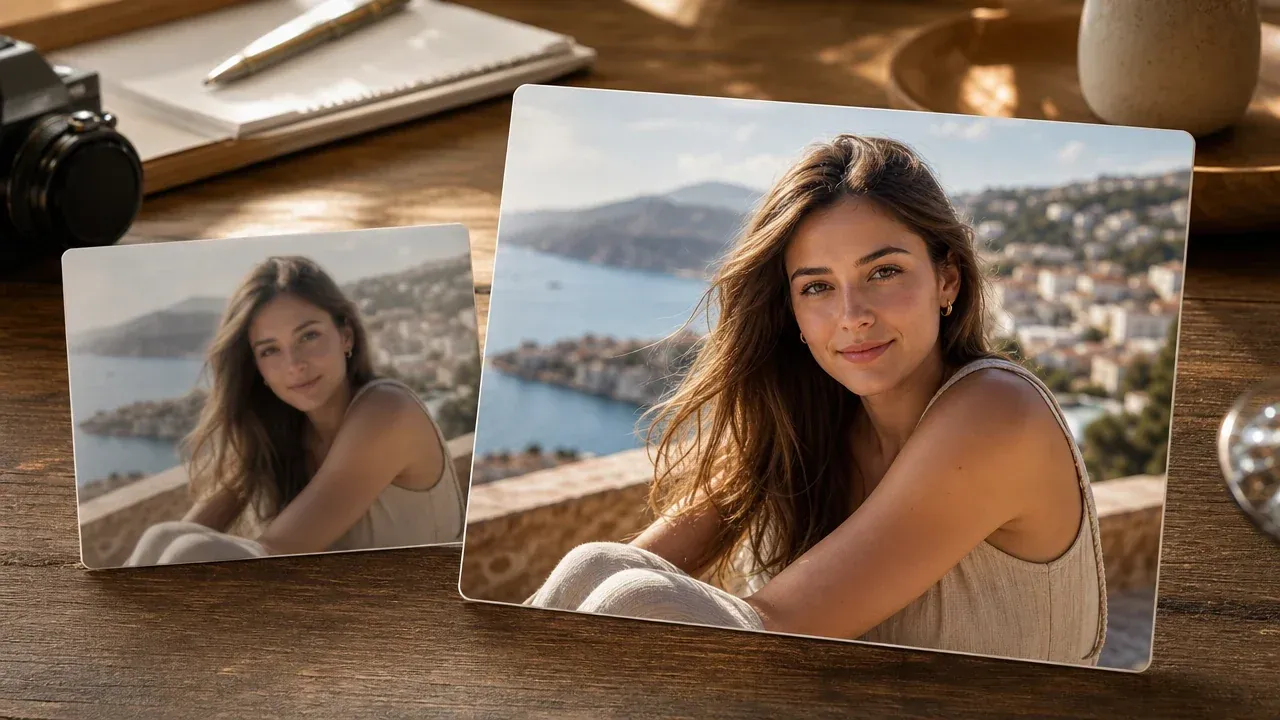
KI-Foto-Verbesserer
Klarheit und Gesamtqualität verbessern, wenn das Porträt vor oder nach der Retusche eine sauberere Basis braucht.
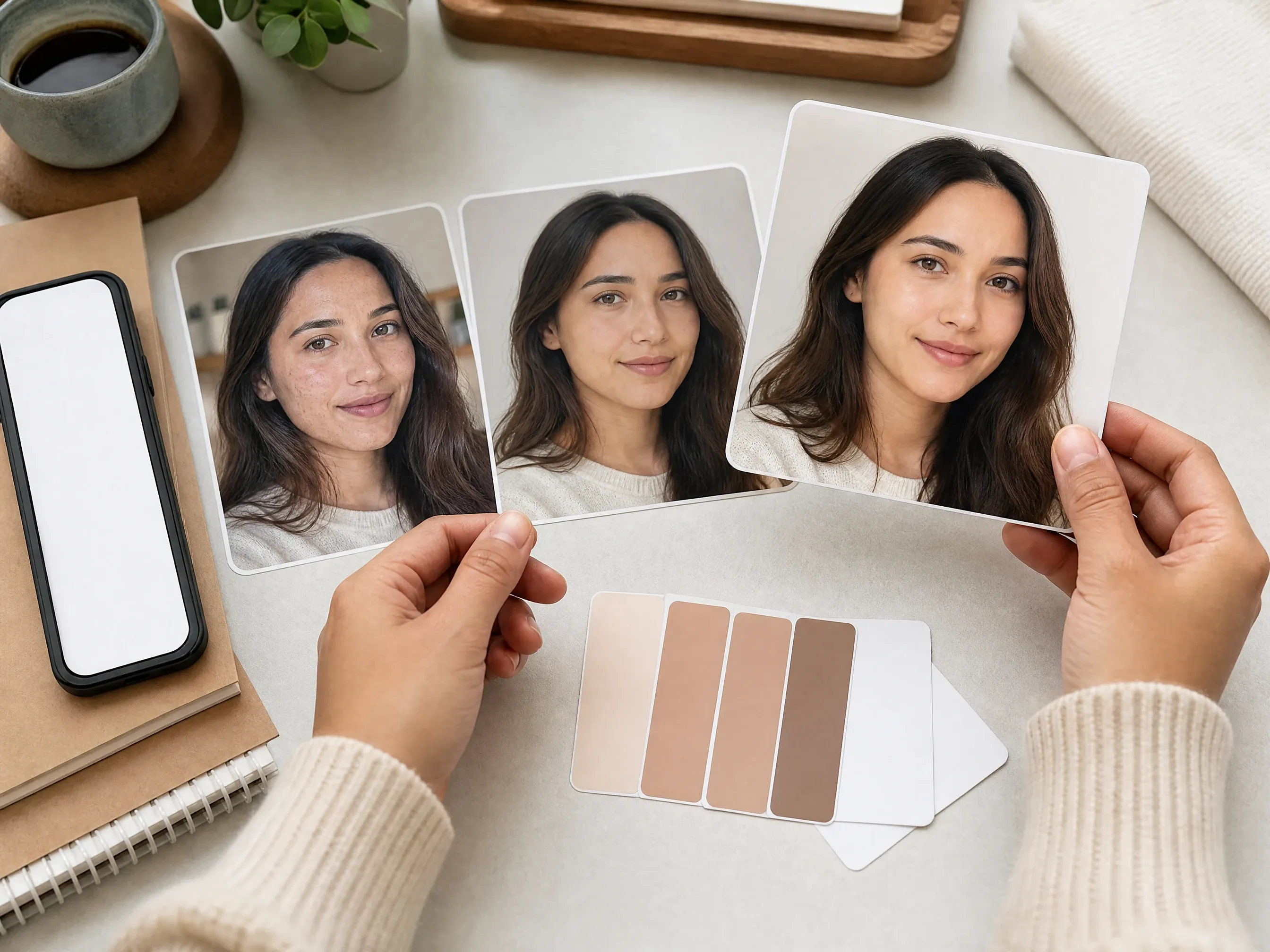
KI-Flecken-Entferner
Flecken-Reinigung nutzen, wenn temporäre Pickel, dunkle Flecken, Sommersprossen oder kleine Hautzeichen das Hauptproblem sind.
KI-Falten-Entferner FAQ
Direkte Antworten zu Falten-Glättung, feinen Linien, Augenpartiefalten, Quellfotos, exaktem Targeting, natürlicher Hautstruktur, Downloads, Rechten und Folge-Bearbeitung.
Ein Online-Porträt-Retusche-Tool, das sichtbare feine Linien, Stirnfalten, Krähenfüße, Augenpartiefalten, Lachfalten und andere ablenkende Porträtfalten aus einem hochgeladenen Foto glättet.
Ja. Öffnen Sie die Werkbank und nutzen Sie die aktuelle kostenlose 1K-Retusche-Ausgabe.
Nutzen Sie ein klares Selfie, Portrait, Profilporträt, Creator-Bild oder Social-Foto mit sichtbarem Hautdetail und gutem Licht. Sehr unscharfe, winzige oder dunkle Bilder sind weniger vorhersehbar.
Ja. Wählen Sie den Modus für feine Linien und beschreiben Sie dann mit der optionalen Notiz, was geglättet und was natürlich bleiben soll.
Ja. Der Augenpartie-Modus ist dafür gemacht, Krähenfüße und feine Augenpartiefalten zu glätten, während Augen, Lächeln, Ausdruck und Identität erhalten bleiben.
Es kann ablenkende Lachfalten glätten, aber das beste Ergebnis erhält meist das echte Lächeln und die Mundform. Wenn der Ausdruck zählt, sagen Sie das in der Notiz.
Nein. Dieser Workflow wendet einen promptgeführten Retusche-Durchgang über das gesamte Porträt an. Für exakte Zonen-Regler, Batch-Synchronisation oder Pinsel-Retusche nutzen Sie einen speziellen Pro-Editor.
Nutzen Sie es für eine natürliche Porträt-Reinigung statt einer exakten Altersänderung und prüfen Sie, ob die Person weiterhin realistisch aussieht.
Nein. Es ist nützlich für schnelle Porträt-Refreshes, aber professionelle Retusche ist weiterhin besser für Multi-Foto-Workflows, exakte Zonen, wiederholbare Einstellungsstufen und detaillierte Kunden-Lieferungen.
Ja. Wenn das bearbeitete Bild bereit ist, nutzen Sie den Download-Regler in der Werkbank und lassen Sie den Tab offen, bis die Verarbeitung abgeschlossen ist.
Sie sind für die Rechte am Quellfoto, an der Person im Bild und an der finalen Nutzung verantwortlich. Verarbeiten oder veröffentlichen Sie keine Porträts, die Sie nicht nutzen dürfen.
Versuchen Sie einen leichteren Modus oder eine kürzere Notiz, vergleichen Sie den Verlauf und verschieben Sie den Keeper dann in den KI-Bilder-Editor für einen weiteren lokalen Fix oder in den KI-Bild-Hochskalierer für einen schärferen Export.
Ein Porträt mit dem KI-Falten-Entferner auffrischen
Laden Sie ein klares Porträt hoch, wählen Sie den Falten-Retusche-Modus, bewahren Sie natürliche Textur und prüfen Sie das finale Bild vor dem Download.