
Ausgangspunkt
Unser
Mehrere Produkt-Refs plus Produktfoto-Ziel, Kanal, Aufnahmerichtung, Verhältnis und Prompt.
Andere Workflows
Studio-Shoots beginnen mit physischer Produktion; generische Prompts starten oft ohne Produkt-Referenz.
Laden Sie Produkt-Referenzbilder hoch und erstellen Sie E-Commerce-Entwürfe: weiße Hintergründe, Studio-Szenen, Tabletop-Aufnahmen, Lifestyle-Galerien, Landingpages und Social-Anzeigen. Wählen Sie Bildziel, Kanal und Aufnahmerichtung, laden Sie dann das beste Ergebnis zur Prüfung herunter, bevor Sie es veröffentlichen.
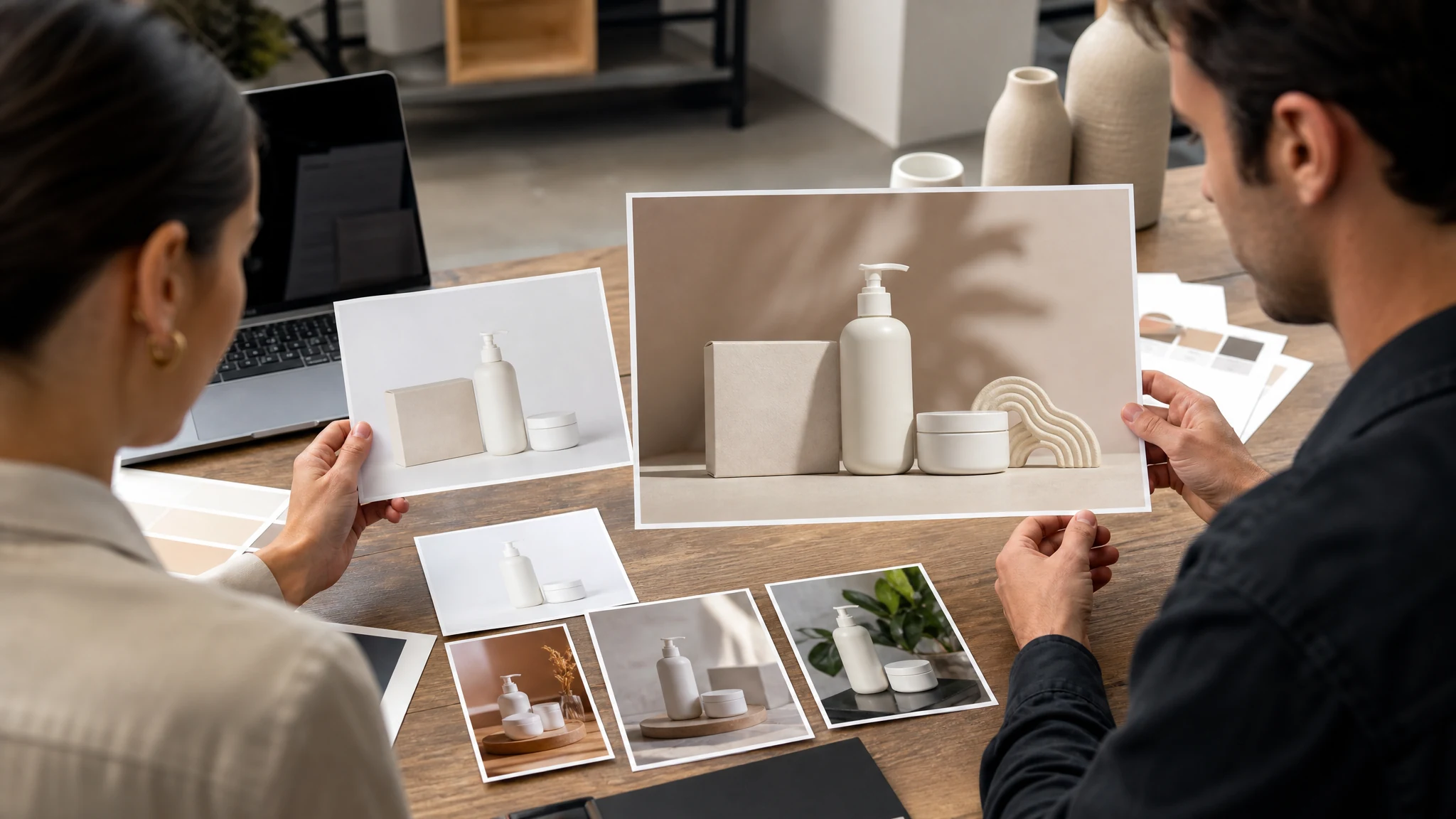
Von über 12.000.000 Nutzern weltweit vertraut.
Halten Sie den ersten Durchgang praktisch: laden Sie ein klares Produktfoto hoch, wählen Sie den kommerziellen Anwendungsfall und prüfen Sie das Ergebnis, bevor Sie es in einem Shop oder Marktplatz veröffentlichen.
Nutzen Sie 1 bis 4 klare Produkt- oder Detail-Referenzen, bei denen das Objekt vollständig sichtbar ist. Entfernen Sie zuerst den Hintergrund, wenn die Quellszene voll oder ablenkend ist.
Wählen Sie das Bildziel, den Marktplatz-/Shop-/Anzeigenkanal und die Aufnahmerichtung, die zum benötigten Entwurf passen.
Prüfen Sie den Produktfoto-Entwurf, kontrollieren Sie Labels und Geometrie manuell, dann laden Sie das stärkste Ergebnis herunter oder versuchen eine andere Richtung.
Verwandeln Sie Produkt-Referenzen in E-Commerce-Entwürfe: Shop-Galerien, Marketplace-Listings, Launch-Kampagnen, Social-Creatives und Produktcontent-Tests.
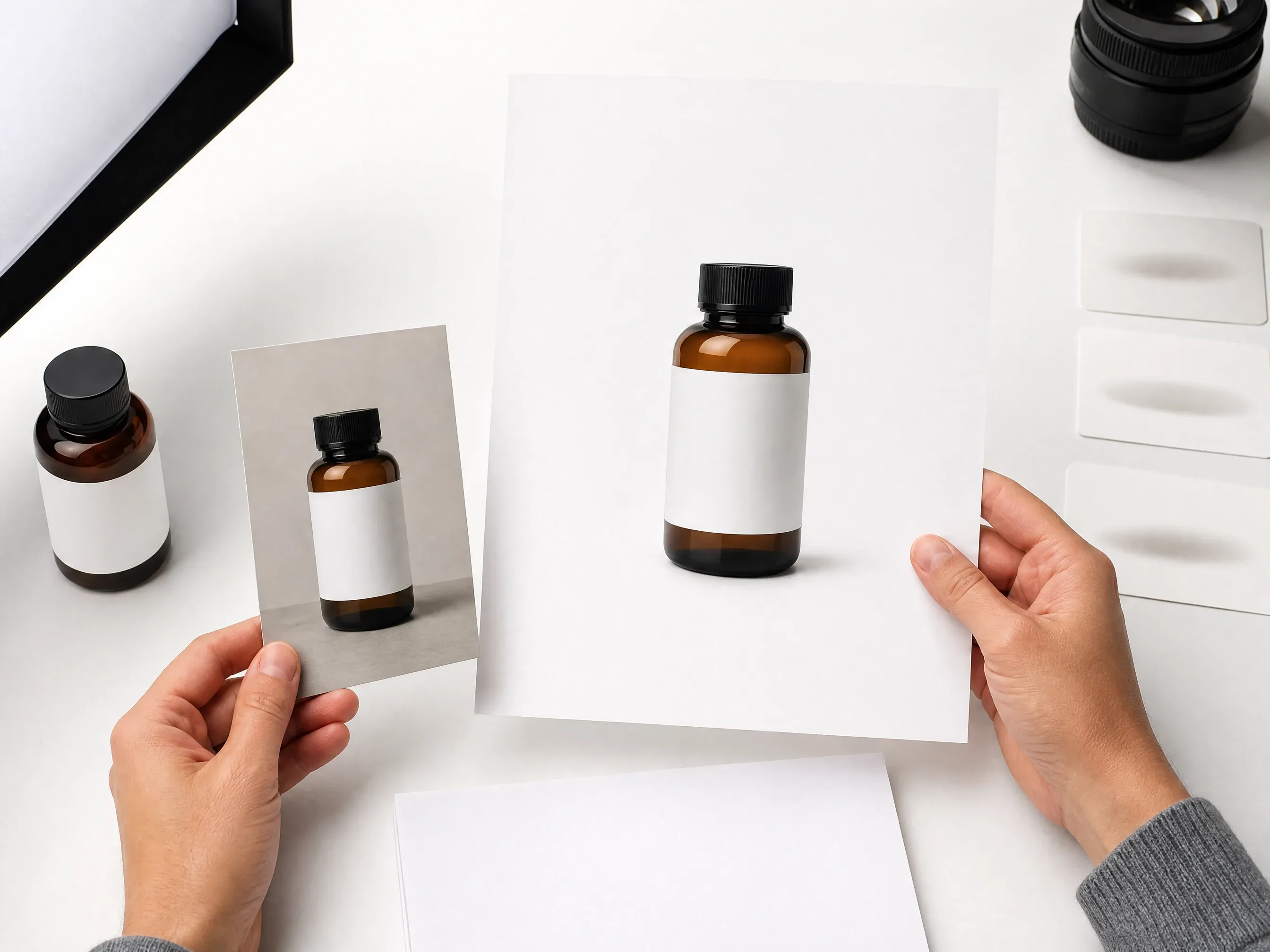
Erstellen Sie saubere, zentrierte Produktbilder für Katalogprüfung, Produktseiten und Hauptbildkonzepte im Marketplace-Stil.
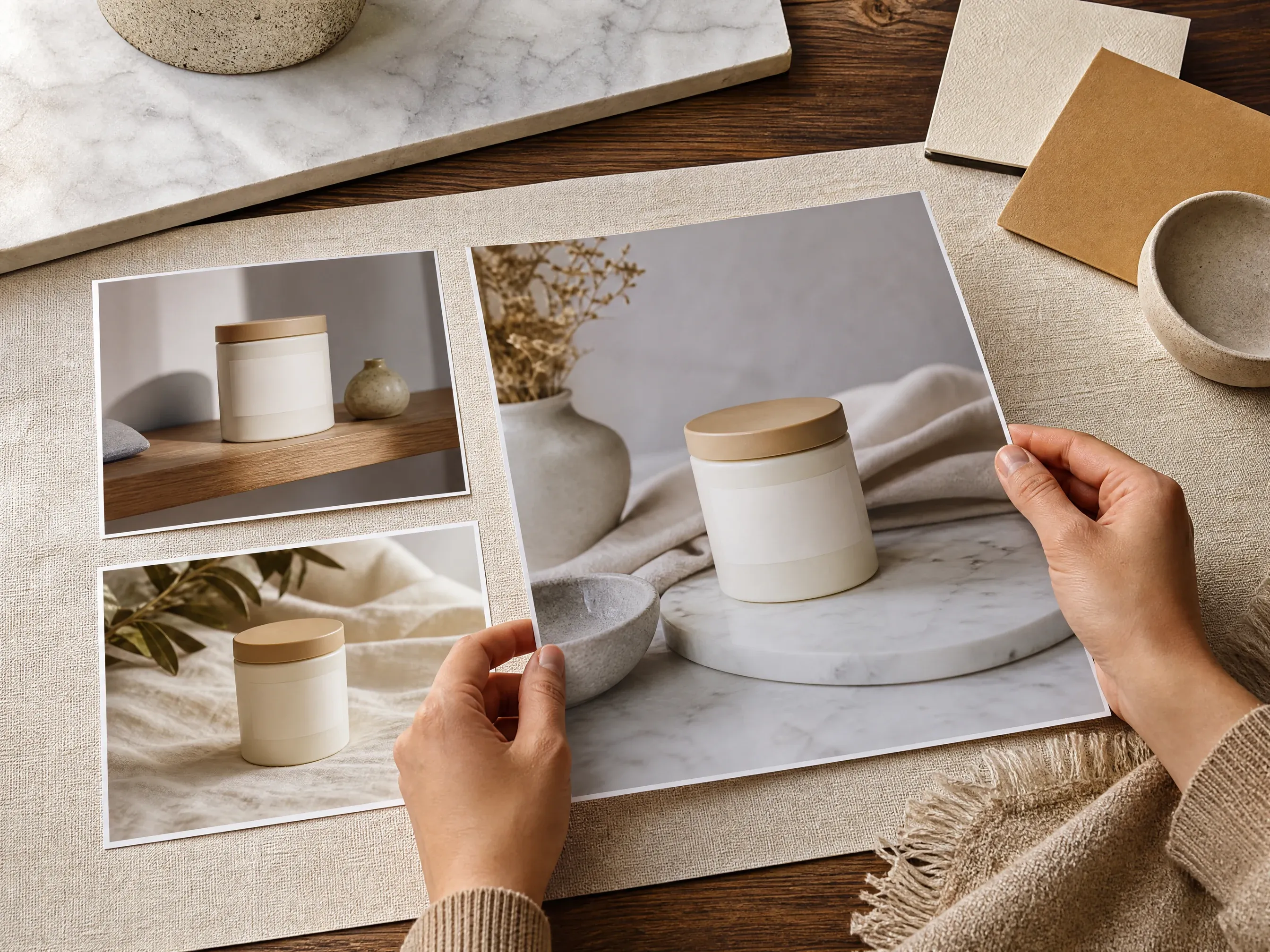
Platzieren Sie Produkte auf einfachen Oberflächen wie Marmor, Holz, Stoff, Stein oder Pastellfarbblöcken mit realistischer Licht- und Schattenrichtung.
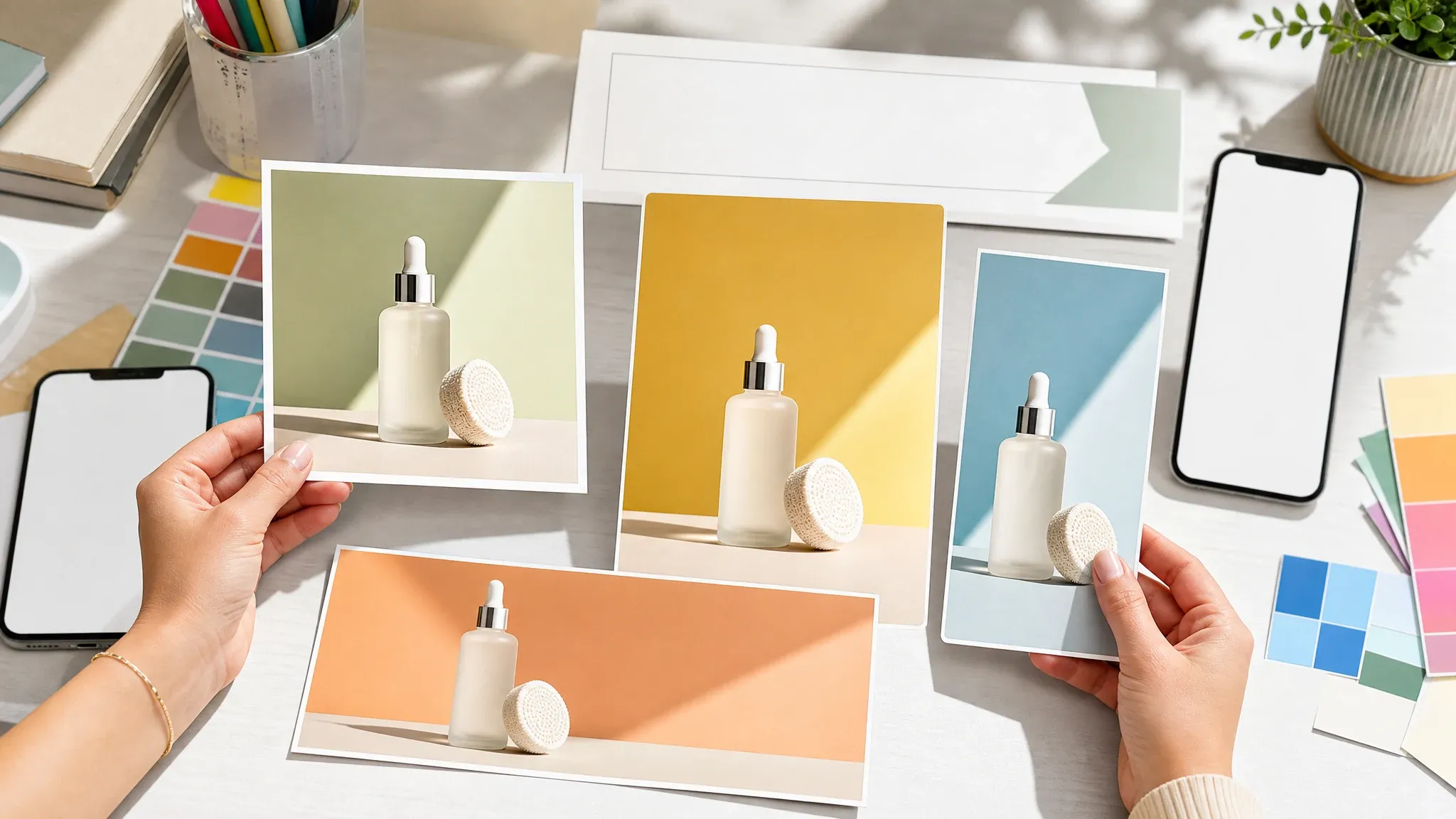
Generieren Sie produktgeführte Kampagnenbilder für Instagram, Paid Social, Launch-Teaser, E-Mail-Banner und Creator-Posts, ohne für jede Idee einen neuen Shoot zu buchen.
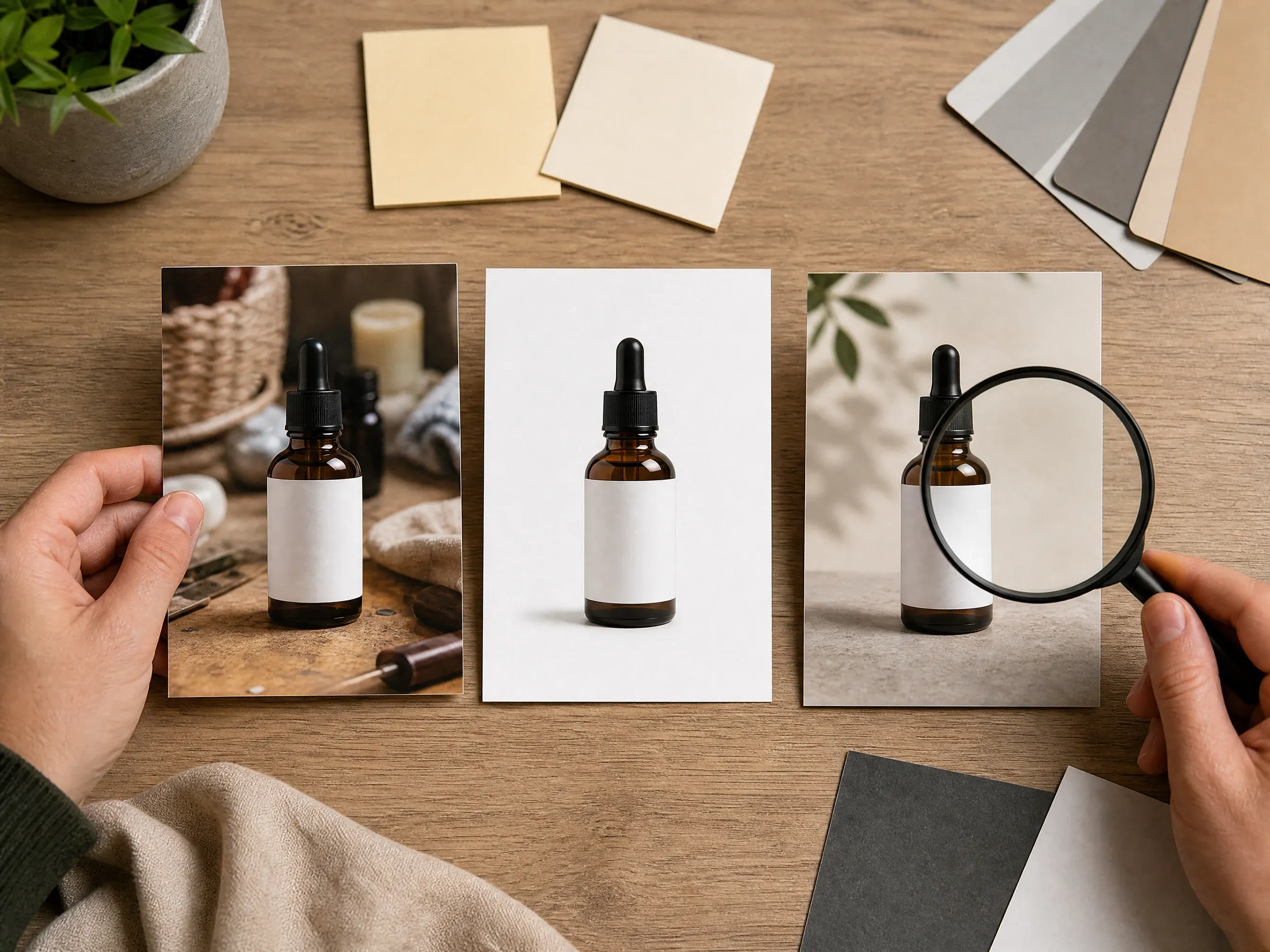
Wenn der Quellhintergrund ablenkt, entfernen Sie ihn zuerst, erstellen Sie die Szene als Zweites und verbessern Sie den Gewinner vor der Shop-Prüfung.
Ein KI-Produktfotogenerator nutzt Produkt-Referenzbilder als Quelle und erstellt rund um sie neue E-Commerce-Fotoentwürfe.
Beginnen Sie mit Quellfotos, auf denen Form, Material und Kanten des Produkts gut erkennbar sind.
Wählen Sie weißes Studio, Tabletop, Lifestyle, Outdoor, Luxus, saisonal, minimal oder Social-Ad-Richtung.
Nutzen Sie das Ergebnis als Creative-Entwurf und prüfen Sie Labels, Logos, Geometrie und Plattformregeln manuell vor der Veröffentlichung.
Die Seite beginnt mit einer Live-Produktfoto-Werkbank und fügt dann ecommerce-spezifische Steuerungen hinzu, damit Verkäufer nicht die ganze Szene von Grund auf beschreiben müssen.
Upload, Bildziel, Kanal, Aufnahmerichtung, Verhältnis, Beispiele, Verlauf und Download-Pfad passen alle zur Produktfotografie-Arbeit.
Weißes Studio, Tabletop, Lifestyle, Luxus, Social-Ad und Galerie-Varianten erzeugen nützliche erste Entwürfe.
Wechseln Sie zu Hintergrund-Entferner, Hintergrund-Wechsler, Foto-Verbesserer, Bild-Editor oder Bild-Generator, wenn der nächste Engpass klar ist.
Nutzen Sie das Ergebnis als Produktszenen-Entwurf. Prüfen Sie Verpackung, Labeltext, Geometrie und Marktplatzanforderungen vor der Veröffentlichung. Batch-Katalog und Shop-Sync brauchen ein dediziertes Commerce-Tool.
Produktfotos funktionieren am besten, wenn das Quellprodukt sauber ist, die gewünschte Szene konkret ist und fidelity-sensible Details vor der Nutzung geprüft werden.
Vermeiden Sie unscharfe Lieferantenbilder, abgeschnittene Kanten, starke Schatten und Produkte, die hinter Requisiten versteckt sind.
Wenn der Quellhintergrund mit dem Produkt konkurriert, erstellen Sie vor dem Generieren neuer Szenen einen sauberen Freisteller.
Sagen Sie Marmoroberfläche, warmes Holz, Badezimmerregal, Studioschatten, Tageslicht draußen oder E-Mail-Banner statt vager Stilwörter.
Kontrollieren Sie Verpackungstext, Logos, Zutatenlisten, Reflexionen, transparente Materialien und Produktgeometrie manuell vor der Veröffentlichung.
Nutzen Sie Face AI, wenn Sie schnelle E-Commerce-Produktfoto-Entwürfe aus Produkt-Referenzen brauchen. Nutzen Sie traditionelle Fotografie oder spezialisierte Commerce-Plattformen, wenn exakte Produkttreue, Batch-Workflow oder Shop-Sync die Kernanforderung ist.
| Kriterium | Face AIUnser Face AI-Produktfoto-Workflow | Andere Workflows |
|---|---|---|
| Ausgangspunkt | Mehrere Produkt-Refs plus Produktfoto-Ziel, Kanal, Aufnahmerichtung, Verhältnis und Prompt. | Studio-Shoots beginnen mit physischer Produktion; generische Prompts starten oft ohne Produkt-Referenz. |
| Steuerungsoberfläche | Bildziele, Kanalziele, Aufnahmerichtung, Verhältnis, Verlauf, Download und Begleit-Tools. | Einfache Bildgeneratoren überlassen die E-Commerce-Struktur meist dem Prompt allein. |
| Beste Verwendung | Weißhintergrund-Ideen, Tabletop-Szenen, Lifestyle-Entwürfe, Social-Creatives, Landing-Visuals und Galerie-Experimente. | Spezialisierte Commerce-Tools können für strikte Produktsperre, Batch-Kataloge, automatische Veröffentlichung oder Shop-Synchronisierung besser sein. |
| Fidelity-Grenze | Erstellt Produktfoto-Entwürfe, keine garantierte Produktsperre, lesbaren Verpackungstext, exakte Geometrie oder compliance-fertige Dateien. | Traditionelle Shoots und manuelles Design-Review bleiben für die finale Produkttreue besser. |
| Skalengrenze | Interaktive Einzelprodukt-Generierung mit geteiltem Verlauf und Download. | Batch-SKU-Generierung und Shop-Automatisierung liegen außerhalb dieses Einzelprodukt-Arbeitsbereichs. |
| Reibung | Browserbasierte Erstellung ohne Studio-Buchung und ohne Design-App-Setup für den ersten Entwurf. | Vollproduktion gibt mehr Kontrolle, braucht aber mehr Koordination, bevor die erste Visualität existiert. |
Mehrere Produkt-Refs plus Produktfoto-Ziel, Kanal, Aufnahmerichtung, Verhältnis und Prompt.
Studio-Shoots beginnen mit physischer Produktion; generische Prompts starten oft ohne Produkt-Referenz.
Bildziele, Kanalziele, Aufnahmerichtung, Verhältnis, Verlauf, Download und Begleit-Tools.
Einfache Bildgeneratoren überlassen die E-Commerce-Struktur meist dem Prompt allein.
Weißhintergrund-Ideen, Tabletop-Szenen, Lifestyle-Entwürfe, Social-Creatives, Landing-Visuals und Galerie-Experimente.
Spezialisierte Commerce-Tools können für strikte Produktsperre, Batch-Kataloge, automatische Veröffentlichung oder Shop-Synchronisierung besser sein.
Erstellt Produktfoto-Entwürfe, keine garantierte Produktsperre, lesbaren Verpackungstext, exakte Geometrie oder compliance-fertige Dateien.
Traditionelle Shoots und manuelles Design-Review bleiben für die finale Produkttreue besser.
Interaktive Einzelprodukt-Generierung mit geteiltem Verlauf und Download.
Batch-SKU-Generierung und Shop-Automatisierung liegen außerhalb dieses Einzelprodukt-Arbeitsbereichs.
Browserbasierte Erstellung ohne Studio-Buchung und ohne Design-App-Setup für den ersten Entwurf.
Vollproduktion gibt mehr Kontrolle, braucht aber mehr Koordination, bevor die erste Visualität existiert.
Diese Kommentare fokussieren die praktische Schleife: Produkt-Referenzen hochladen, Bildziel- und Kanalsteuerungen wählen, generieren, Verlauf vergleichen, vor der Veröffentlichung prüfen.
"Die Seite beginnt mit Produktfoto-Optionen statt einem leeren Prompt. Upload, Bildziel, Kanal, Aufnahmerichtung, Verhältnis und Prüf-Limits sind vor dem ersten Durchgang sichtbar."

Mei Chen
E-commerce Director
"Ich nutze die weißen Studio- und Tabletop-Presets für Listing-Entwürfe und vergleiche dann die stärksten Versionen im Verlauf, bevor das Team Labels und Kanten prüft."

Yuki Tanaka
Head of Marketplace Operations
"Die Premium-Launch- und Social-Ad-Richtungen sind nützliche Moodboard-Starter. Es tut nicht so, als wäre ein generiertes Label finale Verpackungskunst."

Soyeon Kim
VP of Online Retail
"Das Marketplace-Preset ist als Entwurf gerahmt, was genau richtig ist. Wir prüfen trotzdem Amazon-, Shopify- und Etsy-Regeln vor der Veröffentlichung."

Wenjing Li
Chief Marketing Officer
"Der Hintergrund-zuerst-Schritt hilft, wenn Lieferantenfotos unordentlich sind. Erst Unruhe entfernen, zweitens die Szene generieren, drittens den Gewinner verbessern."

Priya Chen
Creative Strategy Lead
"Für einen Produktlaunch kann ich von einem einzelnen Pack-Shot zu Weiß-, Tabletop-, Lifestyle- und E-Mail-Banner-Konzepten wechseln, ohne einen neuen Shoot zu buchen."

Jieun Park
Growth Marketing Lead
"Die Seite beginnt mit Produktfoto-Optionen statt einem leeren Prompt. Upload, Bildziel, Kanal, Aufnahmerichtung, Verhältnis und Prüf-Limits sind vor dem ersten Durchgang sichtbar."
Mei Chen
E-commerce Director
"Ich nutze die weißen Studio- und Tabletop-Presets für Listing-Entwürfe und vergleiche dann die stärksten Versionen im Verlauf, bevor das Team Labels und Kanten prüft."
Yuki Tanaka
Head of Marketplace Operations
"Die Premium-Launch- und Social-Ad-Richtungen sind nützliche Moodboard-Starter. Es tut nicht so, als wäre ein generiertes Label finale Verpackungskunst."
Soyeon Kim
VP of Online Retail
"Das Marketplace-Preset ist als Entwurf gerahmt, was genau richtig ist. Wir prüfen trotzdem Amazon-, Shopify- und Etsy-Regeln vor der Veröffentlichung."
Wenjing Li
Chief Marketing Officer
"Der Hintergrund-zuerst-Schritt hilft, wenn Lieferantenfotos unordentlich sind. Erst Unruhe entfernen, zweitens die Szene generieren, drittens den Gewinner verbessern."
Priya Chen
Creative Strategy Lead
"Für einen Produktlaunch kann ich von einem einzelnen Pack-Shot zu Weiß-, Tabletop-, Lifestyle- und E-Mail-Banner-Konzepten wechseln, ohne einen neuen Shoot zu buchen."
Jieun Park
Growth Marketing Lead
"Die besten Ergebnisse kamen vom Benennen der Aufnahmerichtung: warmer Marmor, sauberes weißes Studio, Lifestyle-Regal oder Farbblock schlagen vages Premium-Vokabular."

Lingling Zhao
Digital Commerce Manager
"Die Seite beginnt mit Produktfoto-Optionen statt einem leeren Prompt. Upload, Bildziel, Kanal, Aufnahmerichtung, Verhältnis und Prüf-Limits sind vor dem ersten Durchgang sichtbar."
Mei Chen
E-commerce Director
"Ich nutze die weißen Studio- und Tabletop-Presets für Listing-Entwürfe und vergleiche dann die stärksten Versionen im Verlauf, bevor das Team Labels und Kanten prüft."
Yuki Tanaka
Head of Marketplace Operations
"Die Premium-Launch- und Social-Ad-Richtungen sind nützliche Moodboard-Starter. Es tut nicht so, als wäre ein generiertes Label finale Verpackungskunst."
Soyeon Kim
VP of Online Retail
"Das Marketplace-Preset ist als Entwurf gerahmt, was genau richtig ist. Wir prüfen trotzdem Amazon-, Shopify- und Etsy-Regeln vor der Veröffentlichung."
Wenjing Li
Chief Marketing Officer
"Der Hintergrund-zuerst-Schritt hilft, wenn Lieferantenfotos unordentlich sind. Erst Unruhe entfernen, zweitens die Szene generieren, drittens den Gewinner verbessern."
Priya Chen
Creative Strategy Lead
"Für einen Produktlaunch kann ich von einem einzelnen Pack-Shot zu Weiß-, Tabletop-, Lifestyle- und E-Mail-Banner-Konzepten wechseln, ohne einen neuen Shoot zu buchen."
Jieun Park
Growth Marketing Lead
"Die besten Ergebnisse kamen vom Benennen der Aufnahmerichtung: warmer Marmor, sauberes weißes Studio, Lifestyle-Regal oder Farbblock schlagen vages Premium-Vokabular."
Lingling Zhao
Digital Commerce Manager
"Die Seite ist ehrlich bezüglich Product Lock und exakter Logo-Fidelity. Das macht es einfacher, das Ergebnis als Creative-Entwurf zu nutzen, ohne das Produktionsteam zu verwirren."

Rafael Santos
VP of Creative
"Die Instagram-Ad- und E-Mail-Banner-Ziele helfen Nicht-Design-Teammitgliedern, ein Produktvisual mit richtigem Zuschnitt und Weißraum zu briefen."

Charlotte Beaumont
Director of Content Operations
"Ein Produkt nach dem anderen ist eine gute Grenze. Batch-SKU-Automatisierung bräuchte einen anderen Workflow und ein anderes Kostenmodell."

Mika Suzuki
Performance Marketing Director
"Der Verlauf ist nützlich zum Vergleichen von Szenenrouten: sauberes E-Commerce, Lifestyle-Raum, Outdoor-Kontext und saisonale Kampagne fühlen sich alle anders an."

Yifan Zheng
Demand Generation Lead
"Die Prüfliste für kleine Labels, reflektierende Materialien und transparente Verpackungen ist für echte Shops praktisch."

Xiaofang Wang
Senior Marketing Strategist
"Es ist besser als ein generischer Bildgenerator, weil die Steuerungen zu E-Commerce-Aufgaben passen: Marketplace, Shop-Seite, Social-Ad, Launch-Hero und Produktgalerie."

Margherita Conti
Visual Merchandising Lead
"Ich nutze es für schnelle produktgeführte Social-Konzepte und ergänze exakten Text und plattformspezifisches Layout außerhalb des Generators."

Alice Cooper
Retail Marketing Director
"Die Seite ist ehrlich bezüglich Product Lock und exakter Logo-Fidelity. Das macht es einfacher, das Ergebnis als Creative-Entwurf zu nutzen, ohne das Produktionsteam zu verwirren."
Rafael Santos
VP of Creative
"Die Instagram-Ad- und E-Mail-Banner-Ziele helfen Nicht-Design-Teammitgliedern, ein Produktvisual mit richtigem Zuschnitt und Weißraum zu briefen."
Charlotte Beaumont
Director of Content Operations
"Ein Produkt nach dem anderen ist eine gute Grenze. Batch-SKU-Automatisierung bräuchte einen anderen Workflow und ein anderes Kostenmodell."
Mika Suzuki
Performance Marketing Director
"Der Verlauf ist nützlich zum Vergleichen von Szenenrouten: sauberes E-Commerce, Lifestyle-Raum, Outdoor-Kontext und saisonale Kampagne fühlen sich alle anders an."
Yifan Zheng
Demand Generation Lead
"Die Prüfliste für kleine Labels, reflektierende Materialien und transparente Verpackungen ist für echte Shops praktisch."
Xiaofang Wang
Senior Marketing Strategist
"Es ist besser als ein generischer Bildgenerator, weil die Steuerungen zu E-Commerce-Aufgaben passen: Marketplace, Shop-Seite, Social-Ad, Launch-Hero und Produktgalerie."
Margherita Conti
Visual Merchandising Lead
"Ich nutze es für schnelle produktgeführte Social-Konzepte und ergänze exakten Text und plattformspezifisches Layout außerhalb des Generators."
Alice Cooper
Retail Marketing Director
Wählen Sie das nächste Face AI-Tool je nach Engpass: saubererer Freisteller, anderer Hintergrund, schärferes Detail, reiner Prompt-Kampagnen-Idee oder fokussierte Bereinigung.

Entfernen Sie einen unruhigen Quellhintergrund, bevor Sie eine sauberere Produktszene generieren.
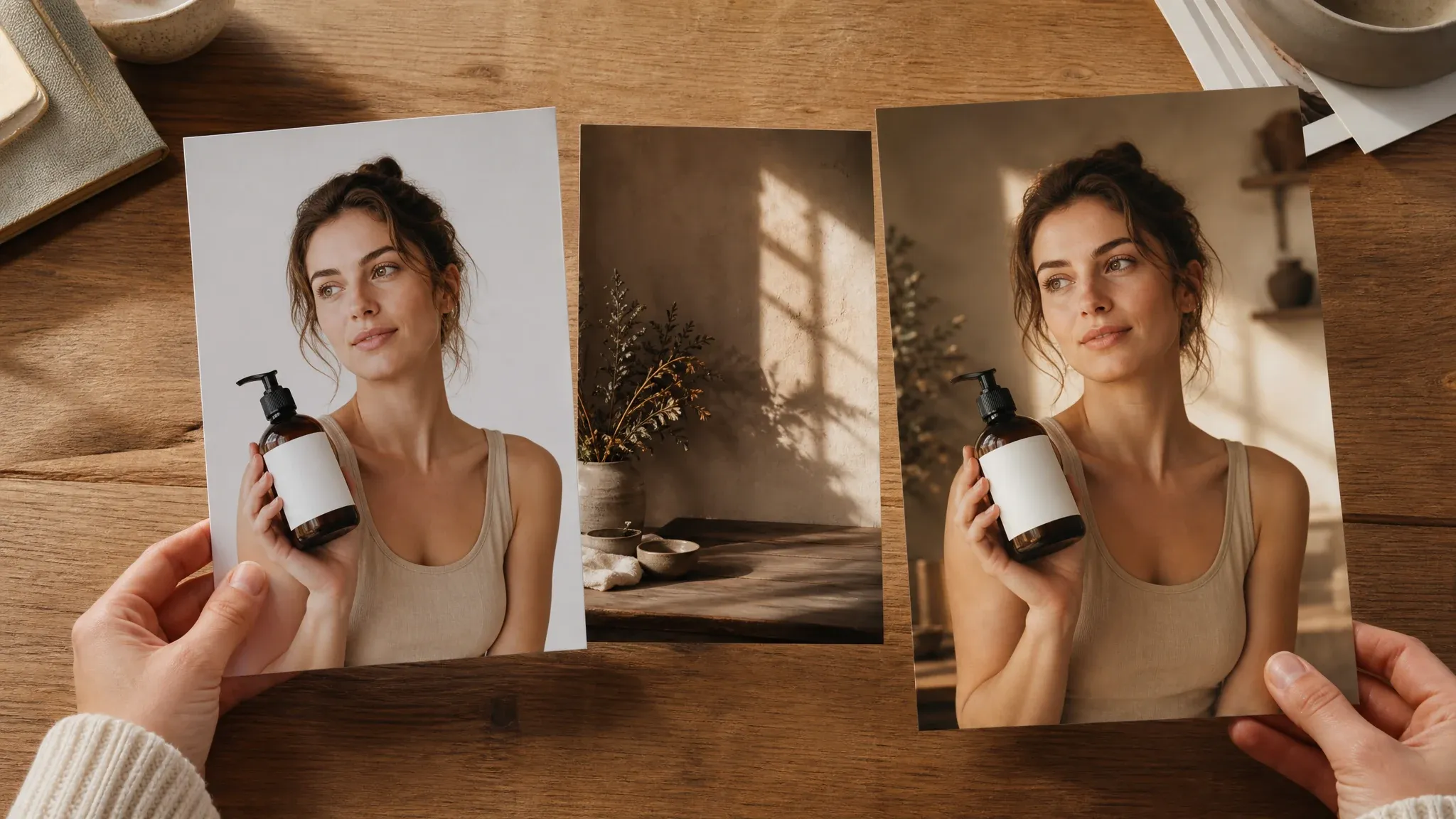
Erstellen Sie neue Hintergründe und Szenenrichtungen rund um ein hochgeladenes Produktbild.
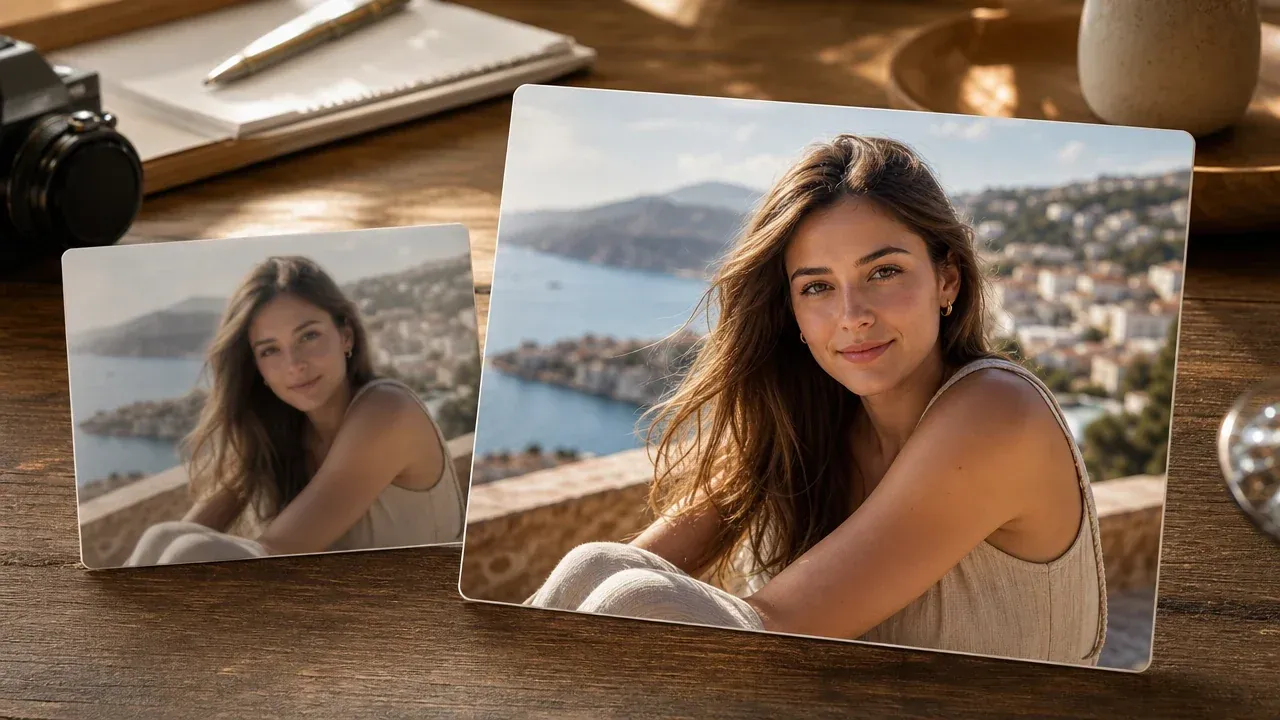
Polieren Sie ein vielversprechendes generiertes Ergebnis vor der finalen Produktgalerie-Prüfung.
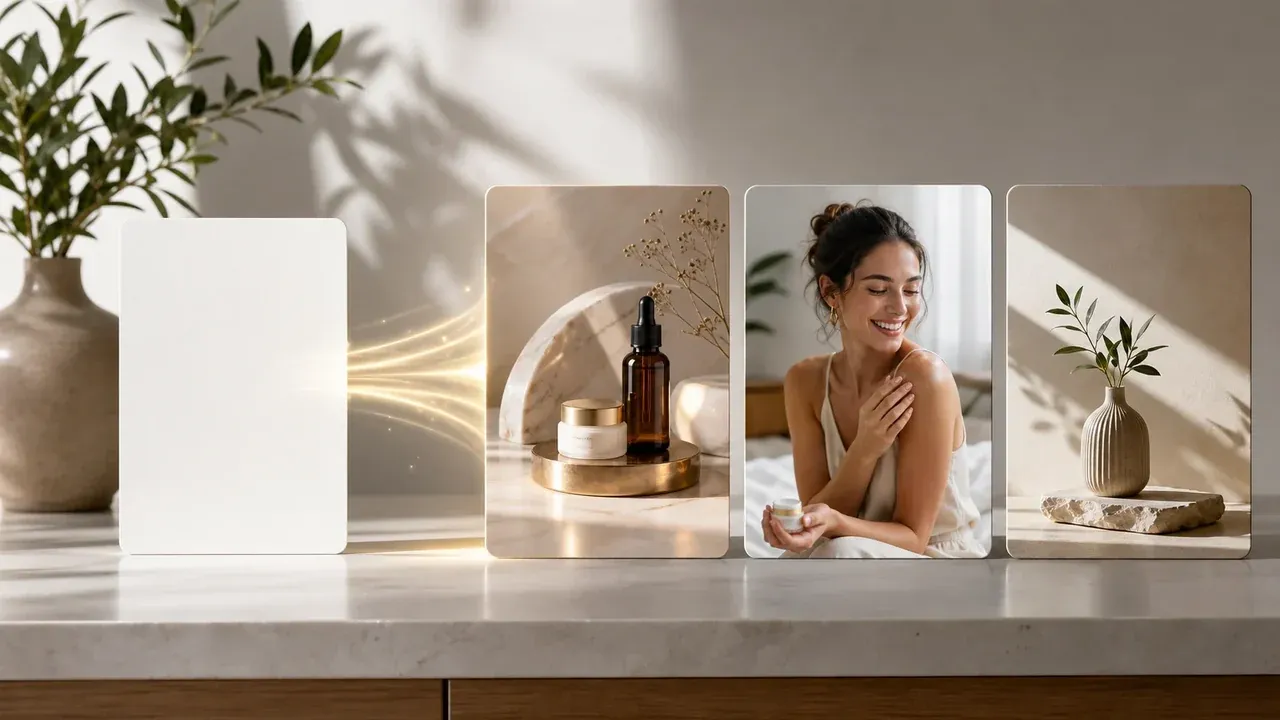
Erkunden Sie rein promptbasierte Kampagnenhintergründe oder Produkt-Ad-Visual-Ideen.

Bereinigen Sie ablenkende Details oder verfeinern Sie einen Produktfoto-Entwurf nach der Generierung.
Direkte Antworten zu Quellfotos, weißen Hintergründen, Lifestyle-Szenen, Label-Prüfung, Marktplatznutzung, Batch-Limits und Veröffentlichungschecks.
Es ist ein Online-Tool, das Produkt-Referenzbilder als Referenzen nutzt und E-Commerce-Produktfoto-Entwürfe rund um sie erstellt.
Ja. Laden Sie klare Produkt-Referenzen hoch, wählen Sie ein Bildziel und ein Kanalziel, dann generieren Sie einen Entwurf zur Prüfung.
Nutzen Sie ein scharfes Bild mit voll sichtbarem Produkt, guter Beleuchtung, einfachen Kanten und ohne ablenkende Unruhe, die das Objekt verdeckt.
Ja. Wählen Sie die saubere Marketplace- oder weiße Studio-Richtung, um einen Weißhintergrund-Entwurf zu erstellen, dann prüfen Sie Schatten, Kanten, Labels und Plattformregeln manuell.
Ja. Wählen Sie Lifestyle-Raum, Tabletop, Outdoor, saisonal, Luxus oder Social-Ad-Richtung, wenn das Produkt in einer reicheren Szene erscheinen soll.
Wenn der Quellhintergrund unruhig ist, kann das Entfernen zuerst das Produkt in einer sauberen Weiß-, Tabletop- oder Lifestyle-Szene leichter inszenieren.
Nutzen Sie sie als E-Commerce-Entwürfe und prüfen Sie jede Plattform, jeden Shop und jede Marktplatzregel vor der Veröffentlichung. Genehmigungs- und Integrationsanforderungen variieren je nach Marktplatz.
Nein. Das ist ein interaktiver Einzelprodukt-Arbeitsbereich. Nutzen Sie einen dedizierten Commerce-Workflow für Batch-SKU-Automatisierung oder Shop-Synchronisierung.
Ja. Öffnen Sie die Online-Werkbank und erstellen Sie Produktszenen-Entwürfe mit der aktuellen kostenlosen 1K-Ausgabe.
Exakte Erhaltung ist nicht garantiert. Prüfen Sie jedes Label, Logo, winzige Text, Zutatenliste, Seriennummer und Markenzeichen, bevor Sie ein Ergebnis öffentlich nutzen.
Nutzen Sie diese Seite für Produktszenen-Entwürfe. Für zuverlässige On-Model-, getragene oder in-Hand-Platzierung nutzen Sie einen Workflow, der speziell für Menschen- und Bekleidungs-Fitting entwickelt wurde.
Prüfen Sie Produktform, Kantenqualität, Label-Lesbarkeit, Logos, Reflexionen, transparente Verpackung, Produktaussagen, Rechte sowie Marktplatz- oder Werberichtlinien.
Laden Sie Produkt-Referenzen hoch, wählen Sie ein Bildziel oder Kanal-Preset und generieren Sie Produktfoto-Entwürfe für Shop-Galerien, Marktplätze, Social-Anzeigen und Launch-Visuals. Prüfen Sie das Ergebnis, laden Sie Ihren Favoriten herunter und verfeinern Sie die nächste Version.