
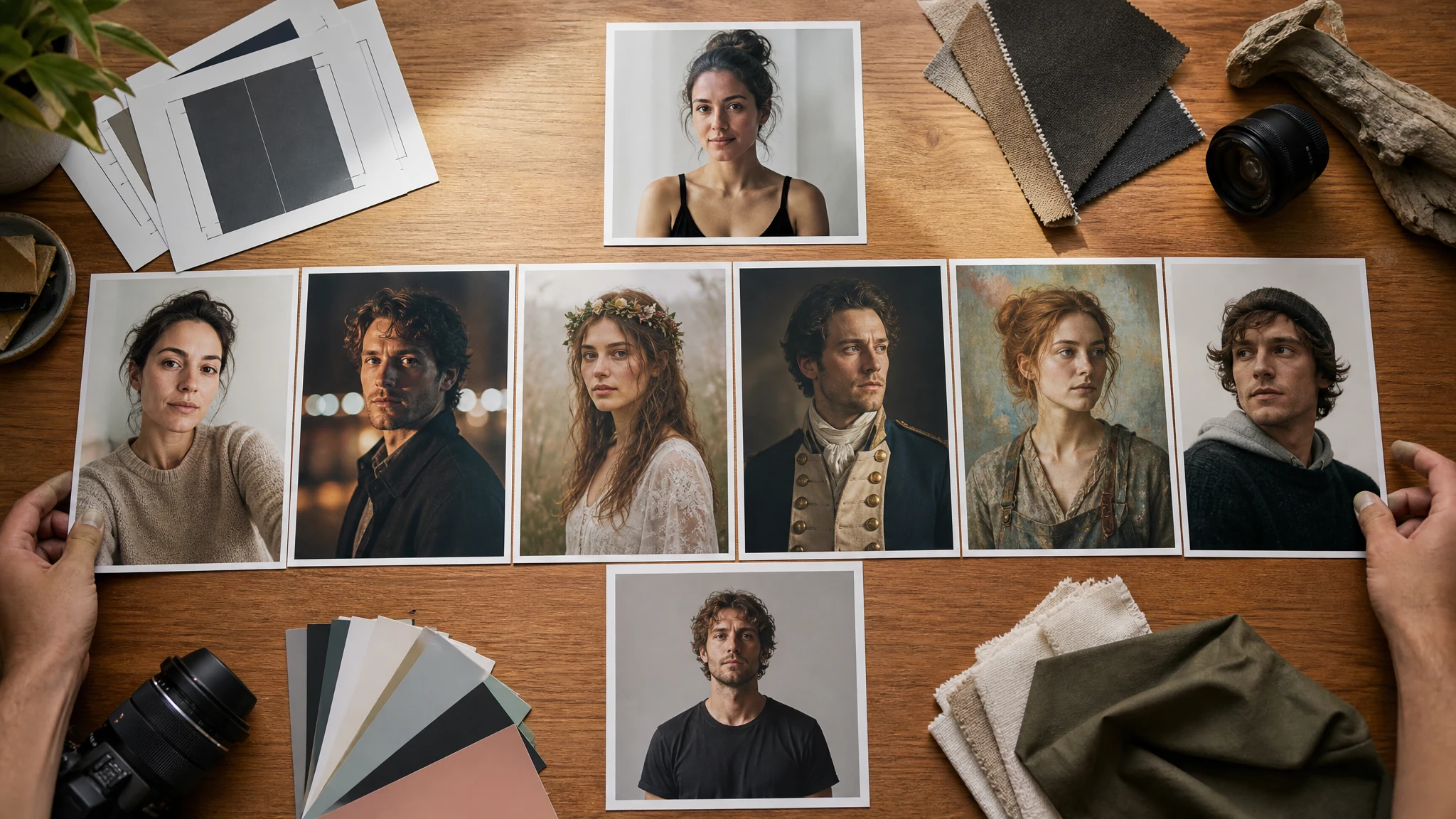
AI Portrait Generator for Realistic and Creative Portraits
Upload a clear portrait and turn it into a realistic, cinematic, editorial, painterly, historical, fantasy, character, or social portrait. Add a short prompt when you want a specific mood, outfit, crop, or background, then download without a watermark. Free online. No login. No app download.
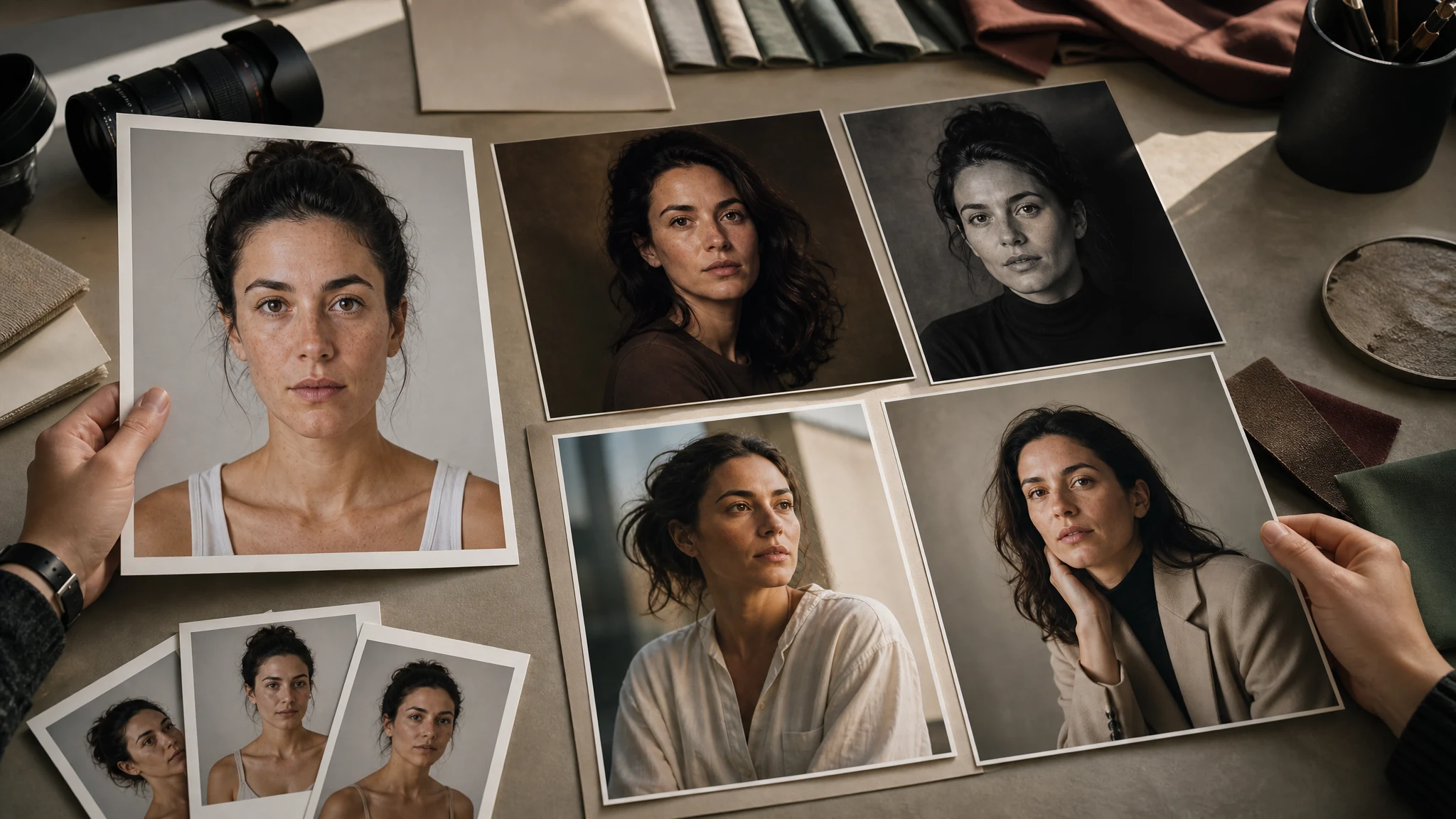
Trusted by 12,000,000+ users worldwide.
How to Make an AI Portrait Online
The fastest path is upload, choose the portrait style, generate, then keep or refine the version that still feels like the person.
Upload a clear portrait
Use one visible human face with normal lighting, no sunglasses, and enough room around the head for a portrait crop.
Choose the portrait style
Pick realistic, creative self-portrait, cinematic, editorial, fantasy, historical, painterly, social, or character direction.
Download or refine
Save the best result, compare versions in history, or send the keeper to image editor or upscaler for final cleanup and sharper export.
Portraits You Can Create from One Photo
Create realistic portraits, self-portraits, social profile images, creator portraits, character portraits, portfolio images, gift portraits, and keepsake artwork from a source photo.
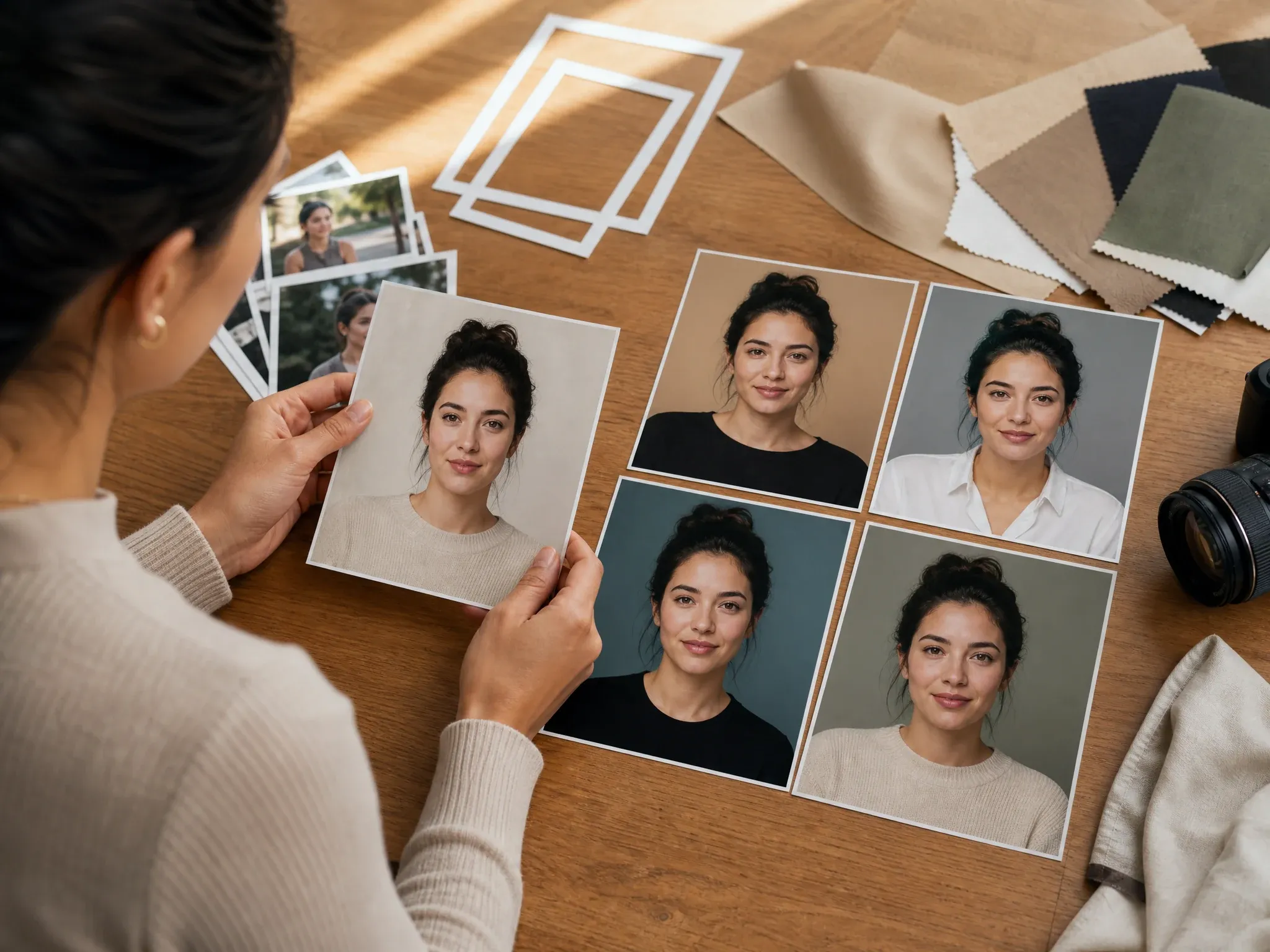
Realistic self-portraits
Turn a casual photo into a cleaner portrait for personal sites, bios, social profiles, dating profiles, and creator introductions.
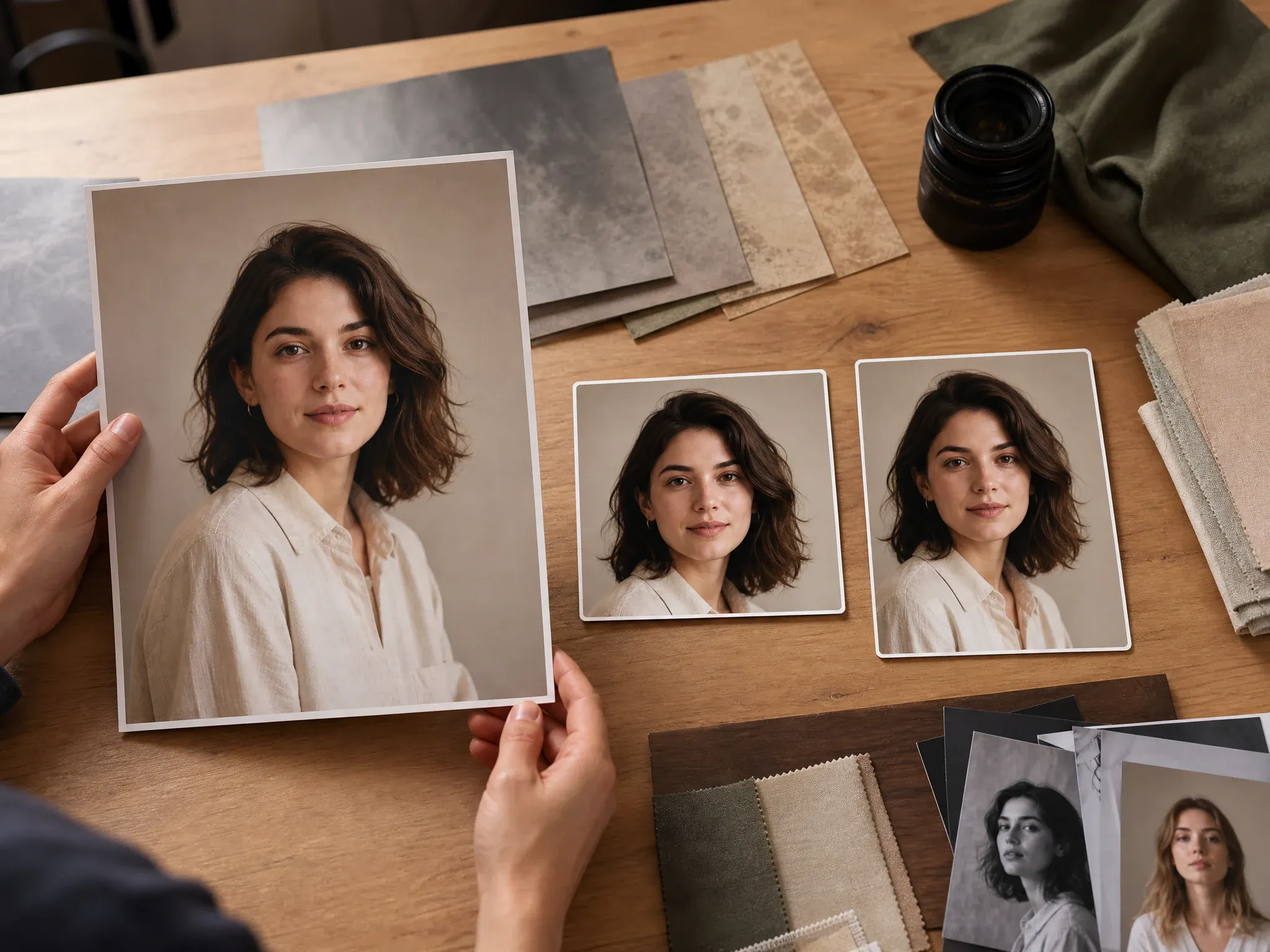
Creative social portraits
Create cinematic, editorial, or color-rich portraits for profile refreshes, social posts, channel cards, and personal brand boards.
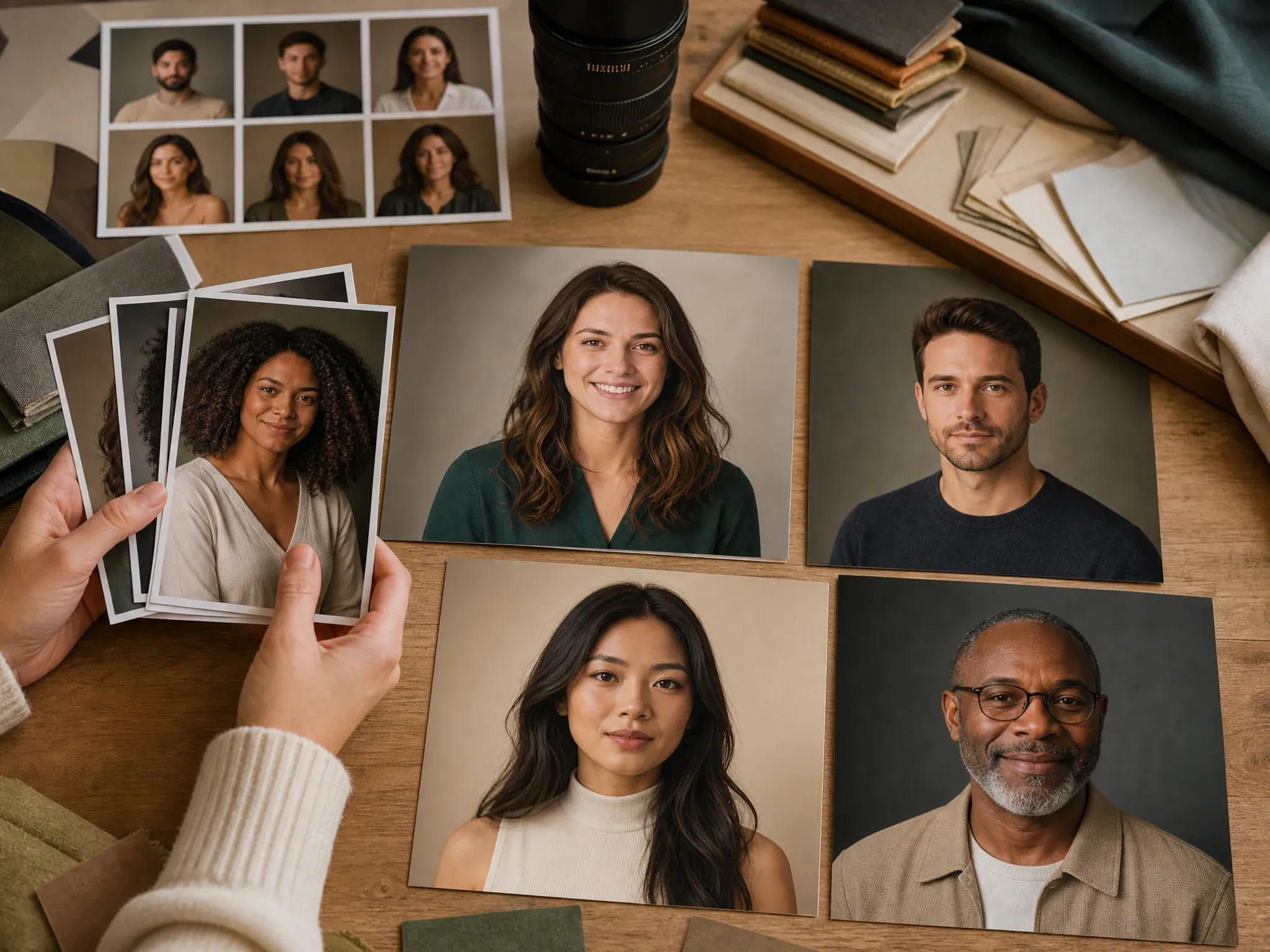
Professional-but-not-headshot portraits
Make a polished portrait that feels human and warm when a formal headshot is too stiff for the page or campaign.
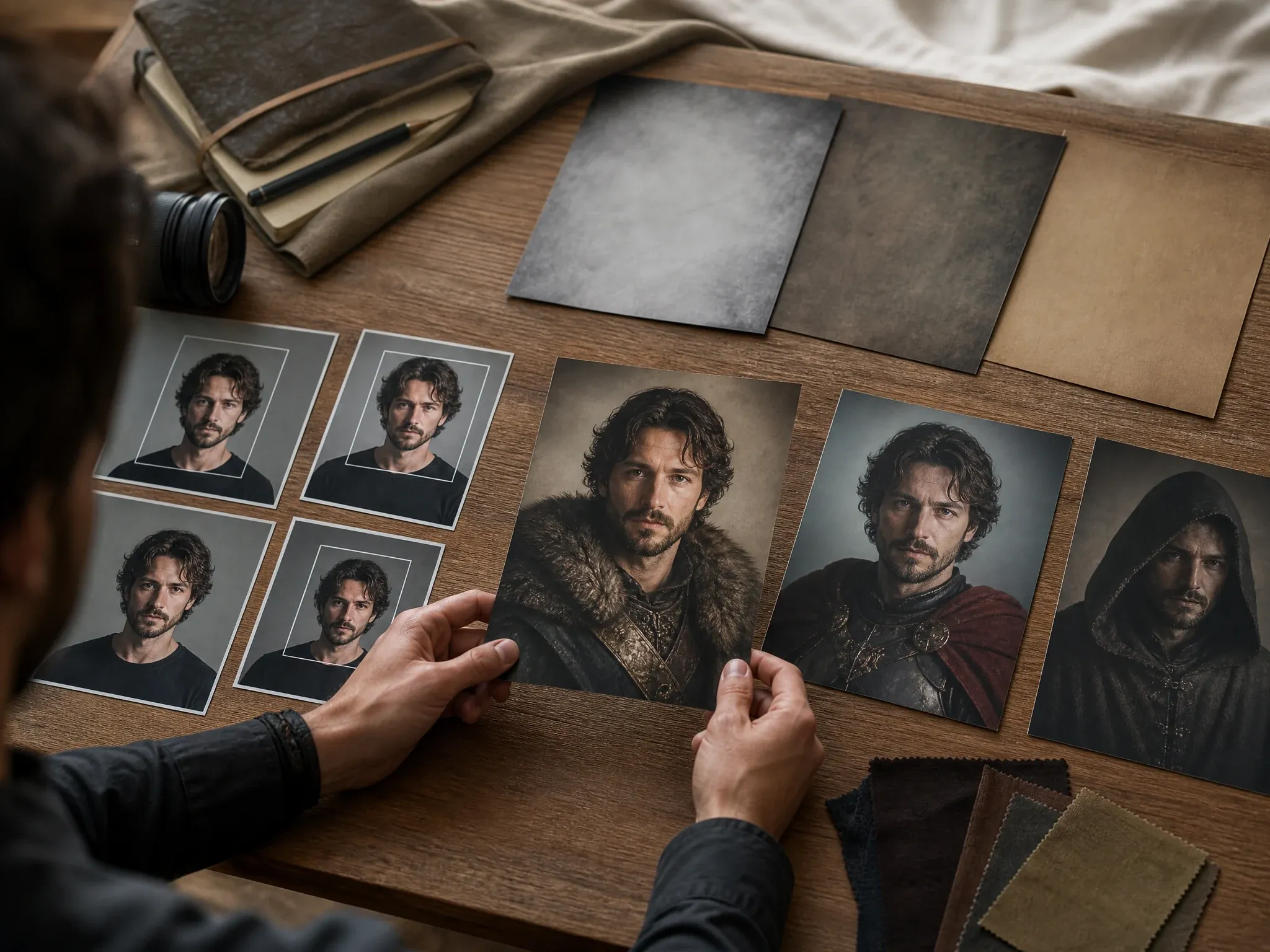
Character, book, and game portraits
Use fantasy, historical, painterly, or character portrait styles for concept boards, roleplay profiles, book ideas, and game references.
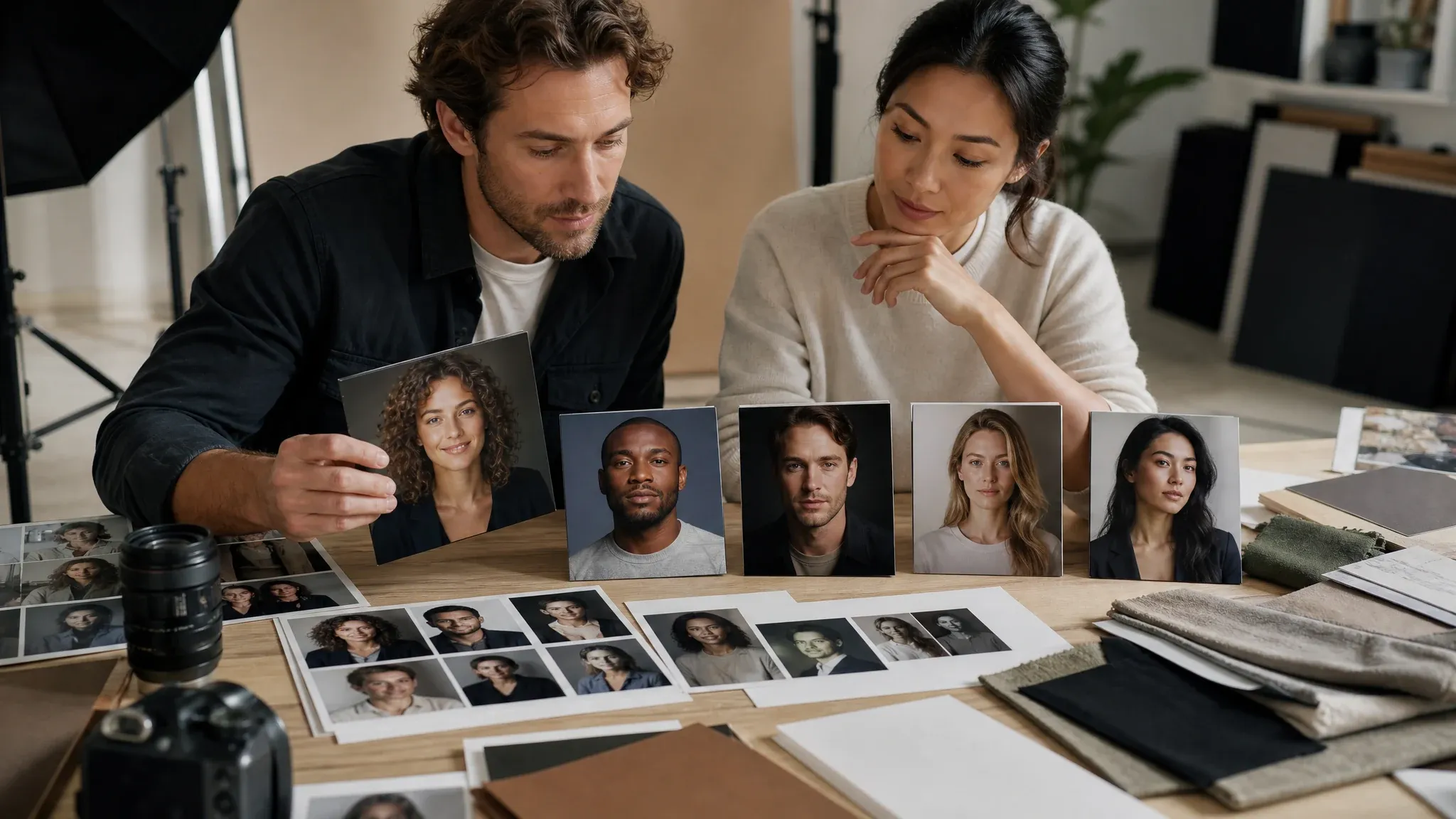
Creator portraits and campaign boards
Build a visual direction for UGC, influencer decks, founder stories, newsletter authors, and creator campaign concepts.
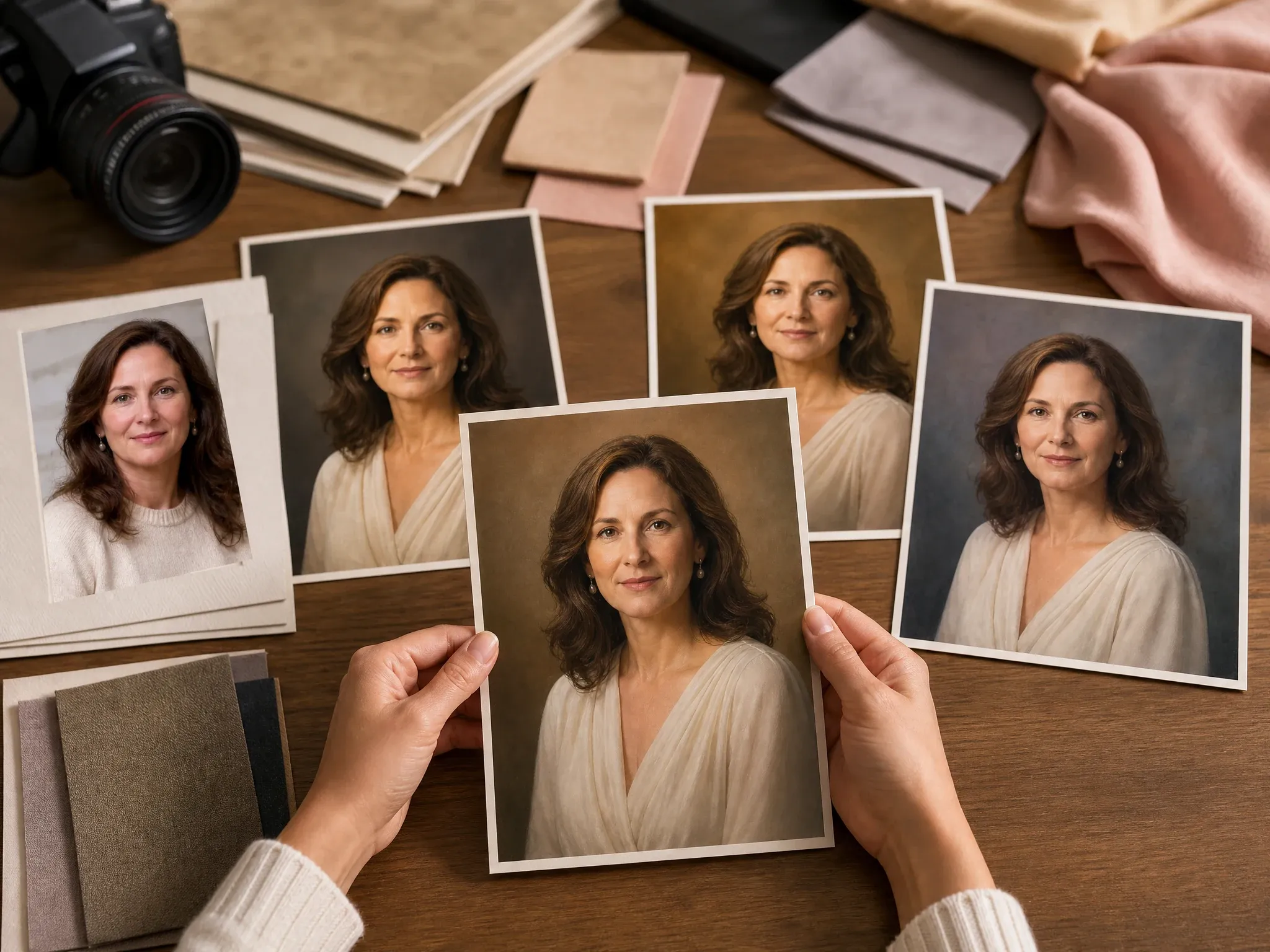
Gift and keepsake portraits
Create an artful portrait for a gift, memory board, framed print idea, personal wallpaper, or themed photo set.
What Is an AI Portrait Generator?
An AI portrait generator turns a photo and optional text prompt into a new portrait image. It can keep useful face, hair, expression, and pose cues while changing lighting, background, crop, wardrobe direction, and visual style.
Photo-guided portraits
Start with a real face photo so the result has stronger personal cues than a text-only image prompt.
Creative style control
Choose a portrait style before generating, then use the prompt for small details such as mood, background, crop, or outfit.
Still image output
The result is a downloadable portrait image for profiles, bios, posts, gifts, concepts, and editing workflows.
Why Use FaceAI for AI Portraits?
FaceAI keeps the working tool first: upload your portrait, pick the style, generate, compare history, download, share, and continue into editing or upscaling when the result is close.
More than a blank prompt box
Start with portrait styles people actually search for: realistic, self-portrait, cinematic, editorial, fantasy, historical, painterly, social, and character.
Free online workflow
Create portraits in the browser with no app download. The workbench keeps upload, prompt, style, ratio, history, share, and download in one flow.
Built for human portraits
The page focuses on real human portrait use cases, not pet portraits, product mockups, logos, platform screenshots, or fake identity claims.
Clear next steps
When the portrait is close, refine small issues in AI Image Editor or sharpen the keeper with AI Image Upscaler instead of starting over.
How to Get Better AI Portraits
Portrait quality depends on the source photo and a focused instruction. Give the model a readable face first, then adjust style, crop, light, background, and mood.
Use one readable face
Front-facing or lightly angled photos work best. Avoid group shots, sunglasses, masks, tiny screenshots, and faces cropped at the forehead or chin.
Keep the light normal
Soft daylight or clean indoor light gives better face cues than dark rooms, colored event lighting, heavy filters, or extreme shadows.
Pick the output shape first
Use 1:1 for social portraits, 4:5 or 3:4 for profile cards, 2:3 for classic portraits, and 9:16 when the portrait needs story space.
Change one thing per retry
If the face is close, keep the same photo and style. Change only background, crop, outfit, expression, or lighting in the next run.
AI Portrait Generator vs. Headshot, Profile Picture, and Avatar Tools
Use the workflow that matches the job. A portrait page is broader than a headshot page, more personal than a generic image generator, and less stylized than an avatar-only workflow.
| Kriterium | Face AIUnser FaceAI portrait workflow | Other workflows |
|---|---|---|
| Starting point | Upload one portrait or a small consistent set, choose a portrait style, and add a short optional note. | Text-only image generators may require a full prompt and may not follow a real face photo. |
| Best use | Self-portraits, creative portraits, social portraits, portfolio images, character concepts, creator profiles, and keepsakes. | Headshot and LinkedIn tools are narrower and focus on professional profile expectations. |
| Style control | Realistic, creative self-portrait, cinematic, editorial, fantasy, historical, painterly, social, and character presets. | Generic photo editors may offer manual controls but require more setup before a portrait direction is clear. |
| Friction | Free online workflow with browser upload, style presets, optional prompt, history, share, and no-watermark download controls. | Some portrait apps require accounts, credits, mobile apps, or longer onboarding before the first result. |
| Follow-up | Move the best portrait into editor, image-to-image, profile picture, headshot, or upscaler depending on the final destination. | Single-purpose generators can stop at one export and leave cleanup or platform cropping to another app. |
| Honest limit | Strong style changes can shift exact likeness. Inspect the portrait before using it publicly or professionally. | Some AI portrait pages overpromise perfect identity consistency from every selfie. |
Starting point
Upload one portrait or a small consistent set, choose a portrait style, and add a short optional note.
Text-only image generators may require a full prompt and may not follow a real face photo.
Best use
Self-portraits, creative portraits, social portraits, portfolio images, character concepts, creator profiles, and keepsakes.
Headshot and LinkedIn tools are narrower and focus on professional profile expectations.
Style control
Realistic, creative self-portrait, cinematic, editorial, fantasy, historical, painterly, social, and character presets.
Generic photo editors may offer manual controls but require more setup before a portrait direction is clear.
Friction
Free online workflow with browser upload, style presets, optional prompt, history, share, and no-watermark download controls.
Some portrait apps require accounts, credits, mobile apps, or longer onboarding before the first result.
Follow-up
Move the best portrait into editor, image-to-image, profile picture, headshot, or upscaler depending on the final destination.
Single-purpose generators can stop at one export and leave cleanup or platform cropping to another app.
Honest limit
Strong style changes can shift exact likeness. Inspect the portrait before using it publicly or professionally.
Some AI portrait pages overpromise perfect identity consistency from every selfie.
How People Use the AI Portrait Generator
These comments focus on the real loop: upload a portrait, choose the style, generate, compare, then download or refine the version that feels right.
"I wanted a portrait that felt like me but looked better than a phone selfie. The editorial style gave me a usable result fast."

Emma Johansson
Head of Content Strategy
"The style presets make this more useful than a blank prompt box. I can make a realistic portrait, a creator portrait, or a gift-style image without rewriting the brief."

Astrid Nielsen
Head of Thought Leadership
"The best results came from short notes: keep my expression, softer light, clean background, portrait crop, no text."

Marie Laurent
Storytelling & Brand Lead
"We used it for creator profile concepts before booking a shoot. It helped us compare cinematic, editorial, and social portrait directions in one place."

Sophia Wagner
Editorial Director
"No login and no watermark made it easy to test personal portraits for campaign boards before deciding which look deserved polish."

Charlotte Beaumont
Director of Content Operations
"A front-facing photo with normal light worked much better than a cropped party shot. The tips match what actually improved the output."
Sophia Wagner
Editorial Director
"I wanted a portrait that felt like me but looked better than a phone selfie. The editorial style gave me a usable result fast."
Emma Johansson
Head of Content Strategy
"The style presets make this more useful than a blank prompt box. I can make a realistic portrait, a creator portrait, or a gift-style image without rewriting the brief."
Astrid Nielsen
Head of Thought Leadership
"The best results came from short notes: keep my expression, softer light, clean background, portrait crop, no text."
Marie Laurent
Storytelling & Brand Lead
"We used it for creator profile concepts before booking a shoot. It helped us compare cinematic, editorial, and social portrait directions in one place."
Sophia Wagner
Editorial Director
"No login and no watermark made it easy to test personal portraits for campaign boards before deciding which look deserved polish."
Charlotte Beaumont
Director of Content Operations
"A front-facing photo with normal light worked much better than a cropped party shot. The tips match what actually improved the output."
Sophia Wagner
Editorial Director
"I like that it is not another LinkedIn headshot page. The portraits can be cinematic, painterly, historical, or social while still starting from a real face."

Chiara Bianchi
Content Marketing VP
"I wanted a portrait that felt like me but looked better than a phone selfie. The editorial style gave me a usable result fast."
Emma Johansson
Head of Content Strategy
"The style presets make this more useful than a blank prompt box. I can make a realistic portrait, a creator portrait, or a gift-style image without rewriting the brief."
Astrid Nielsen
Head of Thought Leadership
"The best results came from short notes: keep my expression, softer light, clean background, portrait crop, no text."
Marie Laurent
Storytelling & Brand Lead
"We used it for creator profile concepts before booking a shoot. It helped us compare cinematic, editorial, and social portrait directions in one place."
Sophia Wagner
Editorial Director
"No login and no watermark made it easy to test personal portraits for campaign boards before deciding which look deserved polish."
Charlotte Beaumont
Director of Content Operations
"A front-facing photo with normal light worked much better than a cropped party shot. The tips match what actually improved the output."
Sophia Wagner
Editorial Director
"I like that it is not another LinkedIn headshot page. The portraits can be cinematic, painterly, historical, or social while still starting from a real face."
Chiara Bianchi
Content Marketing VP
"The history panel helped compare subtle portrait differences: expression, crop, background, lighting, and how much style was too much."

Elena Kowalski
Senior Content Strategist
"For social portraits, I pick 4:5 or 1:1 first. It keeps the result useful for profiles, creator cards, and posts without extra cropping work."

Sneha Krishnan
Head of Product Marketing
"It will not replace a portrait photographer, but it is strong for first-pass self-portraits, style boards, and creative profile options."

Anisha Patel
Brand Director
"The realistic portrait preset was practical for a clean personal bio. The painterly preset was better for a gift image and mood-board use."

Ritu Agarwal
E-commerce Marketing Lead
"I needed something warmer than a formal headshot and less casual than a selfie. The portrait page sits in that middle zone."

Divya Chakraborty
Marketing Director
"I made three portrait directions before asking the photographer for references. It helped the team agree on mood, crop, and background faster."

Ishita Banerjee
Head of Growth Marketing
"For profile refreshes, the social portrait and realistic options gave us clean image choices without turning the person into an avatar."

Pooja Mehta
VP of Brand Experience
"The history panel helped compare subtle portrait differences: expression, crop, background, lighting, and how much style was too much."
Elena Kowalski
Senior Content Strategist
"For social portraits, I pick 4:5 or 1:1 first. It keeps the result useful for profiles, creator cards, and posts without extra cropping work."
Sneha Krishnan
Head of Product Marketing
"It will not replace a portrait photographer, but it is strong for first-pass self-portraits, style boards, and creative profile options."
Anisha Patel
Brand Director
"The realistic portrait preset was practical for a clean personal bio. The painterly preset was better for a gift image and mood-board use."
Ritu Agarwal
E-commerce Marketing Lead
"I needed something warmer than a formal headshot and less casual than a selfie. The portrait page sits in that middle zone."
Divya Chakraborty
Marketing Director
"I made three portrait directions before asking the photographer for references. It helped the team agree on mood, crop, and background faster."
Ishita Banerjee
Head of Growth Marketing
"For profile refreshes, the social portrait and realistic options gave us clean image choices without turning the person into an avatar."
Pooja Mehta
VP of Brand Experience
What Should You Try After Making an AI Portrait?
Choose the next FaceAI tool based on the blocker: formal headshot, platform PFP, stronger avatar style, focused cleanup, or sharper export.
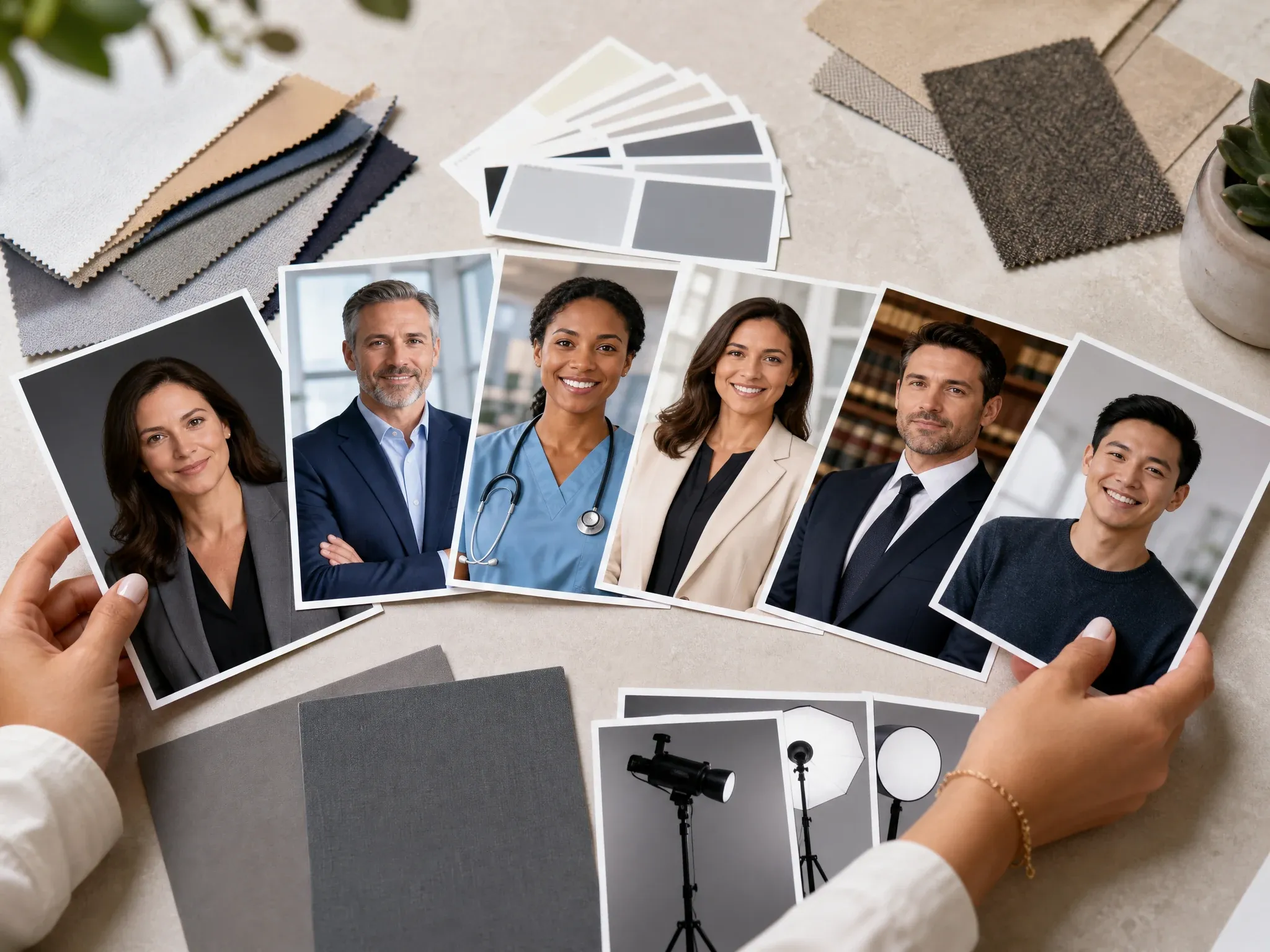
AI Headshot Generator
Use this when the portrait needs to become a formal business headshot for resumes, hiring pages, or professional profiles.
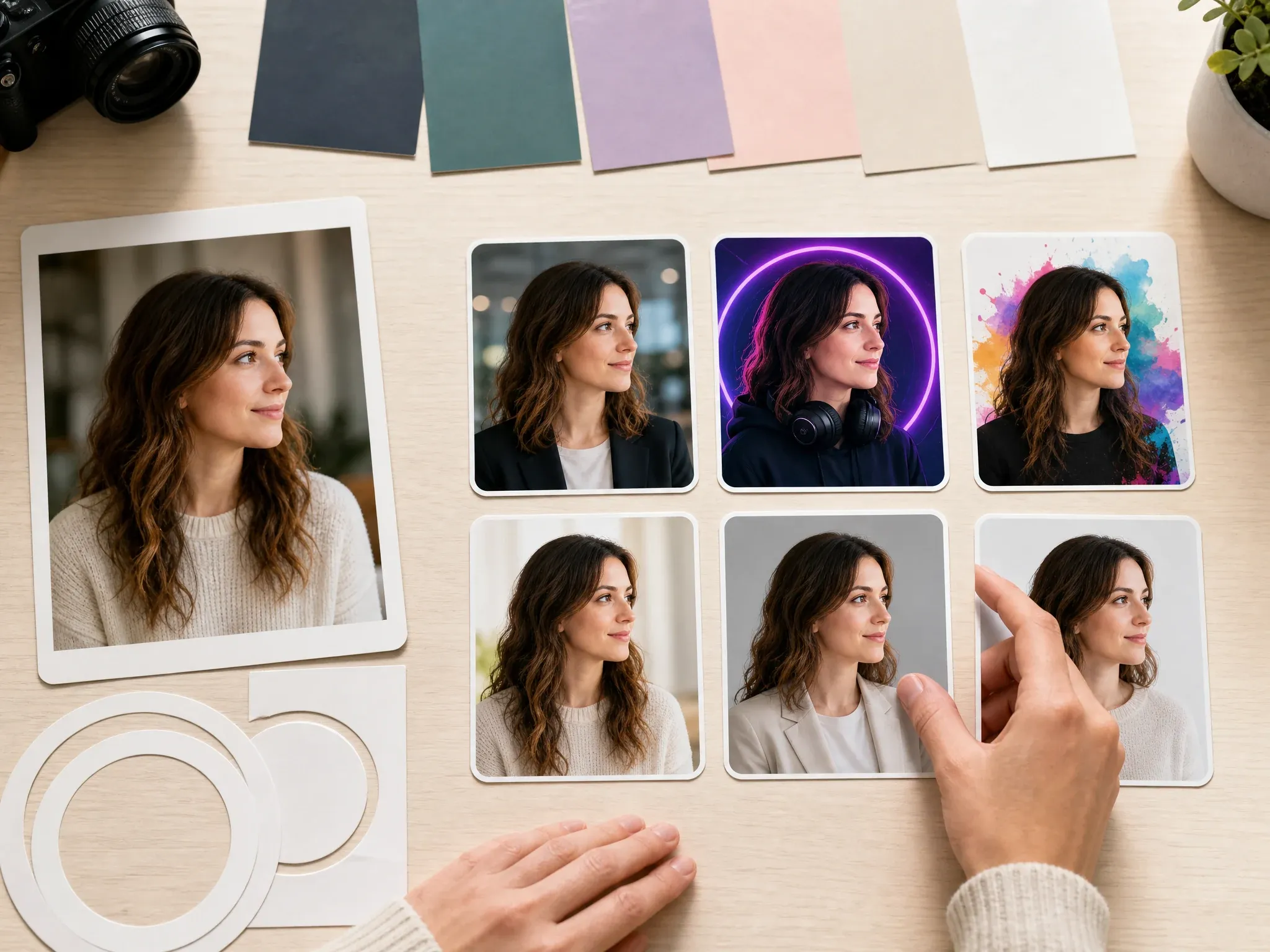
AI Profile Picture Generator
Create tighter platform-ready profile pictures for LinkedIn, Discord, YouTube, Instagram, work apps, and everyday PFP use.
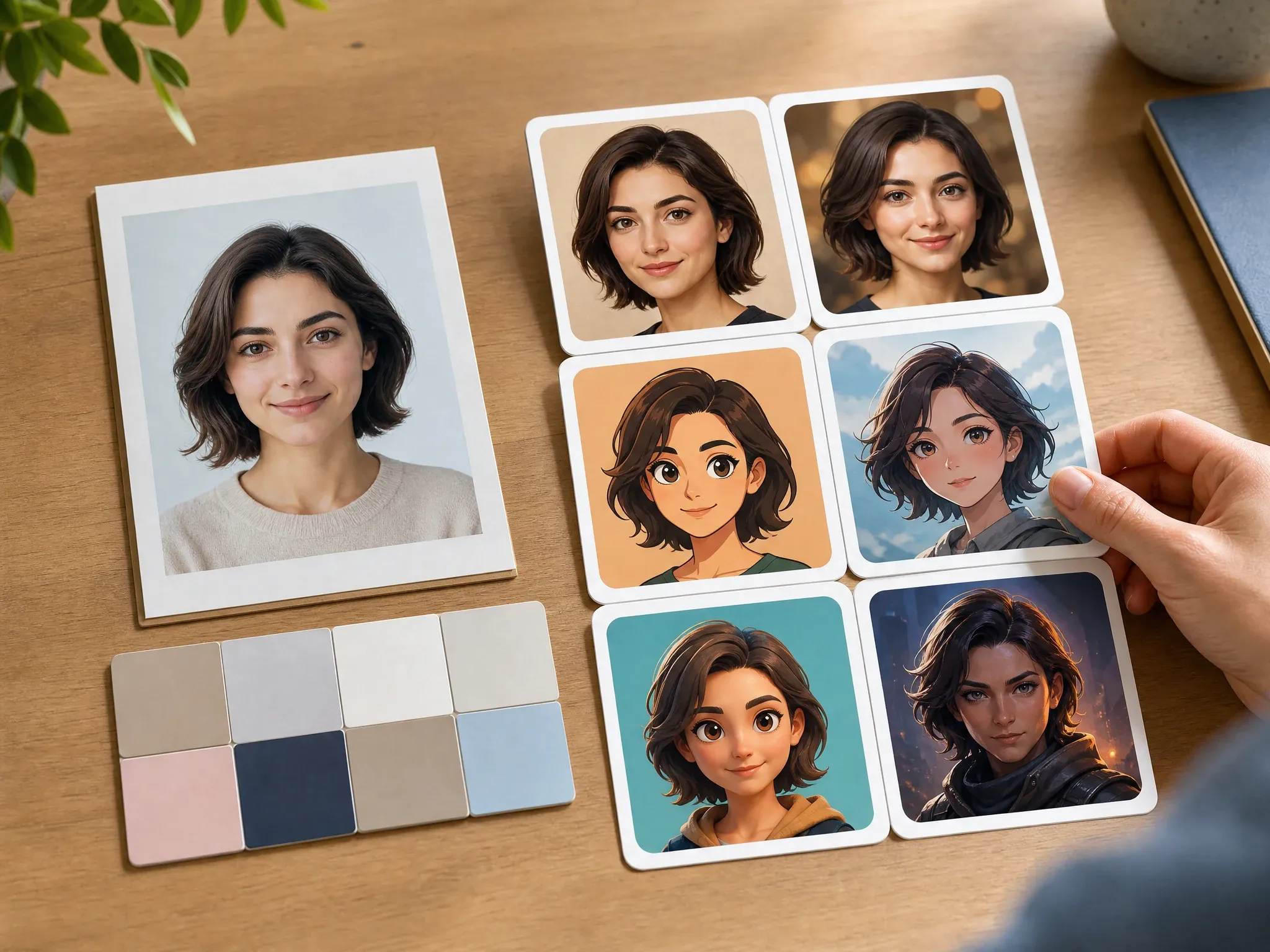
Create Avatar from Photo
Choose this when the same source photo should become a more stylized still avatar instead of a realistic portrait.

AI Image Editor
Clean up the almost-final portrait: background distraction, crop edge, object, color, or small face detail.
AI Image Upscaler
Sharpen the keeper before using it on a profile, creator kit, print gift, portfolio, or campaign board.
AI Portrait Generator FAQ
Direct answers about free use, no login, source photos, portrait styles, text prompts, downloads, privacy, rights, and how this differs from headshot or avatar tools.
An AI portrait generator creates a new portrait image from a photo, a text prompt, or both. This page focuses on human portraits, self-portraits, creative portraits, and profile-ready still images.
Yes. You can start creating AI portraits from this browser page for free. If heavier use reaches account or quota rules, FaceAI shows the current limit in the product flow.
No app download is needed. The page is designed for low-friction upload, generation, history, share, and download in the browser.
Use one clear human portrait with a visible face, normal lighting, no sunglasses, and enough space around the head and shoulders. Avoid group photos and heavily filtered screenshots.
Yes. You can add a text prompt to guide the portrait style, mood, background, crop, outfit, and lighting. For better personal portraits, upload a source photo too.
You can start with realistic, creative self-portrait, cinematic, editorial, fantasy, historical, painterly, social avatar, and character portrait directions.
The workbench supports a small source-photo set where the shared upload flow allows it. Use consistent photos of the same person rather than unrelated images with different lighting and expressions.
Yes. After the generated image appears, use the download control in the workbench. Keep the tab open until the final image is ready.
The workflow uses your uploaded photo as source guidance, but exact likeness is not guaranteed. Strong style changes, poor lighting, or side-angle photos can shift features, so inspect the result before using it.
Generate another version with a shorter note, or move the best portrait into AI Image Editor for cleanup, AI Image to Image for variants, or AI Image Upscaler for sharper export.
Use photos you are comfortable processing through an online tool. FaceAI uses secure upload handling for the generation flow, and you should avoid uploading sensitive images or photos you do not have permission to use.
You can use generated portraits for profiles, bios, creator kits, campaign boards, and personal projects when you own or have permission for the source photo. Avoid logos, public figures, fake endorsements, and misleading identity claims.
No. A headshot generator focuses on formal professional portraits, while an avatar generator may stylize identity more heavily. This page is for broader human portraits: realistic, creative, social, character, and keepsake images.
This page is best for human portraits. If you try pet imagery, use a clear animal photo, keep the prompt simple, and review the result carefully before sharing.
Create Your AI Portrait Now
Upload a clear portrait, choose the style, generate a realistic or creative AI portrait, then download or refine the version that works.