
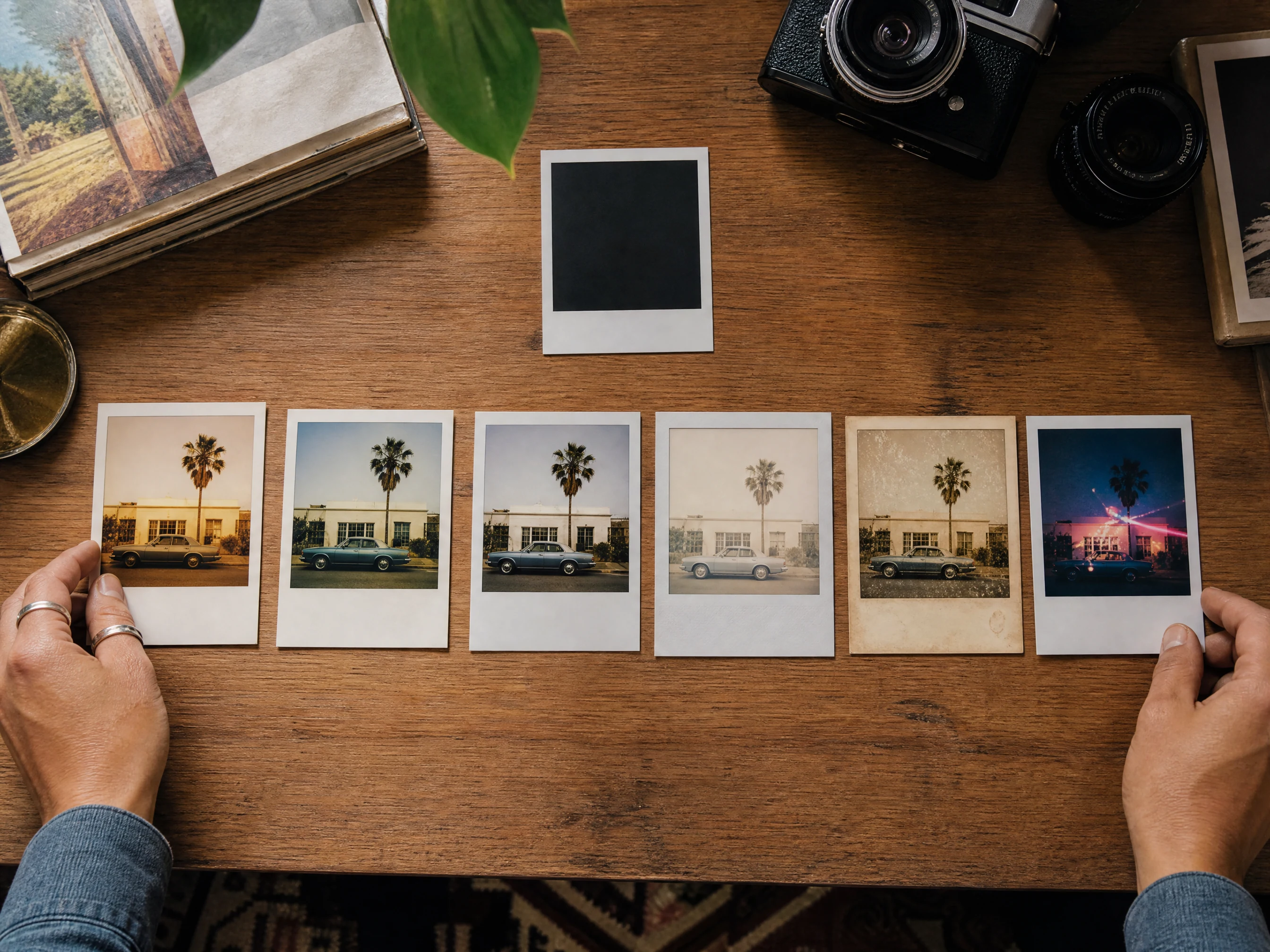
AI 拍立得照片生成器:复古即时照片
上传一张人像、自拍、情侣照、合影、产品场景或旅行照片,选择一种即时相机胶片质感,然后生成适合社交帖、纪念品、主页焕新、灵感看板和礼物创意的拍立得风格照片。把结果当作图片底稿,如需可读文字,请在导出后手动添加精确的手写体、日期、贴纸或字幕。免费在线使用,无水印。
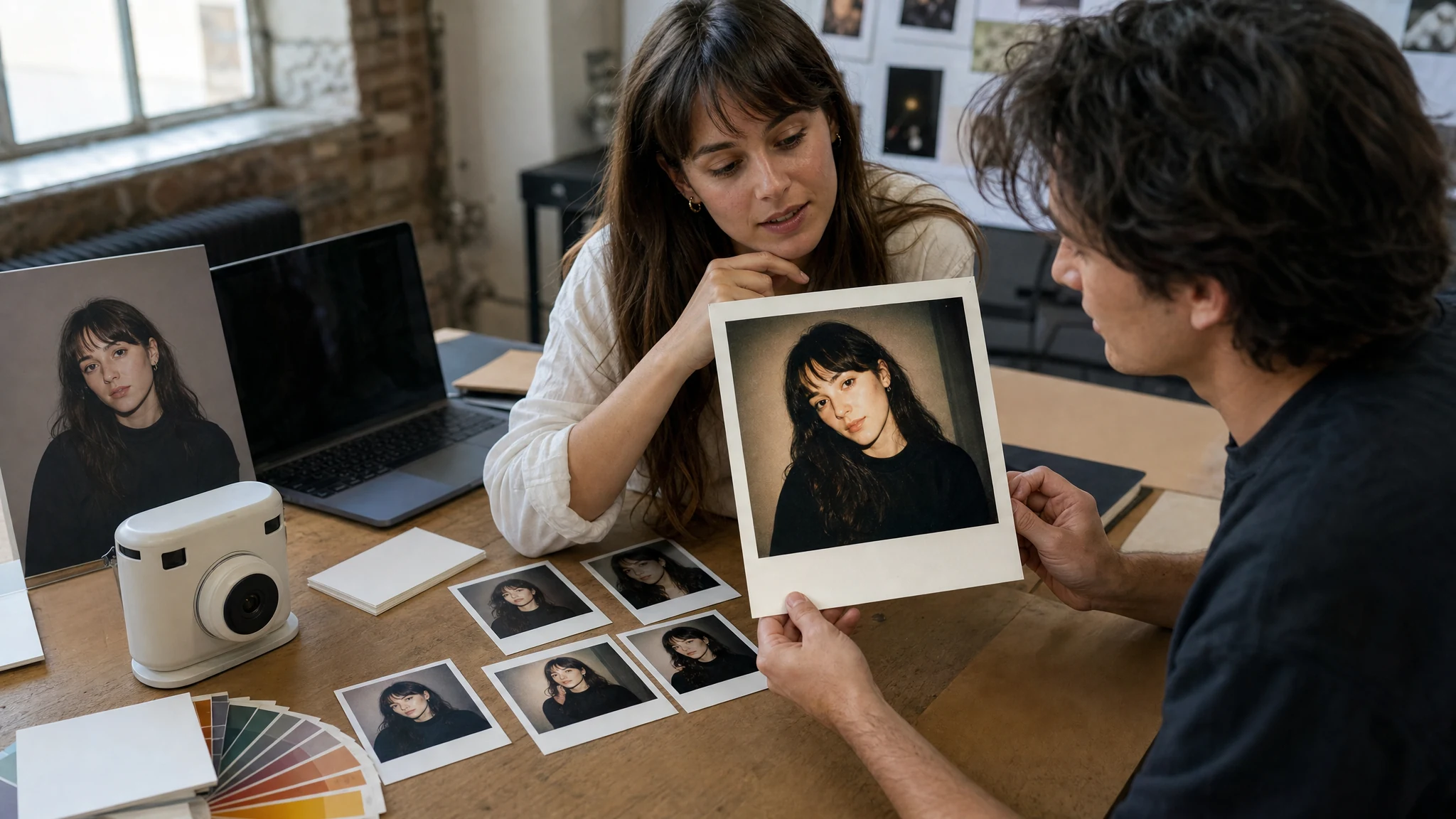
全球超过 12,000,000 位用户信赖。
如何用 AI 制作拍立得风格照片
最佳流程是:照片优先、胶片预设其次、简短情绪备注第三,然后在手动添加文字或字幕前检查图像。
上传一张清晰的源照片
使用自拍、人像、情侣照、合影、宠物照、产品场景或旅行照片,确保主体清晰可见。
选择即时相机质感
在添加可选情绪备注前,从经典即显、SX-70 暖色、600 胶片、Spectra 宽幅、复古胶片或派对闪光中选择一种。
下载或继续精修
保存最佳版本,对比历史记录;如果复古结果需要清理或更锐利的导出,再用编辑器或放大器。
你可以在线制作哪些拍立得风格照片
使用 AI 拍立得照片生成器制作即时相机人像、社交照片刷屏、礼物纪念、旅行回忆、派对闪光图片和胶片预设对比。
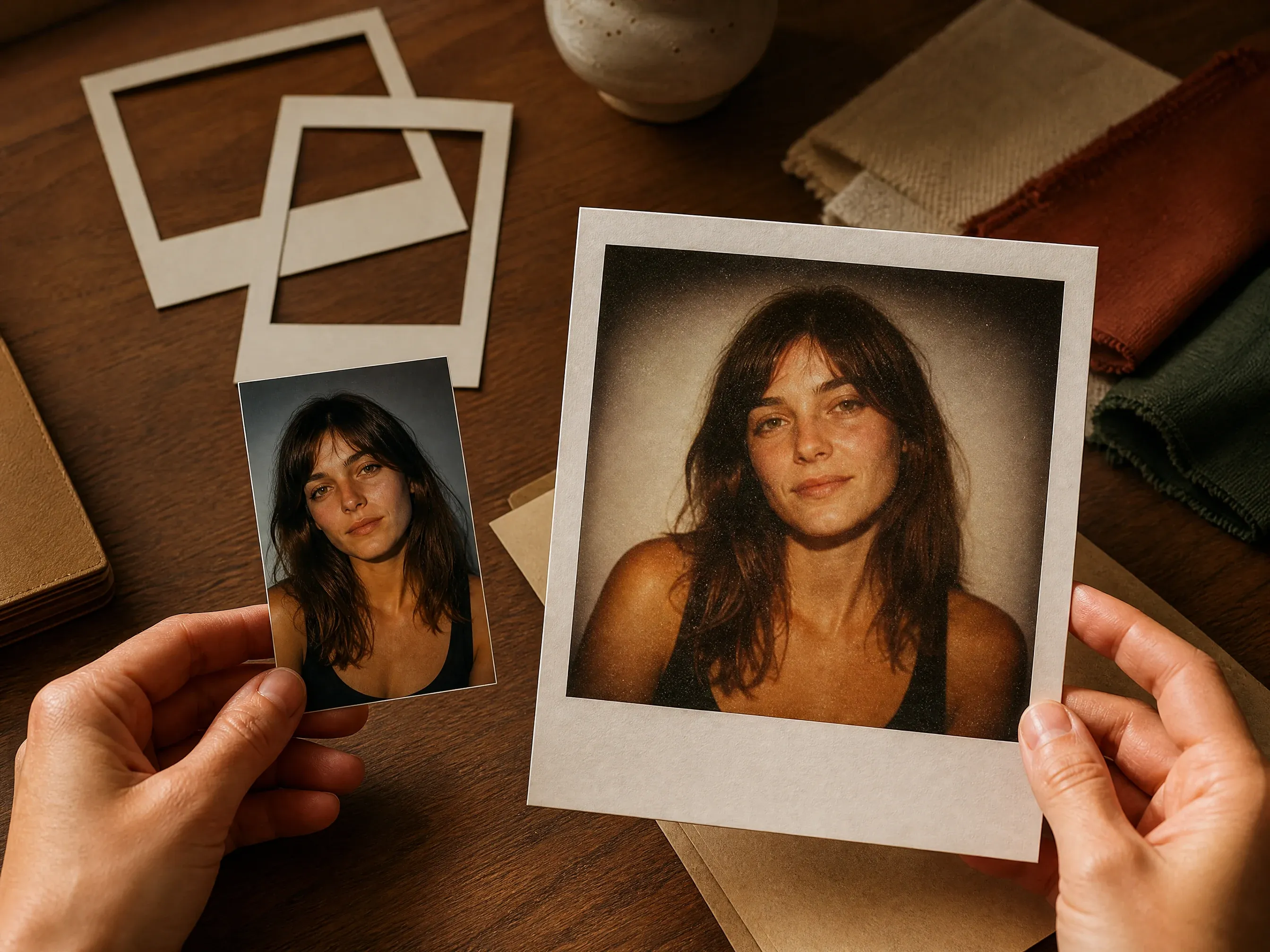
单张照片变即时相机人像
将一张自拍、头像、宠物照或旅行照变成带有柔和边框和真实胶片质感的复古即时照片。
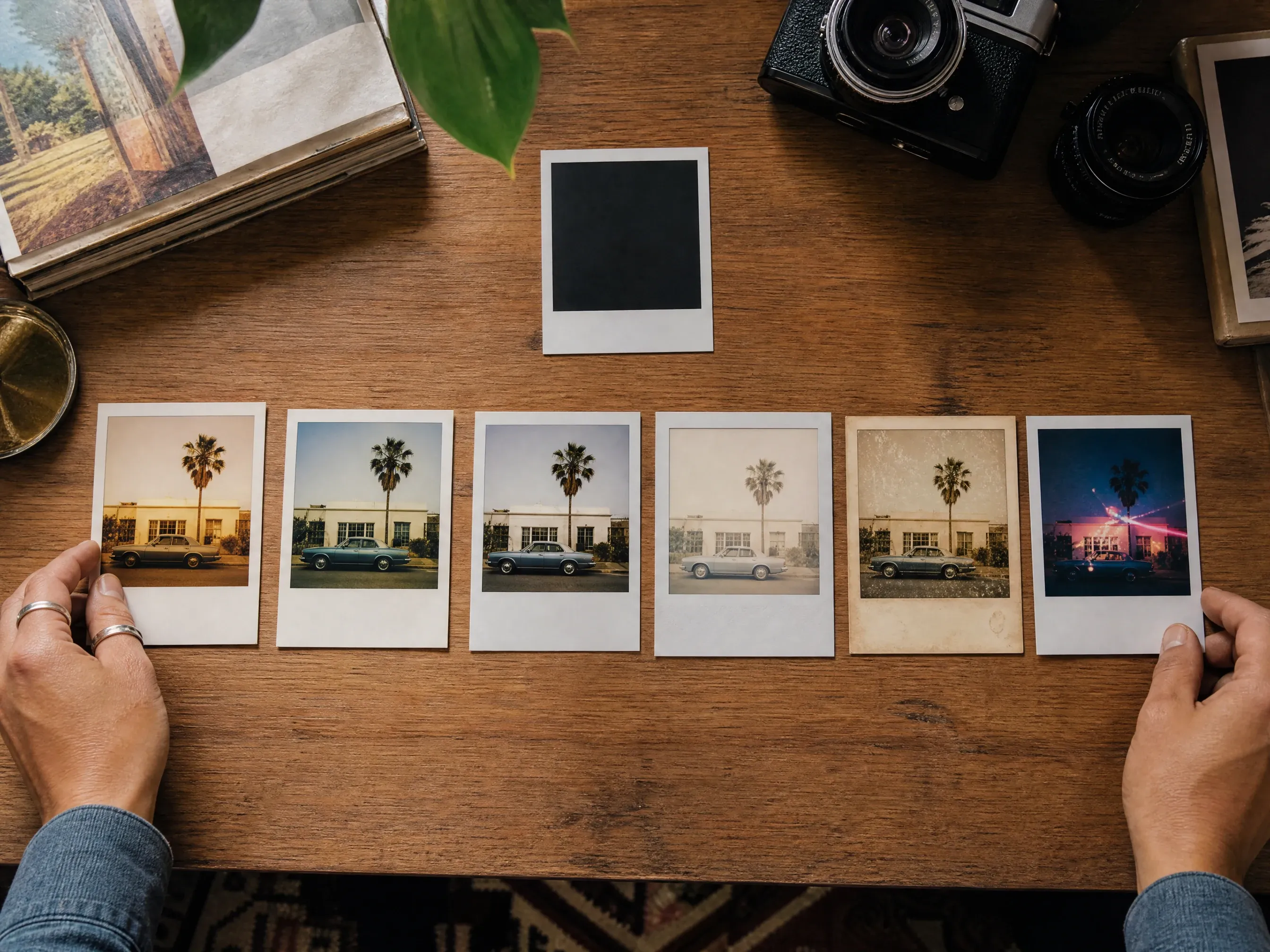
对比经典胶片预设
在经典即显、SX-70 暖色、600 胶片、Spectra 宽幅、复古胶片和派对闪光之间切换,无需写长提示词。
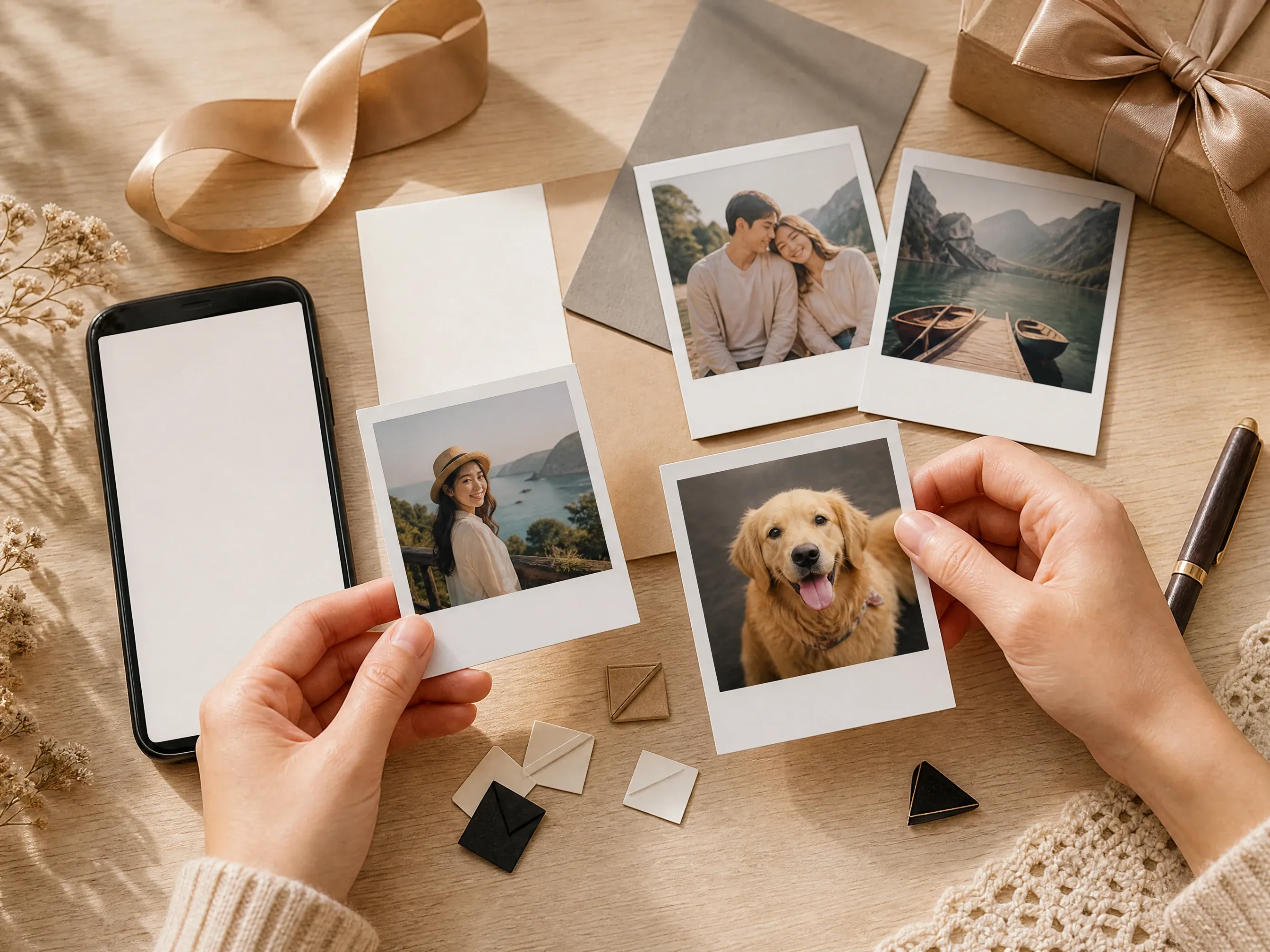
社交帖与礼物创意
为照片刷屏、主页焕新、生日帖、旅行相册、房间装饰和纪念卡片制作温暖的图片底稿。
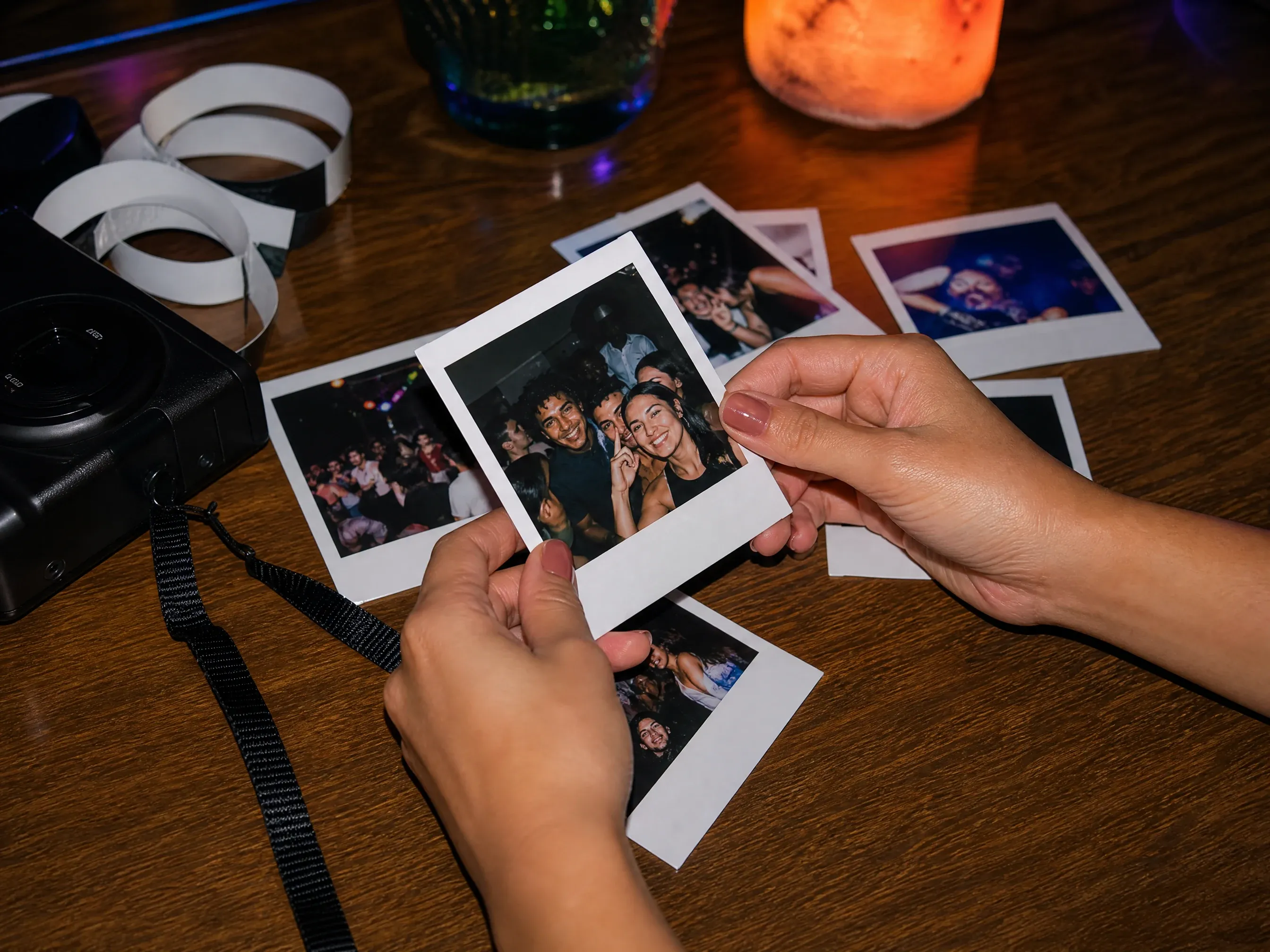
派对闪光与随性瞬间
使用直闪和复古胶片质感处理夜景、创作者快照、好友合影以及怀旧回忆看板概念。
什么是 AI 拍立得照片生成器?
AI 拍立得照片生成器将一张上传的图片转换成拍立得风格的即时相机照片,专注胶片色调、闪光、颗粒、构图和边框氛围,而不是精确的手写字幕。
照片转即时的流程
从一张真实照片开始,让结果保留主体、构图、表情、产品、宠物或场景线索。
胶片质感控制
选择经典即显、SX-70 暖色、600 胶片、Spectra 宽幅、复古胶片或派对闪光,而不是依赖一个笼统的复古提示词。
供手动完成的图片底稿
下载生成的即时照片,再在可确定的编辑器中添加精确的日期、字幕、手写体、贴纸或相框设计。
为什么用 Face AI 制作拍立得风格照片?
Face AI 始终以实用工具为先:上传源照片、选择胶片预设、生成、对比历史、下载、分享,结果接近满意时继续清理或放大。
不只是提示词加热上传
功能区包含单张上传、胶片预设、即时照片用途、比例、示例、提示词优化、历史、下载和下一步工具。
各不相同的即时相机质感
经典即显、SX-70 暖色、600 胶片、Spectra 宽幅、复古胶片和派对闪光,让每种视觉方向在生成前就易于辨认。
在生成后添加精确文字
先在这里生成即时照片图像,再在设计编辑器中添加精确的手写体、日期、字幕或标志,每一处细节都可检查。
为迭代而生
胶片色调、闪光、比例和源图构图的细微变化都可能改变整个回忆感受,因此历史与重试控件很重要。
如何获得更好的即时相机效果
一张好的源图片比巧妙的提示词更重要。给模型一个可辨识的主体,再用控件调整胶片氛围和构图。
使用主体清晰的源照片
面部、宠物、产品和室内场景应清晰可见。避免过小的截图、严重模糊、昏暗房间以及重要细节被裁掉的图片。
挑选一种胶片氛围
暖色 SX-70、日常 600 胶片、复古纪念、宽幅旅行相框或派对闪光是不同的质感,生成前选择其中一种。
不要要求精确文字
如果需要日期、字幕、手写备注、贴纸标签或签名,请在导出后手动添加,以便逐字符检查。
发布前复查
分享、赠送或打印前,检查相似度、手部、背景边缘、边框形状和不想要的符号。
AI 拍立得照片生成器 vs 滤镜、相机 App 和手动修图
选择与任务匹配的工作流。Face AI 用于快速复古即时照片转换,带控件和历史,而非官方相机模拟或精确文字排版。
| 对比项 | Face AI我们 Face AI 即时照片工作流 | 其他工作流 |
|---|---|---|
| 起点 | 上传一张照片,选择即时相机预设、比例和可选情绪备注。 | 滤镜 App 常套用固定叠加层;手动编辑器需要手工处理纹理、边框、色彩和颗粒。 |
| 最佳用途 | 人像、自拍、社交帖、照片刷屏、礼物创意、旅行场景、派对闪光和纪念图片。 | 需要实时拍摄流程或真实设备专属体验时,相机 App 更合适。 |
| 控制力 | 经典、SX-70 暖色、600 胶片、Spectra 宽幅、复古胶片、派对闪光、比例、源照片、提示词备注、历史和下载。 | 通用滤镜的主体感知转换可能较弱;仅提示词的生成器可能忽略源照片线索。 |
| 文字与字幕 | 最佳效果不含可读文字;日期、手写体、贴纸或字幕请在导出后手动添加。 | 设计工具更适合处理精确排版、字幕、印章、日期和印刷版式。 |
| 品牌边界 | 使用拍立得风格和即时相机语言,但不声明与官方品牌关联。 | 有些页面过度使用类似商标的表述或暗示精确复刻官方胶片相机。 |
| 下一步 | 下载、用编辑器精修、放大,或选出保留图后进入图像到图像。 | 单一用途的滤镜通常一次导出即止,历史与后续路径很少。 |
起点
上传一张照片,选择即时相机预设、比例和可选情绪备注。
滤镜 App 常套用固定叠加层;手动编辑器需要手工处理纹理、边框、色彩和颗粒。
最佳用途
人像、自拍、社交帖、照片刷屏、礼物创意、旅行场景、派对闪光和纪念图片。
需要实时拍摄流程或真实设备专属体验时,相机 App 更合适。
控制力
经典、SX-70 暖色、600 胶片、Spectra 宽幅、复古胶片、派对闪光、比例、源照片、提示词备注、历史和下载。
通用滤镜的主体感知转换可能较弱;仅提示词的生成器可能忽略源照片线索。
文字与字幕
最佳效果不含可读文字;日期、手写体、贴纸或字幕请在导出后手动添加。
设计工具更适合处理精确排版、字幕、印章、日期和印刷版式。
品牌边界
使用拍立得风格和即时相机语言,但不声明与官方品牌关联。
有些页面过度使用类似商标的表述或暗示精确复刻官方胶片相机。
下一步
下载、用编辑器精修、放大,或选出保留图后进入图像到图像。
单一用途的滤镜通常一次导出即止,历史与后续路径很少。
使用前检查即时照片
生成的即时照片仍需要快速人工复查,尤其是源图包含面部、品牌、手部、宠物、产品或重要回忆时。
主体与相似度
确认面部、宠物、产品和主要物体仍像源图,且未被胶片效果扭曲。
相框与瑕疵
分享前检查边框、闪光、颗粒、背景和手部是否有奇怪形状或多余符号。
版权与文字
避免受保护的品牌、公众人物、受版权保护的角色、虚假代言以及无法核实的生成文字。
人们如何使用 AI 拍立得照片生成器
这些评价聚焦于实际操作流程:上传一张照片、选择胶片预设、生成、对比,然后下载或精修感觉合适的版本。
"最有用的部分是生成前选择胶片质感。经典即显、SX-70 暖色和派对闪光,从同一张照片能给出截然不同的回忆看板方向。"

Amara Johansson
视觉品牌负责人
"我用它做主页焕新和照片刷屏封面。当我用一张清晰人像开头、并把提示词停留在氛围而非精确文字上时,速度很快。"

Jordan Kim
增长负责人
"这个页面在文字上很诚实。我先在这里拿到复古即时照片,再到真正的编辑器里添加日期、手写体、贴纸或字幕。"

Nina Volkov
视觉设计总监
"复古胶片和 600 胶片对不同简报都很有用。结果更像是可信的即时相机快照,而不是通用的复古滤镜。"

Kai Nakamura
全球创意总监
"做礼物创意时,社交和纪念预设能帮团队快速做出温暖图片,不必写长提示词。"

Priya Chen
创意策略负责人
"比例选择器很重要。我用 1:1 做人像裁剪、3:4 做经典即时相框、9:16 做故事风格帖子。"

Leo Fitzgerald
副创意总监
"最有用的部分是生成前选择胶片质感。经典即显、SX-70 暖色和派对闪光,从同一张照片能给出截然不同的回忆看板方向。"
Amara Johansson
视觉品牌负责人
"我用它做主页焕新和照片刷屏封面。当我用一张清晰人像开头、并把提示词停留在氛围而非精确文字上时,速度很快。"
Jordan Kim
增长负责人
"这个页面在文字上很诚实。我先在这里拿到复古即时照片,再到真正的编辑器里添加日期、手写体、贴纸或字幕。"
Nina Volkov
视觉设计总监
"复古胶片和 600 胶片对不同简报都很有用。结果更像是可信的即时相机快照,而不是通用的复古滤镜。"
Kai Nakamura
全球创意总监
"做礼物创意时,社交和纪念预设能帮团队快速做出温暖图片,不必写长提示词。"
Priya Chen
创意策略负责人
"比例选择器很重要。我用 1:1 做人像裁剪、3:4 做经典即时相框、9:16 做故事风格帖子。"
Leo Fitzgerald
副创意总监
"当源图有清晰可读的面部或主体时效果最强。昏暗的截图和过小的脸会让复古效果说服力下降。"

Astrid Nielsen
思想领导力负责人
"最有用的部分是生成前选择胶片质感。经典即显、SX-70 暖色和派对闪光,从同一张照片能给出截然不同的回忆看板方向。"
Amara Johansson
视觉品牌负责人
"我用它做主页焕新和照片刷屏封面。当我用一张清晰人像开头、并把提示词停留在氛围而非精确文字上时,速度很快。"
Jordan Kim
增长负责人
"这个页面在文字上很诚实。我先在这里拿到复古即时照片,再到真正的编辑器里添加日期、手写体、贴纸或字幕。"
Nina Volkov
视觉设计总监
"复古胶片和 600 胶片对不同简报都很有用。结果更像是可信的即时相机快照,而不是通用的复古滤镜。"
Kai Nakamura
全球创意总监
"做礼物创意时,社交和纪念预设能帮团队快速做出温暖图片,不必写长提示词。"
Priya Chen
创意策略负责人
"比例选择器很重要。我用 1:1 做人像裁剪、3:4 做经典即时相框、9:16 做故事风格帖子。"
Leo Fitzgerald
副创意总监
"当源图有清晰可读的面部或主体时效果最强。昏暗的截图和过小的脸会让复古效果说服力下降。"
Astrid Nielsen
思想领导力负责人
"我们避免使用真实品牌名,只用拍立得风格的说法。这一流程给出外观,却不假装是官方相机或胶片产品。"

Rafael Santos
创意副总裁
"历史很有用,因为闪光、裁剪和暖度的细微变化都会让图片像另一段回忆。"

Ananya Iyer
内容营销负责人
"做创作者活动时,我可以做一个复古即时照片概念、无水印下载,再决定是否需要清理或放大。"

Charlotte Beaumont
内容运营总监
"最好的提示词会点明主体、氛围和用途:人像、派对、旅行、纪念或社交帖。预设负责胶片语言。"

Yifan Zheng
需求生成负责人
"当团队把它当作即时照片底稿时输出最强。我们会在用于活动前检查边框、面部质量和颗粒。"

Mia Torres
设计总监
"预设选择器让不同创作者之间的简报保持一致。我们可以要求派对闪光、复古胶片或经典即显,而无须重写整个提示词。"

Zeke Williams
高级美术指导
"它比单提示词框更有用,因为工作台会询问照片、胶片预设、比例、示例、历史、下载和后续工具。"

Devon Park
互动创意总监
"我们避免使用真实品牌名,只用拍立得风格的说法。这一流程给出外观,却不假装是官方相机或胶片产品。"
Rafael Santos
创意副总裁
"历史很有用,因为闪光、裁剪和暖度的细微变化都会让图片像另一段回忆。"
Ananya Iyer
内容营销负责人
"做创作者活动时,我可以做一个复古即时照片概念、无水印下载,再决定是否需要清理或放大。"
Charlotte Beaumont
内容运营总监
"最好的提示词会点明主体、氛围和用途:人像、派对、旅行、纪念或社交帖。预设负责胶片语言。"
Yifan Zheng
需求生成负责人
"当团队把它当作即时照片底稿时输出最强。我们会在用于活动前检查边框、面部质量和颗粒。"
Mia Torres
设计总监
"预设选择器让不同创作者之间的简报保持一致。我们可以要求派对闪光、复古胶片或经典即显,而无须重写整个提示词。"
Zeke Williams
高级美术指导
"它比单提示词框更有用,因为工作台会询问照片、胶片预设、比例、示例、历史、下载和后续工具。"
Devon Park
互动创意总监
即时照片之后该试什么?
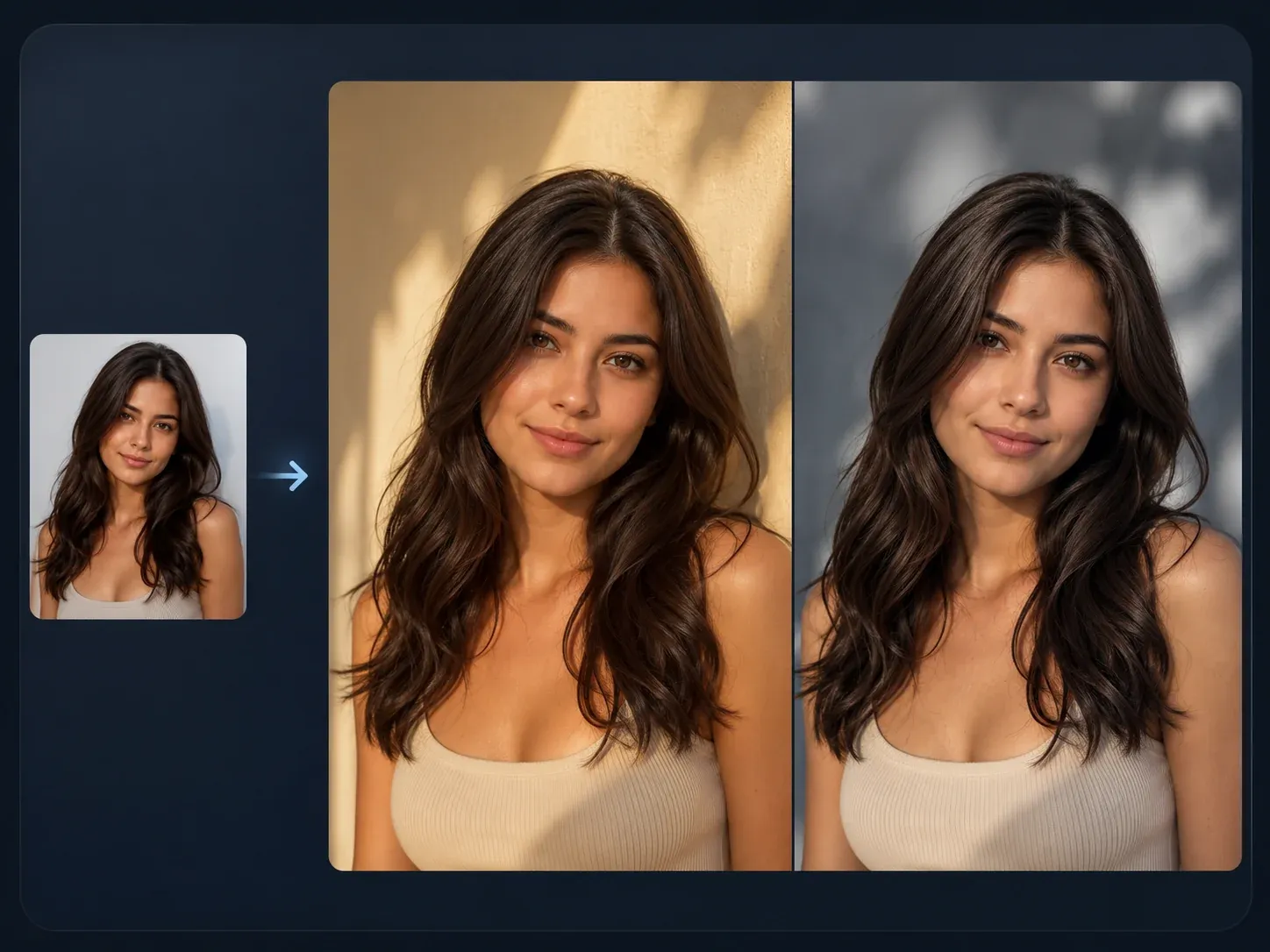
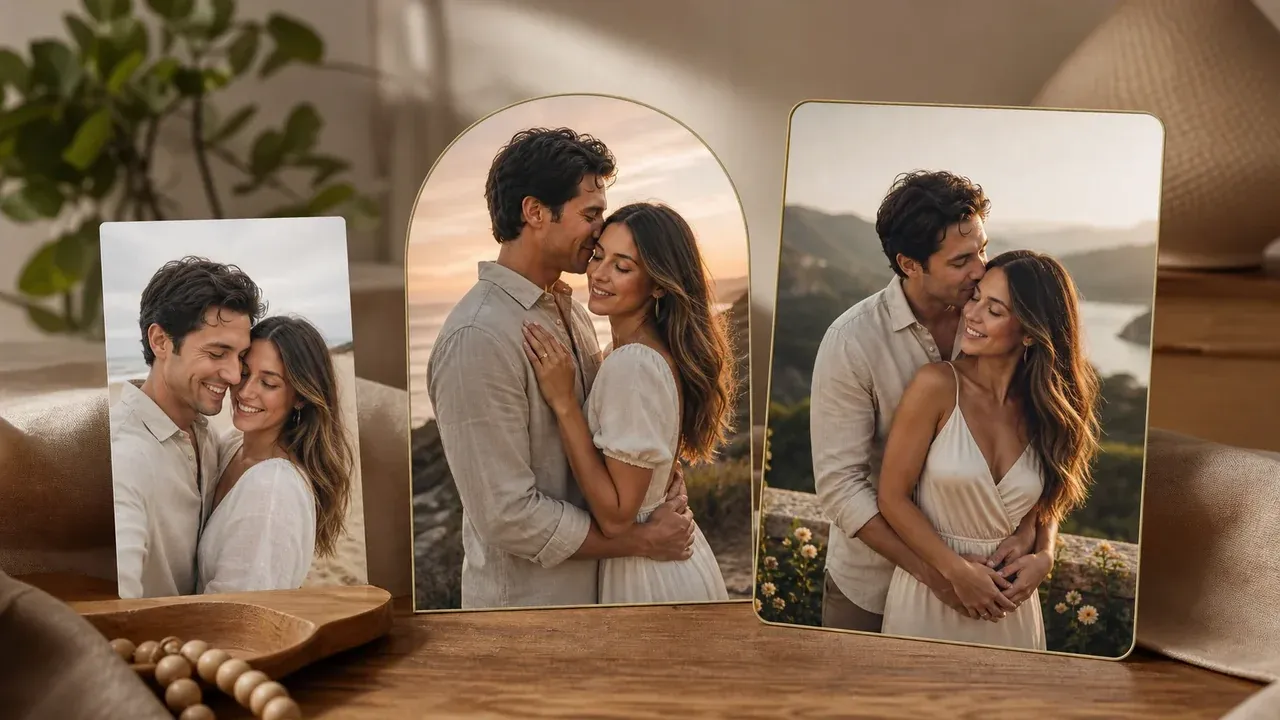
根据卡点选择下一个 Face AI 工具:更广的源图导向编辑、情侣场景、清理、更锐利的导出或活动海报工作。

AI 拍立得照片生成器常见问题
关于免费使用、上传、胶片预设、精确文字、官方品牌边界、下载、隐私、质量和后续编辑的直接解答。
它是一个在线工具,把一张上传的照片变成拍立得风格的即时相机图片,带有复古胶片色调、颗粒、闪光、构图和边框氛围。
是。你可以打开工作台免费开始生成。任何当前的用量限制都会在生成前显示在工作台中。
没有。Face AI 是独立服务。拍立得风格和即时相机的说法描述的是视觉效果,不代表官方合作或精确复刻相机与胶片。
使用主体清晰的一张图片:自拍、人像、情侣照、合影、宠物照、产品场景、旅行照或派对瞬间。避免过小的截图、过暗的图片以及你没有权限使用的照片。
从经典即显、SX-70 暖色、600 胶片、Spectra 宽幅、复古胶片或派对闪光开始。每个预设都会改变氛围、构图、色彩、闪光和颗粒方向。
可以。用提示词描述一个情绪、场景、构图、闪光、暖度或纹理细节。精确的手写体、日期、字幕和贴纸请保留到导出后的手动编辑。
不可靠。AI 图像生成可能产生虚假或扭曲的文字。请在这里生成即时照片底稿,然后在设计编辑器中添加精确的字迹、日期、标签、贴纸和字幕。
可以。生成图像出现后,使用工作台中的下载控件。在最终图片就绪前请保持标签页打开。
1:1 用于头像裁剪,3:4 或 4:5 用于经典即时照片构图,9:16 用于故事,16:9 用于宽幅旅行、室内或合影场景。
请上传你愿意通过在线工具处理的照片。Face AI 对生成流程使用安全的上传处理,你应避免上传敏感图片或没有权限使用的照片。
你需要对源照片、人物主体、品牌和最终用途的权利负责。避免受保护的标志、公众人物、受版权保护的角色、虚假代言和误导性身份主张。
换一种胶片预设再生成一版,或把保留图交给 AI 图像编辑器清理、AI Image to Image 变体,或 AI Image Upscaler 做更锐利的导出。
现在就制作你的拍立得风格照片
上传一张源照片,选择即时相机胶片质感,生成复古结果,然后下载或精修保留图。