FaceAI
中文 AI 照片上色工具 workbench

中文 start with a clean source

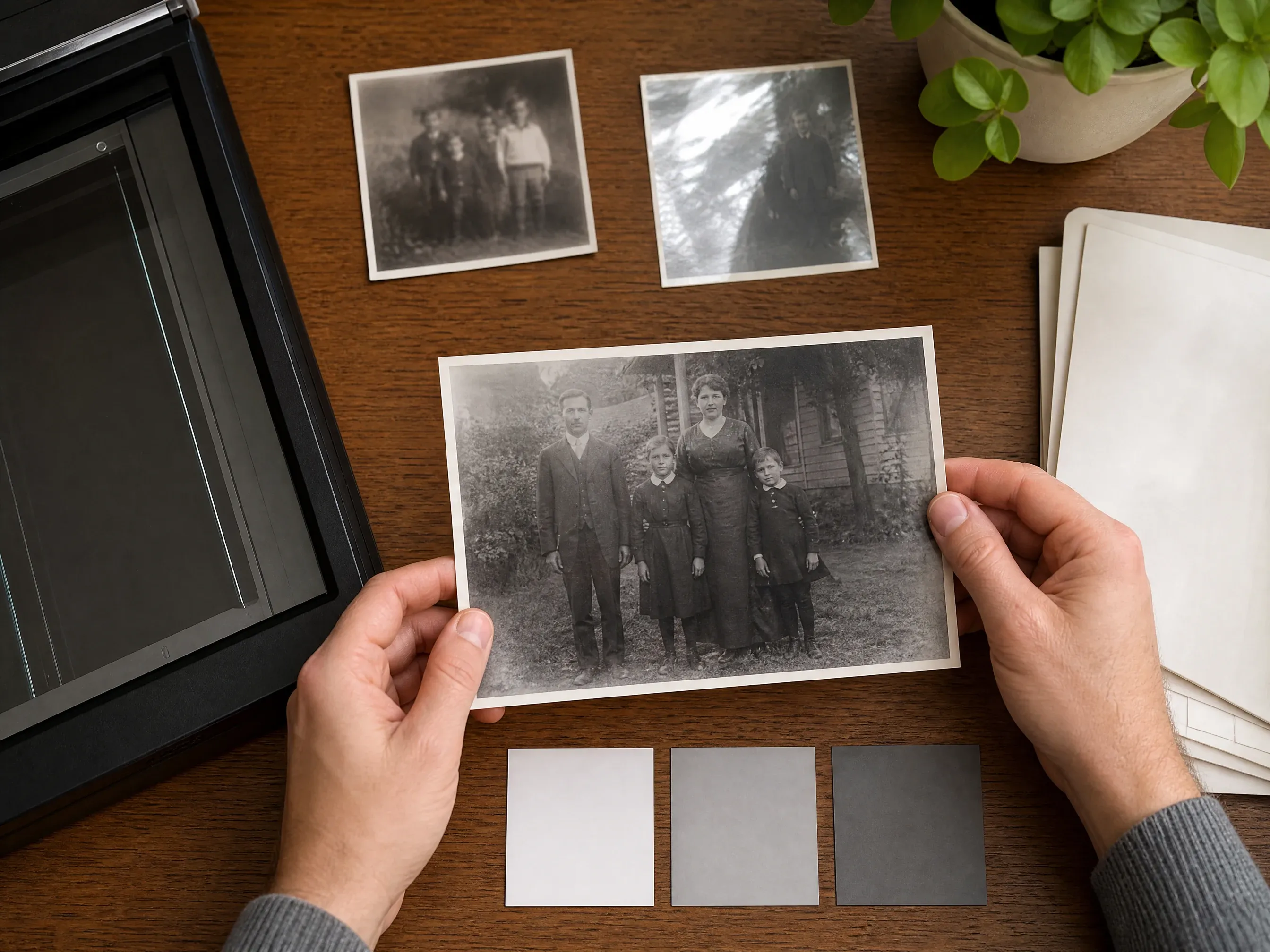
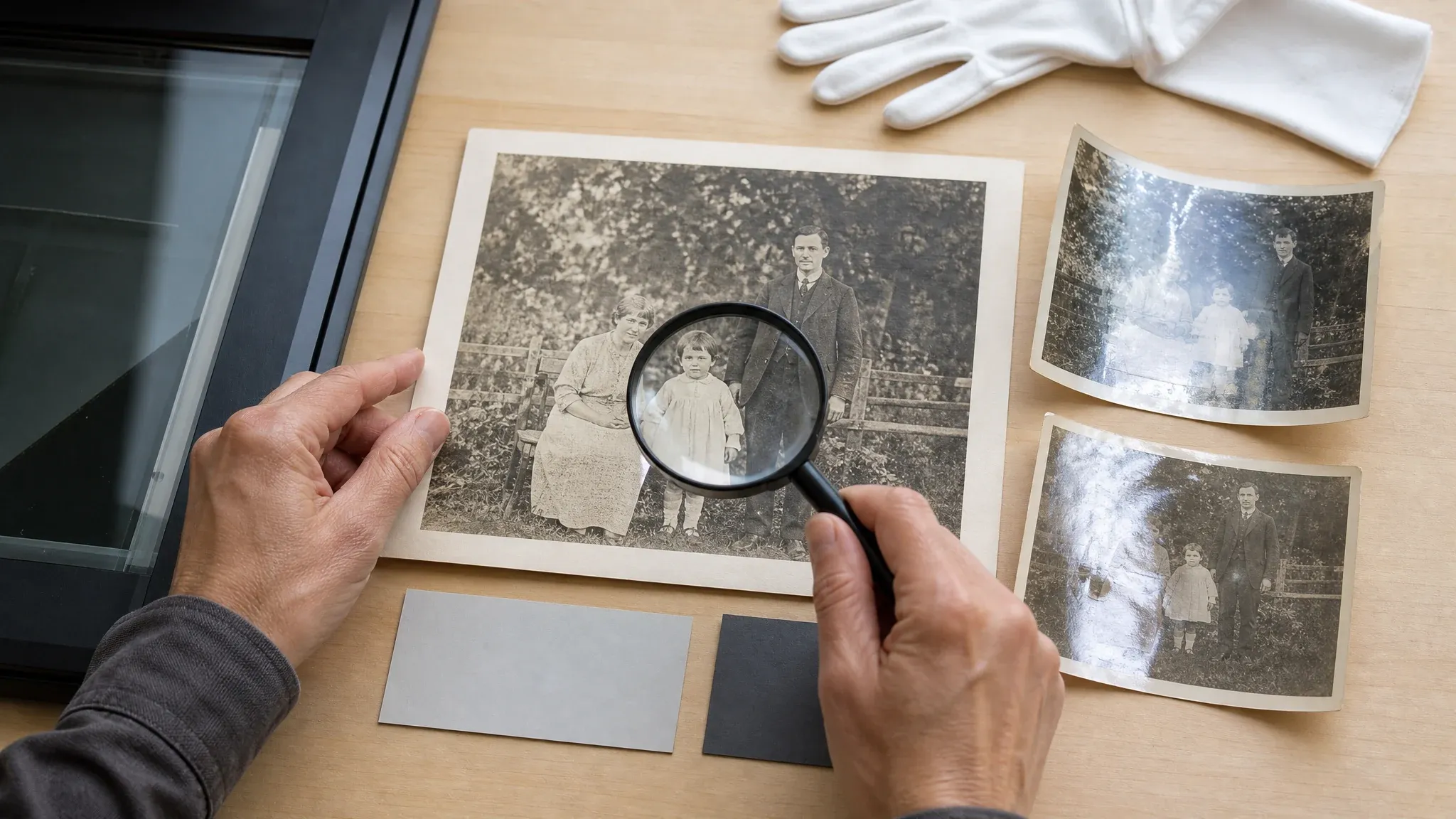
中文 flat scans readable faces and limited glare give the colorizer more real detail to interpret

中文 source photo quality guidance before AI colorization

AI 照片上色工具

中文 colorize black and white photos with AI 照片上色工具

中文 upload one black-and-white sepia or faded family photo and create a plausible AI color interpretation for review download and sharing the result is an AI reconstruction not verified historical truth so keep the original photo as the source of record

中文 B and W or sepia photo
中文 AI color interpretation
中文 download result
中文 no historical guarantee
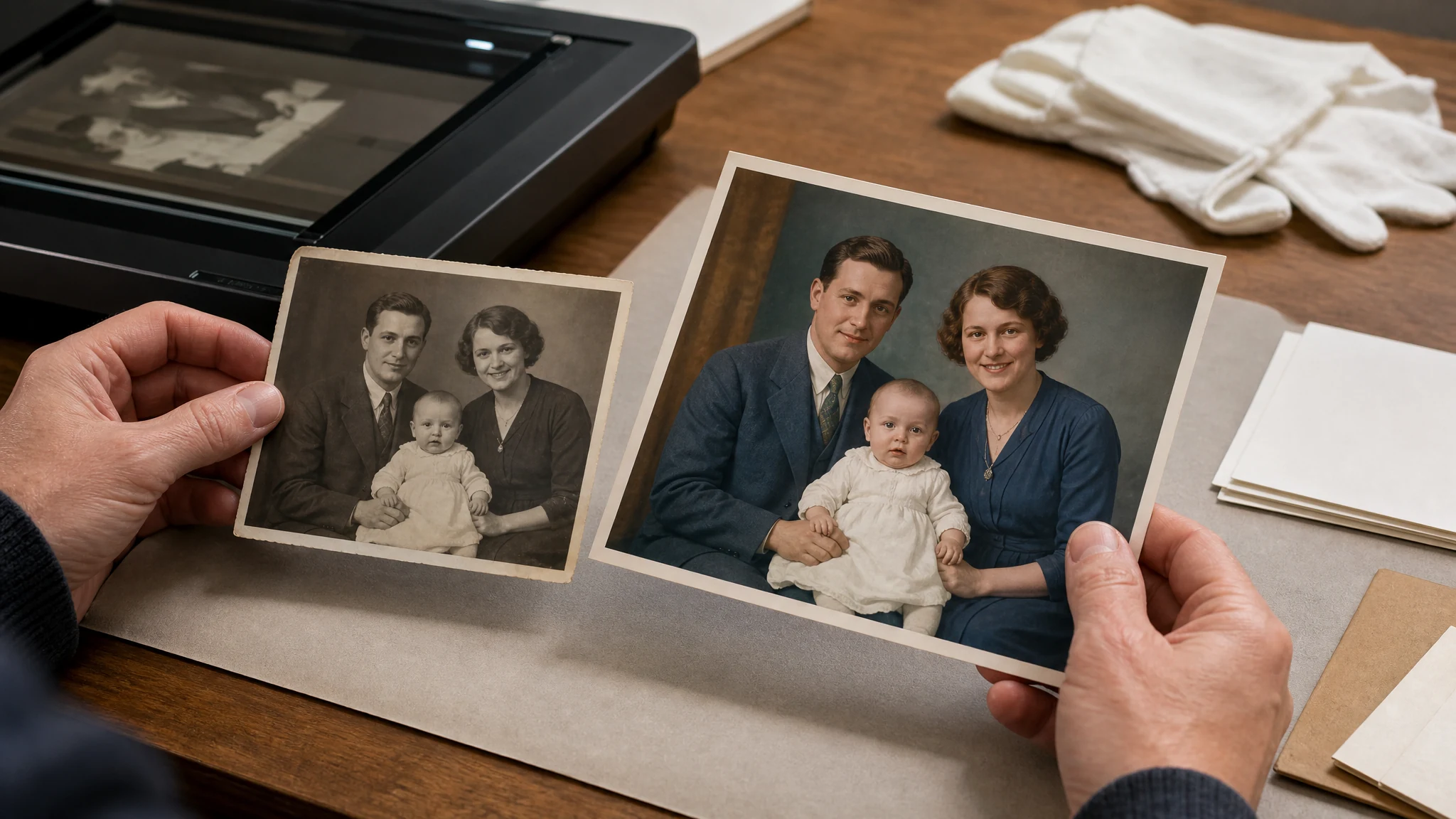
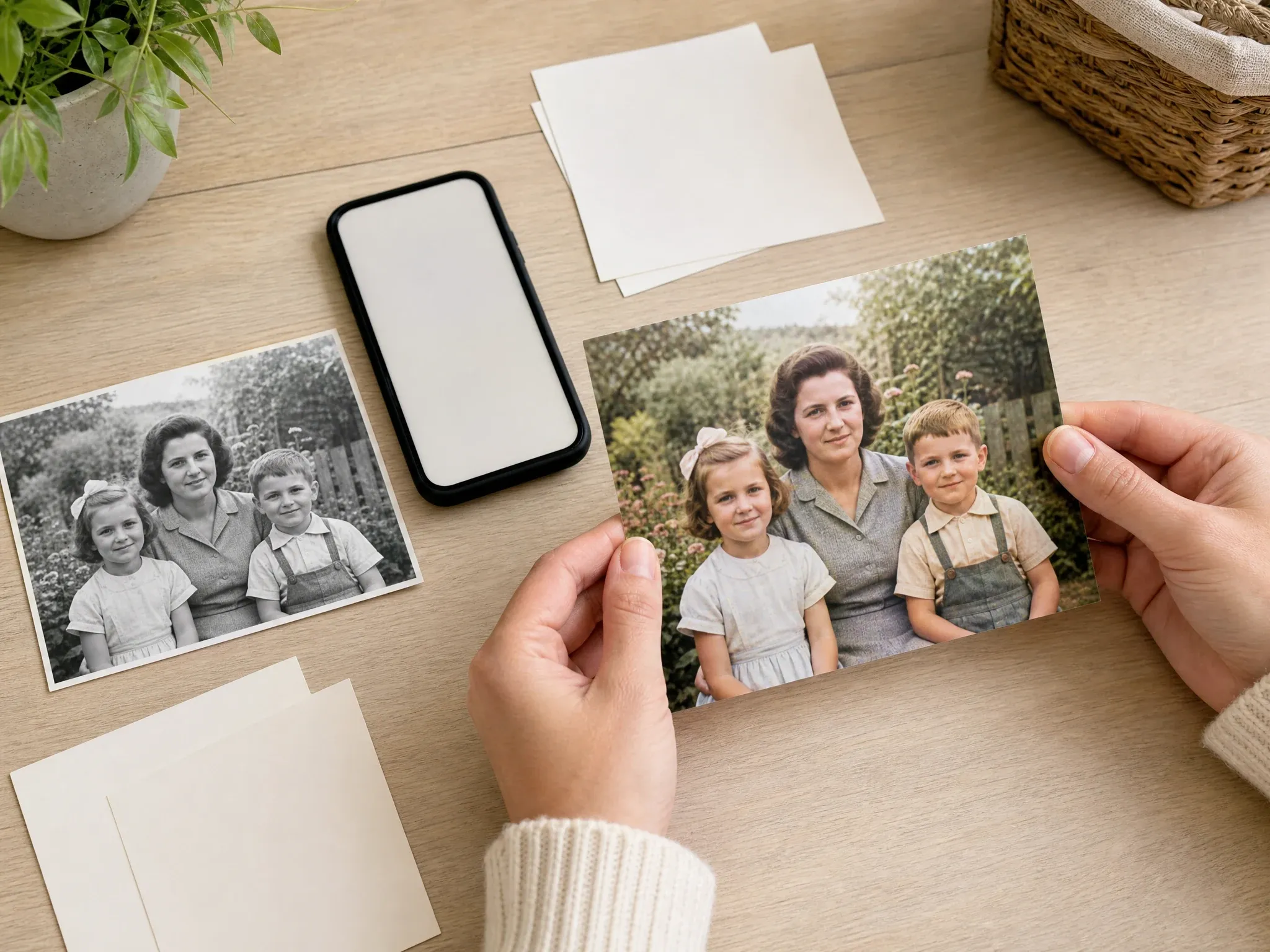
中文 AI photo colorizer workflow showing one black and white family photo becoming a plausible colorized review copy
10,000,000+中文 trusted users
4.9/5中文 rated by users
800,000,000+中文 creations

中文 used for family archive drafts portrait memories storytelling copies and careful review before sharing

中文 how it works

中文 how to colorize a black and white photo with AI 照片上色工具

中文 keep the workflow simple choose a readable old photo generate the AI color result then review the colorized copy before sharing

01

中文 upload the source photo

中文 choose one black-and-white sepia or faded photo with visible faces clothing and background details

02

中文 generate color

中文 start the colorization task and keep the page open while FaceAI creates a plausible color interpretation

03

中文 review and download

中文 check color choices identity-sensitive details and context before downloading or sharing the result

中文 what can you use an AI photo colorizer for

中文 use the colorizer for practical old-photo workflows family archives portrait storytelling social sharing restoration planning and creative review copies

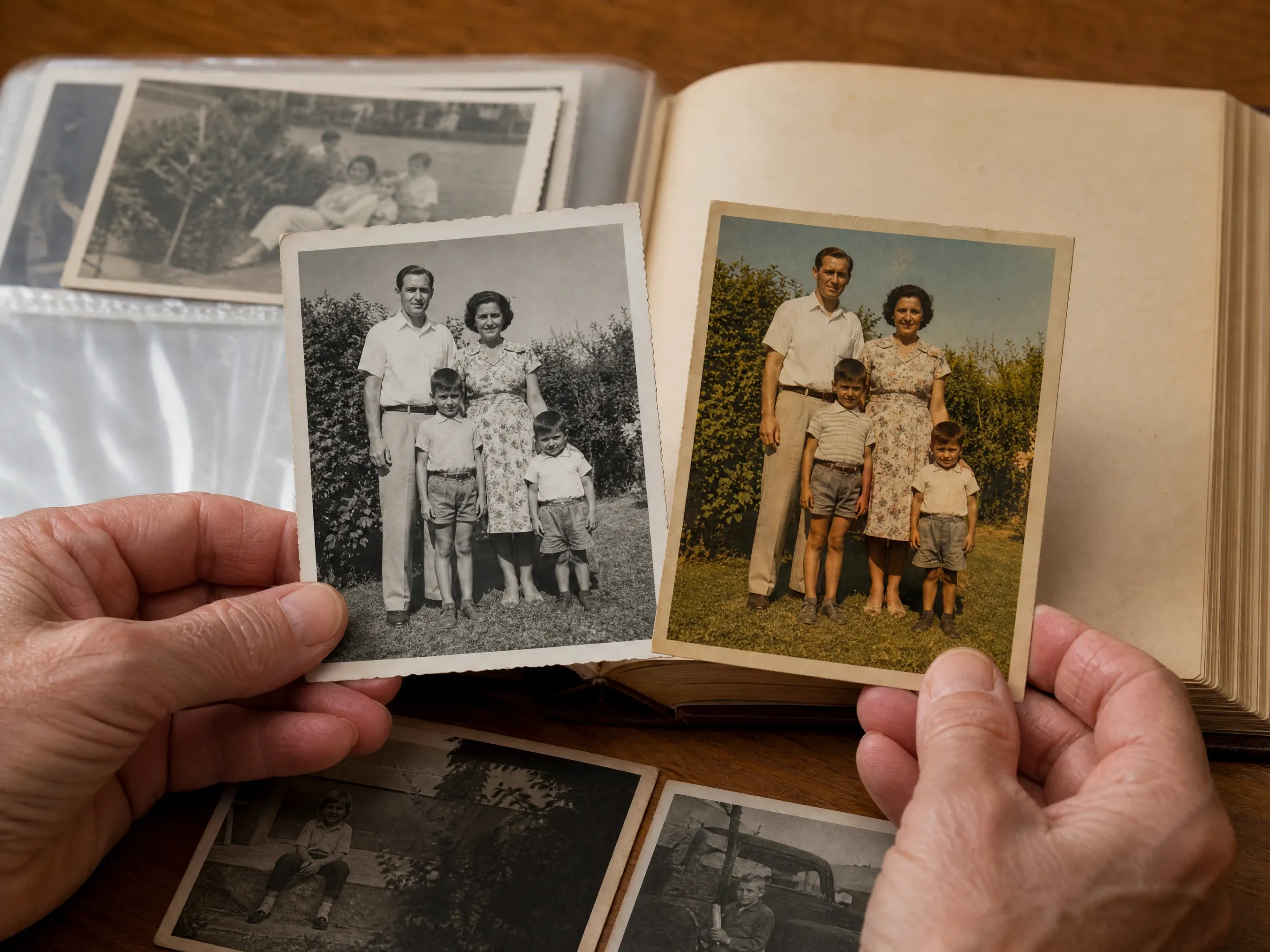
中文 family archive black and white photo beside an AI colorized review copy

中文 family archive color drafts

中文 turn black-and-white album photos into warmer review copies for relatives while preserving the original file separately

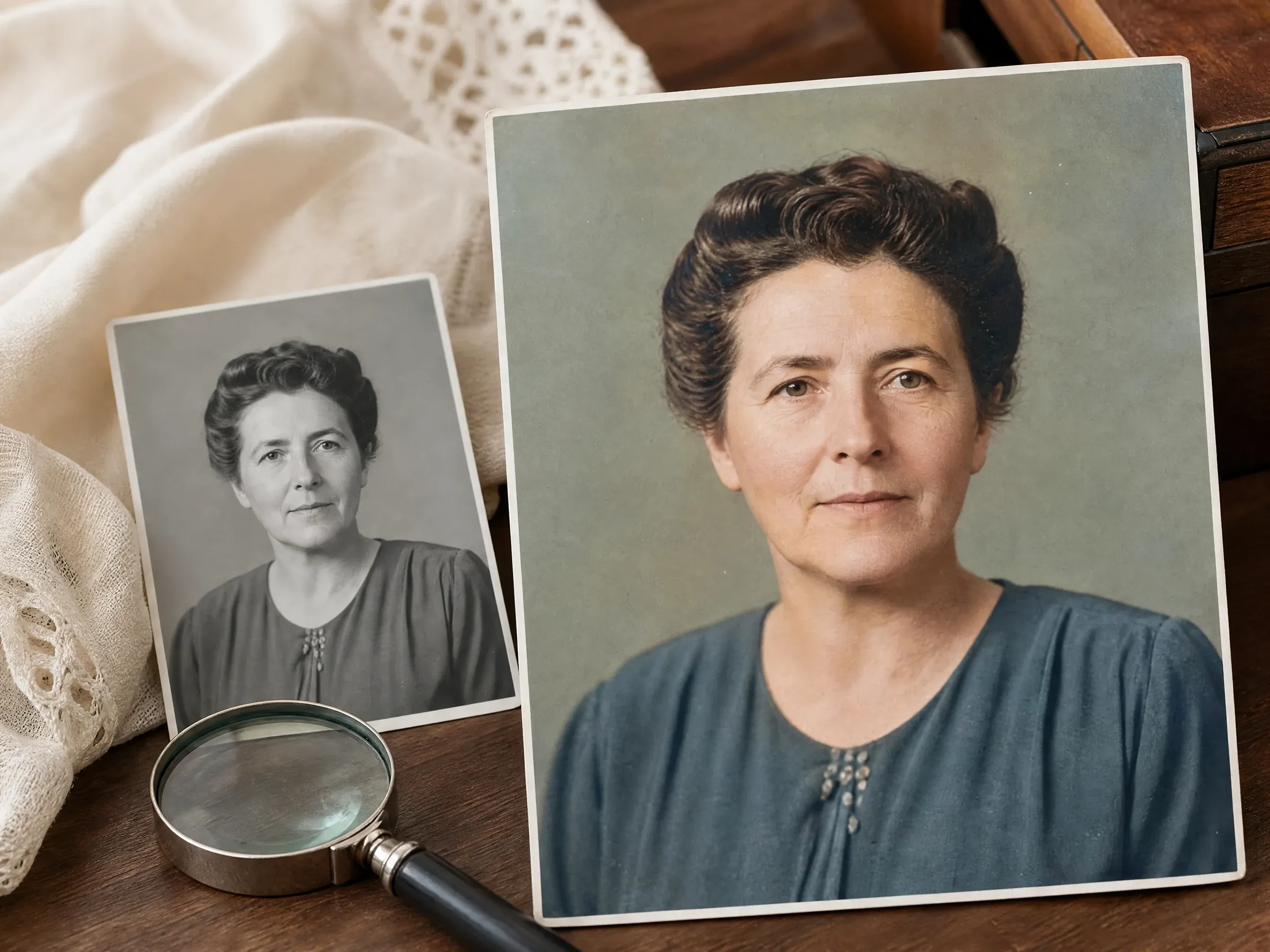
中文 old portrait photo colorized for family memory review

中文 portrait memories

中文 add plausible color to old portraits graduation photos wedding memories or inherited snapshots before sharing privately

中文 clean scan prepared before AI photo colorization

中文 restoration planning

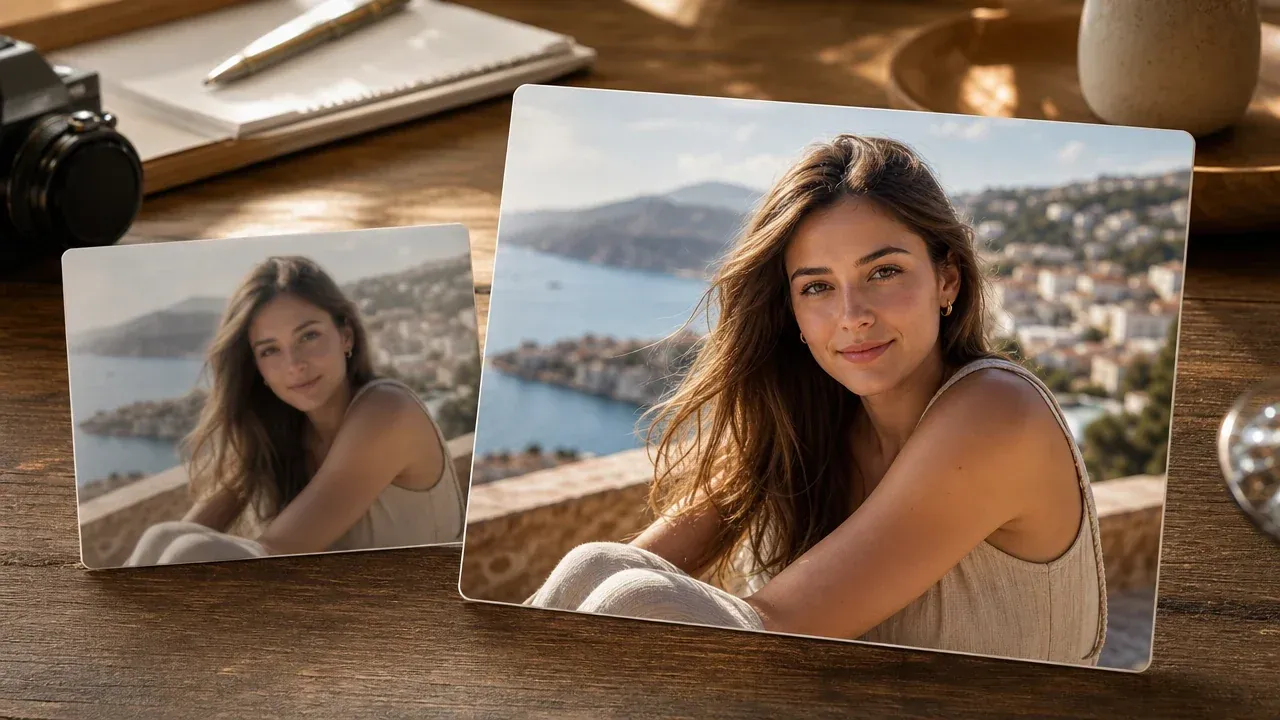
中文 create a color draft first then decide whether the photo still needs clarity enhancement upscaling or manual repair

中文 colorized old photo prepared as a share-ready review copy

中文 share-ready review copies

中文 download a colorized copy for family chats private albums presentations or storytelling posts after checking the result

中文 quick answer

中文 what is an AI photo colorizer

中文 an AI photo colorizer analyzes a monochrome or sepia source photo and generates a plausible color version it helps old photos feel easier to view but the color choices are inferred by AI

中文 plausible color not proof

中文 the result can be emotionally useful and visually convincing but it is not a verified historical record of exact clothing skin object or scene colors

中文 best with readable sources

中文 clear scans visible faces and simple lighting give the model more real context than tiny glossy angled or heavily damaged inputs

中文 separate from full restoration

中文 colorization does not promise scratch repair torn-corner reconstruction stain removal or print-ready memorial restoration

中文 why FaceAI

中文 why use AI 照片上色工具 for photo colorization

中文 FaceAI keeps the colorizer first gives source-photo guidance and keeps the public promise aligned with a focused one-photo colorization workflow

中文 tool-first page

中文 upload and test a photo before reading long copy the page is built around the actual colorization workflow

中文 dedicated result workspace

中文 colorized results stay in their own history download and share flow so they do not get mixed with enhancer or upscaler experiments

中文 honest color limits

中文 the page clearly says color is inferred not historically guaranteed so family and archive use stays responsible

中文 fits the old-photo workflow

中文 use enhancer upscaler editor or old photo restoration next depending on what the colorized image still needs

中文 source tips

中文 how to get better AI photo colorizer results

中文 colorization quality depends on the source give the model a clear photo then review every important detail before using the output

给照片上色

中文 use a flat scan

中文 scan or photograph the print flat in even light avoid glare album plastic strong shadows and angled phone captures

中文 crop to the photo

中文 remove table edges album borders handwritten notes and unrelated surroundings before uploading

中文 check important colors

中文 review faces uniforms flags products interiors and public-figure context carefully before sharing

中文 enhance when needed

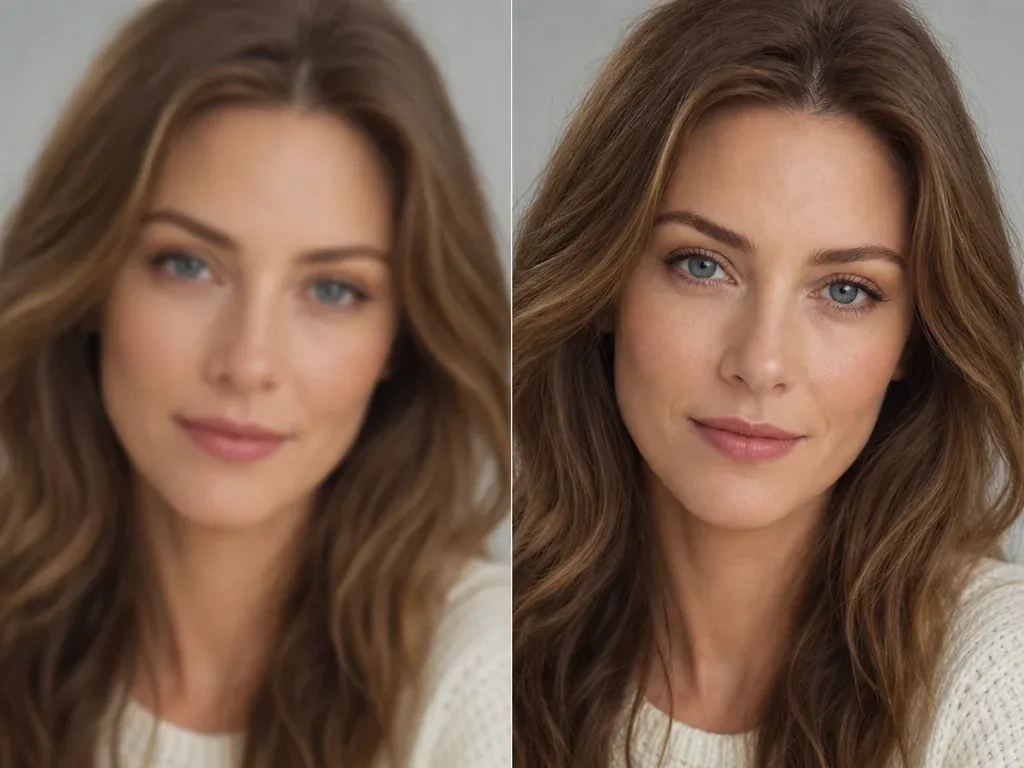
中文 if the colorized result is useful but soft move it to photo enhancer or image upscaler for a separate clarity pass

中文 comparison

中文 FaceAI photo colorizer vs restoration upscaling and manual editing

中文 pick the workflow that matches the real problem colorization adds plausible color it does not replace enhancement damage repair or human archive review

中文 starting point

我们

中文 starting point handled through one black-and-white sepia or faded photo colorized result preview history download share and review

中文 other photo workflows

中文 starting point may require restoration suites manual editors era presets color evidence scratch repair upscaling or human archive review

中文 best use

我们

中文 best use handled through one black-and-white sepia or faded photo colorized result preview history download share and review

中文 other photo workflows

中文 best use may require restoration suites manual editors era presets color evidence scratch repair upscaling or human archive review

中文 controls

我们

中文 controls handled through one black-and-white sepia or faded photo colorized result preview history download share and review

中文 other photo workflows

中文 controls may require restoration suites manual editors era presets color evidence scratch repair upscaling or human archive review

中文 accuracy boundary

我们

中文 accuracy boundary handled through one black-and-white sepia or faded photo colorized result preview history download share and review

中文 other photo workflows

中文 accuracy boundary may require restoration suites manual editors era presets color evidence scratch repair upscaling or human archive review

中文 next step

我们

中文 next step handled through one black-and-white sepia or faded photo colorized result preview history download share and review

中文 other photo workflows

中文 next step may require restoration suites manual editors era presets color evidence scratch repair upscaling or human archive review

中文 how people use AI 照片上色工具

中文 these comments focus on the actual loop prepare a clear old photo generate plausible color inspect the result then download or continue editing

中文 photo colorizer review 1: start with one permitted black and white sepia or faded photo, generate plausible AI color, check faces clothing uniforms objects and background, keep the original as the source of record, and use enhancer editor or restoration tools only when a separate cleanup step is needed.

Mei Chen

E-commerce Director

中文 photo colorizer review 2: start with one permitted black and white sepia or faded photo, generate plausible AI color, check faces clothing uniforms objects and background, keep the original as the source of record, and use enhancer editor or restoration tools only when a separate cleanup step is needed.

Yuki Tanaka

Head of Marketplace Operations

中文 photo colorizer review 3: start with one permitted black and white sepia or faded photo, generate plausible AI color, check faces clothing uniforms objects and background, keep the original as the source of record, and use enhancer editor or restoration tools only when a separate cleanup step is needed.

Jieun Park

Growth Marketing Lead

中文 photo colorizer review 4: start with one permitted black and white sepia or faded photo, generate plausible AI color, check faces clothing uniforms objects and background, keep the original as the source of record, and use enhancer editor or restoration tools only when a separate cleanup step is needed.

Aaliyah Williams

Digital Marketing Director

中文 photo colorizer review 5: start with one permitted black and white sepia or faded photo, generate plausible AI color, check faces clothing uniforms objects and background, keep the original as the source of record, and use enhancer editor or restoration tools only when a separate cleanup step is needed.

Ananya Iyer

Content Marketing Lead

中文 photo colorizer review 6: start with one permitted black and white sepia or faded photo, generate plausible AI color, check faces clothing uniforms objects and background, keep the original as the source of record, and use enhancer editor or restoration tools only when a separate cleanup step is needed.

Mai Nguyen

Growth Marketing Lead

中文 AI 照片上色工具 FAQ

中文 direct answers about black-and-white photo colorization source quality historical accuracy damage repair sharing and next steps

中文 Basics answer 1 for one source photo plausible AI color source quality historical limits damage repair limits download sharing rights and next-step editing

中文 Basics answer 2 for one source photo plausible AI color source quality historical limits damage repair limits download sharing rights and next-step editing

中文 Basics answer 3 for one source photo plausible AI color source quality historical limits damage repair limits download sharing rights and next-step editing

中文 Quality and limits answer 1 for one source photo plausible AI color source quality historical limits damage repair limits download sharing rights and next-step editing

中文 Quality and limits answer 2 for one source photo plausible AI color source quality historical limits damage repair limits download sharing rights and next-step editing

中文 Quality and limits answer 3 for one source photo plausible AI color source quality historical limits damage repair limits download sharing rights and next-step editing

中文 Use and workflow answer 1 for one source photo plausible AI color source quality historical limits damage repair limits download sharing rights and next-step editing

中文 Use and workflow answer 2 for one source photo plausible AI color source quality historical limits damage repair limits download sharing rights and next-step editing

中文 Use and workflow answer 3 for one source photo plausible AI color source quality historical limits damage repair limits download sharing rights and next-step editing

中文 upload one black and white photo and create a colorized copy

中文 start with a clear source photo generate plausible AI color then inspect and download the result before sharing it