
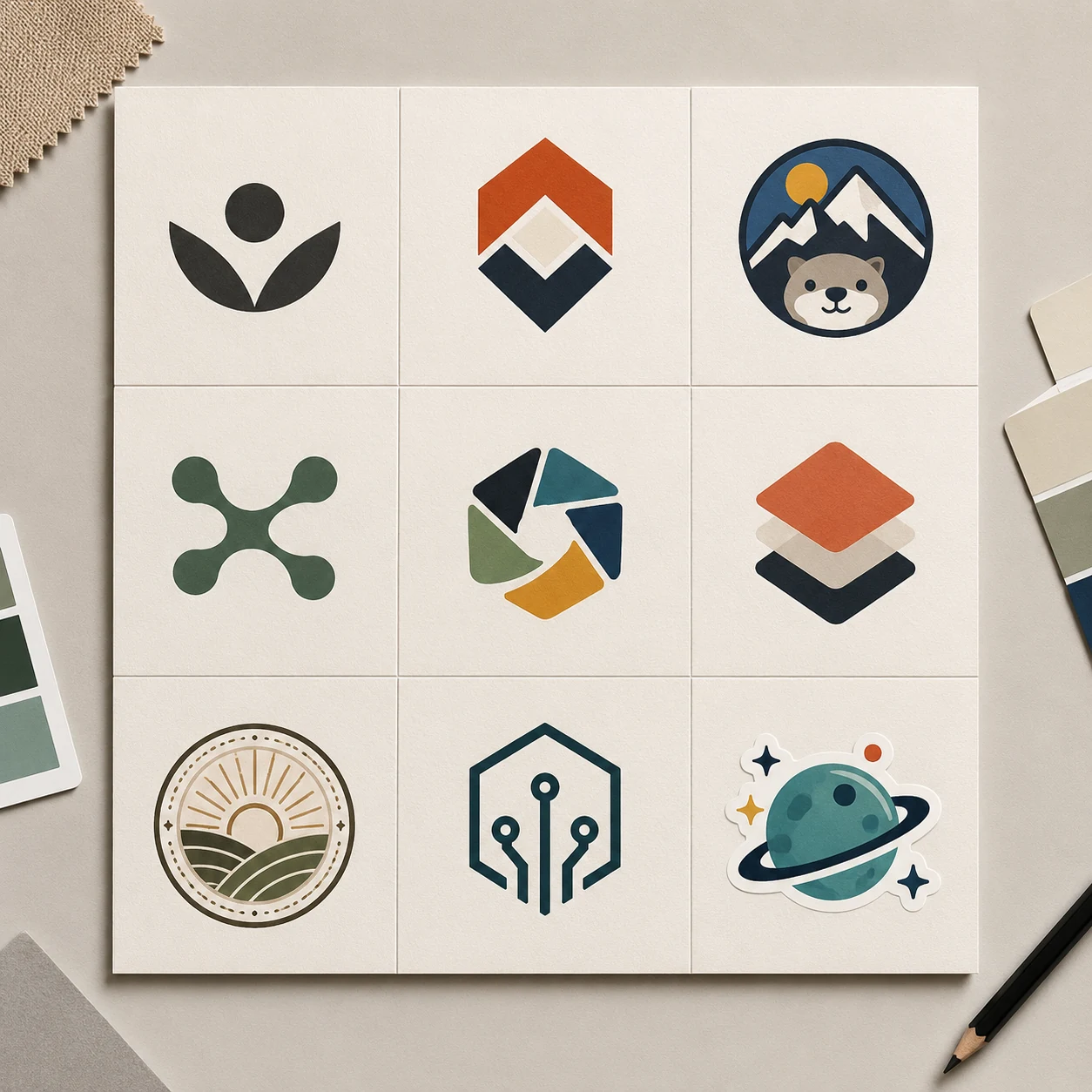
免费 AI Logo 生成器,快速探索九种创意
描述你的创业项目、店铺、创作者频道、播客或产品想法,生成一张包含九种栅格 Logo 方向的方形概念板。Face AI 适合在线寻找 Logo 灵感:先比较标志和徽章,再在设计流程中重绘选中的图形、处理准确字体与矢量文件,并完成品牌规范和商标检查。
全球已有超过 1200 万用户使用。
如何使用 AI Logo 生成器
把它当作品牌身份头脑风暴:撰写简介,生成九条视觉路线,再用可控的设计工具完成选中的方向。
描述品牌
写明产品、受众、个性、行业、色彩气质和符号方向。不要要求模型拼写最终品牌名称。
选择风格和板式
从极简标志、字母组合、吉祥物、抽象符号、几何徽章、复古徽章、科技图标、奢华或趣味路线中选择。
筛选并手动完成
下载概念板,选定方向,重绘为矢量,加入准确字体,并在发布前进行商标和法律审查。
AI Logo 生成器可以帮你制作什么?
当多种视觉方向比一个假装完成的字标更有价值时,用 Face AI 做早期 Logo 灵感探索。
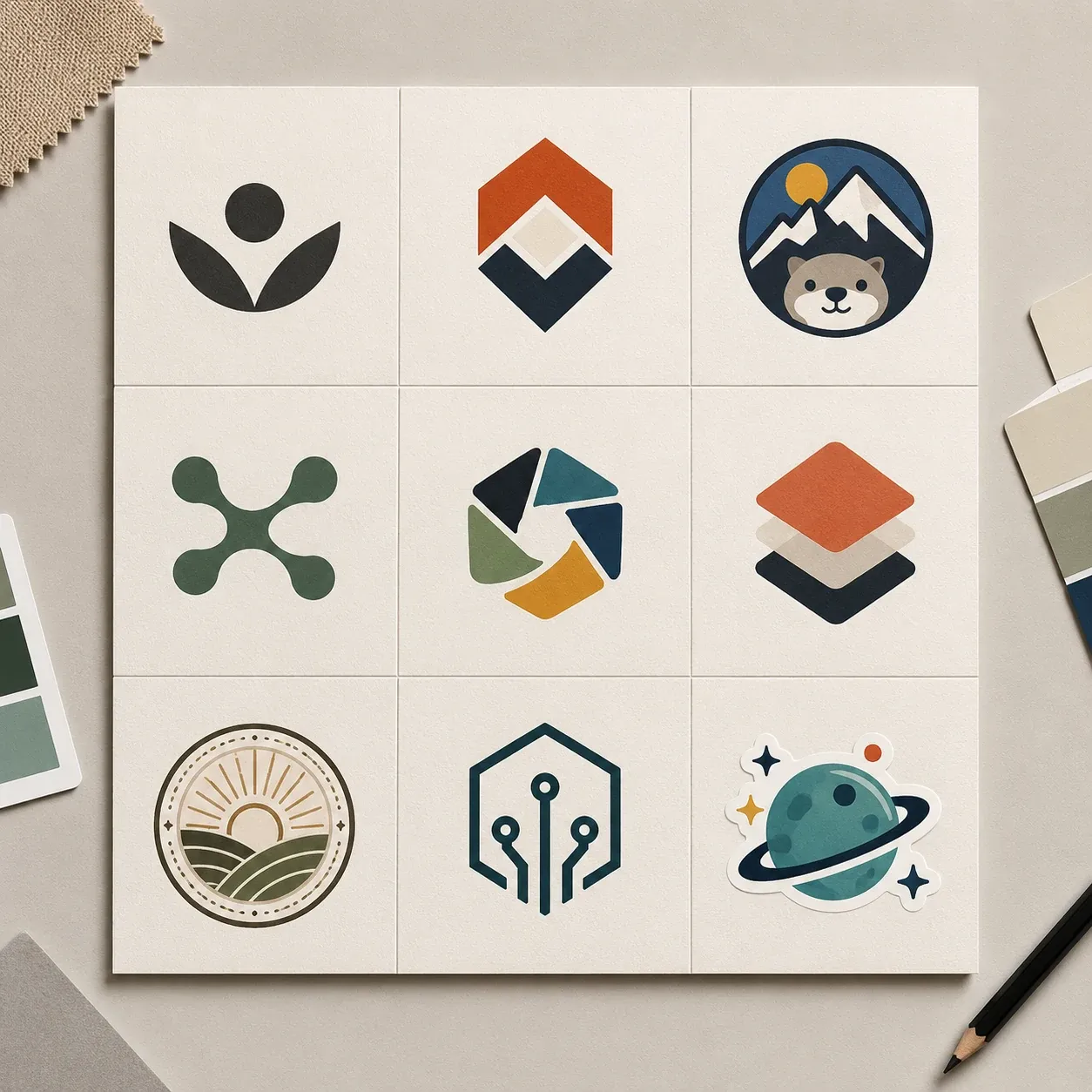
创业项目与副业 Logo 灵感
写下产品、受众和语气,生成九种 AI Logo 概念,让创始人在聘请设计师前先比较方向。
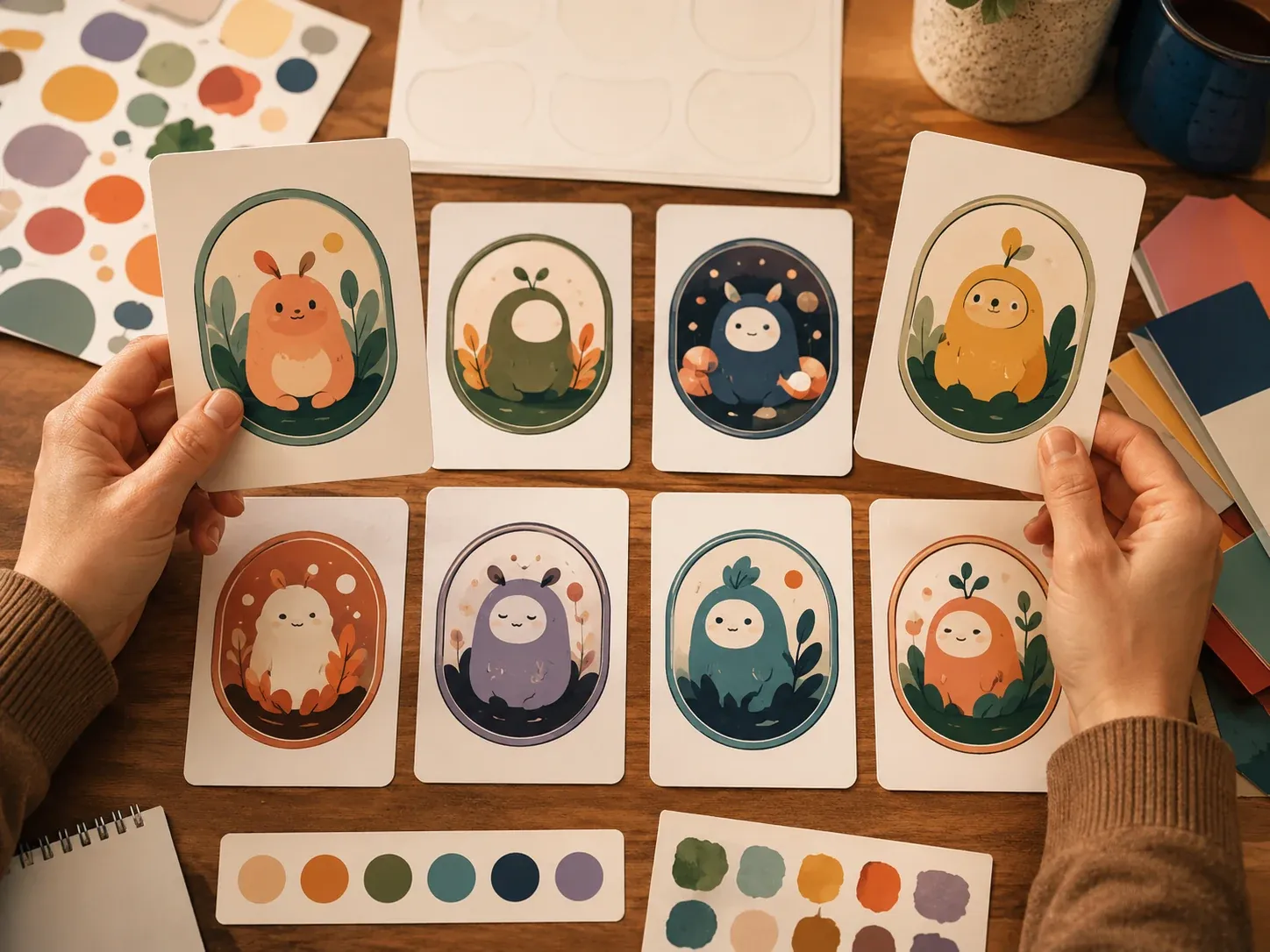
创作者、播客和社群徽章
探索吉祥物徽章、频道图标、播客标志、游戏社群徽章和友好的个人品牌想法,不复制现有角色。
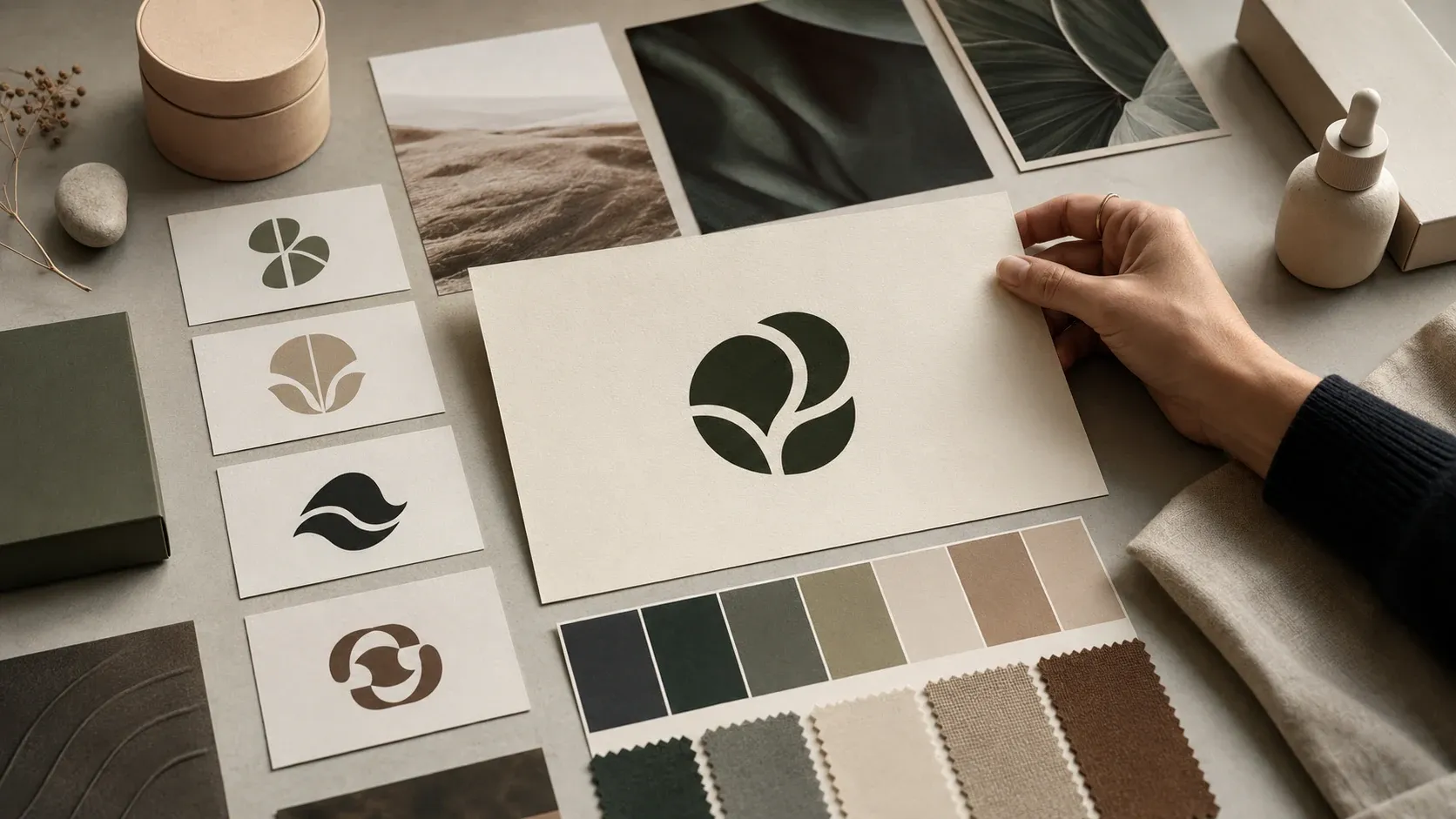
电商与按需印刷视觉方向
在把想法用于包装或印刷 artwork 前,先测试店铺应呈现手作、高级、趣味、科技还是复古气质。
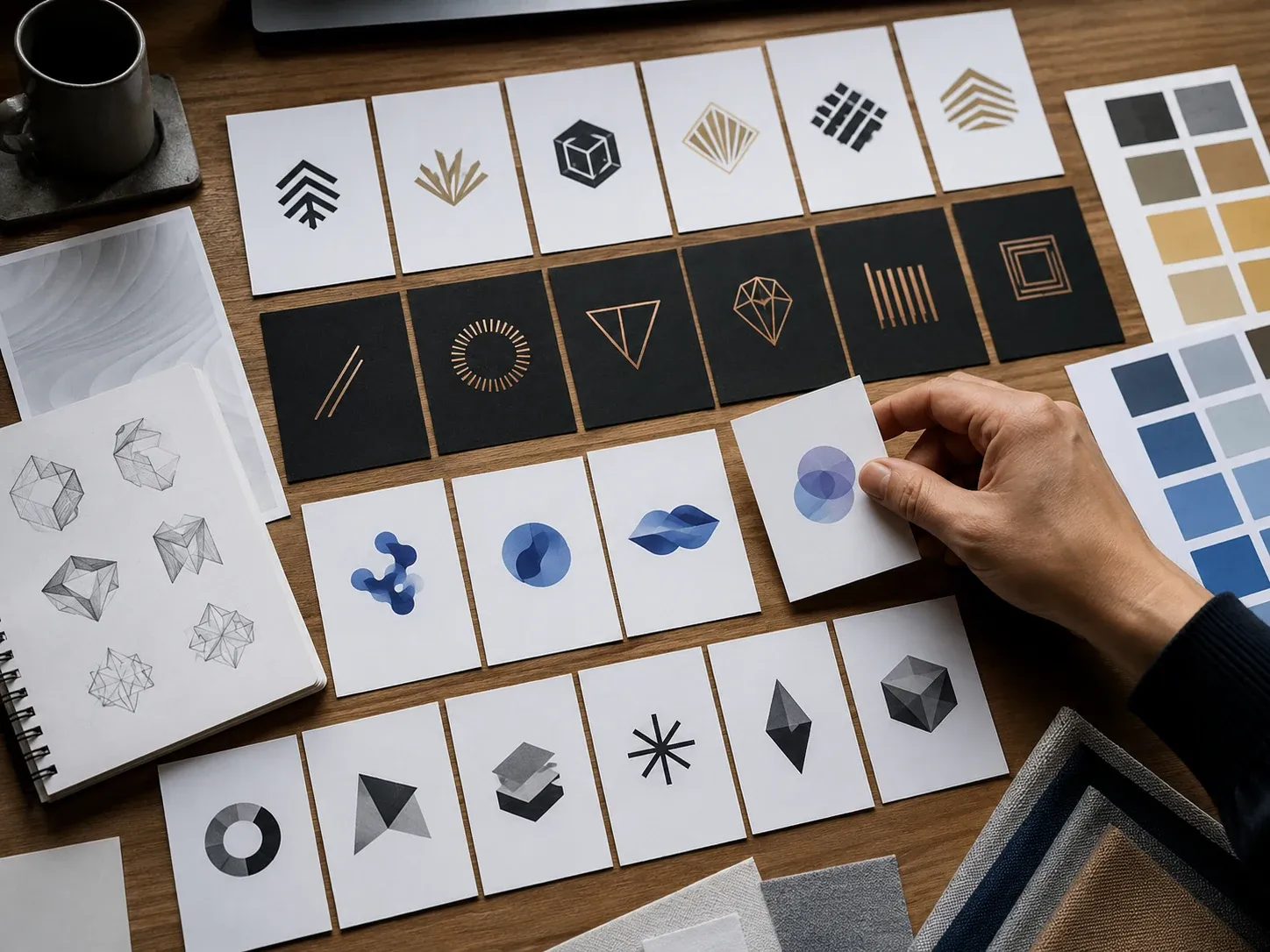
客户情绪板工作坊
生成 3×3 Logo 概念板,让客户围绕形状、氛围和品牌个性讨论,而不是纠结一张未完成草稿。
吉祥物与徽章探索
在确定一种身份语言前,比较极简、字母、吉祥物、抽象、几何、复古、科技、奢华和趣味路线。
营销与发布情绪板
把 Logo 概念作为第一处视觉锚点,再制作海报、落地页、发布图、包装或社交媒体视觉。
什么是 AI Logo 生成器?
AI Logo 生成器根据品牌简介制作栅格 Logo 概念图。你可以先探索方向,再进行最终矢量设计、字体排版和商标审查。
Logo 概念草图
为早期评审生成原创标志、徽章、徽记、吉祥物或字标氛围图。
一次比较九条方向
默认 3×3 概念板比逐张生成孤立图片更方便比较。
仍需手动完成
准确文字、矢量源文件、透明导出、色彩规范、品牌指南和法律审查要在生成之外完成。
为什么用 Face AI 做免费的 AI Logo 灵感探索?
当你需要在正式品牌制作前快速比较 Logo 方向时使用。工作台先出现,再帮助你把选中的视觉路线带入真正的设计流程。
工具优先的 Logo 灵感
打开页面就能从品牌简介开始,不必先读长文、安装应用或制作完整品牌手册。
九种实用风格预设
风格选择器覆盖极简标志、字母组合、吉祥物、徽章、科技图标、复古徽章和奢华氛围。
准备最终 Logo 套件
Face AI 生成栅格概念图。准确字标、SVG 或 EPS、透明版本、品牌指南和商标检查要在专业设计流程中完成。
清晰的下一步
用历史记录和下载功能审阅结果;只有在概念值得保留后,再进行重绘、编辑、放大、去背景或制作营销视觉。
AI Logo 生成器、品牌套件工具与手动设计
选择合适的流程。Face AI 擅长探索 Logo 概念,完整的品牌系统仍需要可控的设计工作。
| 对比项 | Face AI我们 Face AI Logo 概念流程 | 其他流程 |
|---|---|---|
| 起点 | 品牌简介,加上风格和输出用途控制。 | 品牌套件平台通常从企业名称、行业、配色、模板和可编辑版式开始。 |
| 输出 | 用于评审的栅格 Logo 概念图或 3×3 概念板。 | 专业 Logo 软件可能导出 SVG、EPS、PDF、透明 PNG、图标和品牌指南文件。 |
| 文字控制 | 不保证准确呈现可读的企业名称或标语。 | 手动工具和编辑器应控制每一个字母、字距和组合方式。 |
| 最佳用途 | 早期方向、风格比较、情绪板、吉祥物或徽章灵感。 | 最终商业身份、可用于商标的素材、生产文件和品牌系统。 |
| 权利审查 | 避开受保护品牌,仅把结果当作灵感。 | 正式品牌项目仍需设计师审阅、素材权属检查和法律许可。 |
| 下一步 | 筛选、矢量重绘、加入字体、测试使用场景,然后发布。 | 部分软件把编辑器、样机、文件和印刷交付整合在一起。 |
起点
品牌简介,加上风格和输出用途控制。
品牌套件平台通常从企业名称、行业、配色、模板和可编辑版式开始。
输出
用于评审的栅格 Logo 概念图或 3×3 概念板。
专业 Logo 软件可能导出 SVG、EPS、PDF、透明 PNG、图标和品牌指南文件。
文字控制
不保证准确呈现可读的企业名称或标语。
手动工具和编辑器应控制每一个字母、字距和组合方式。
最佳用途
早期方向、风格比较、情绪板、吉祥物或徽章灵感。
最终商业身份、可用于商标的素材、生产文件和品牌系统。
权利审查
避开受保护品牌,仅把结果当作灵感。
正式品牌项目仍需设计师审阅、素材权属检查和法律许可。
下一步
筛选、矢量重绘、加入字体、测试使用场景,然后发布。
部分软件把编辑器、样机、文件和印刷交付整合在一起。
使用 Logo 概念前先检查这些事项
生成的概念可以指向好的方向,但仍需要手动制作和法律审查。
保持形状原创
拒绝与真实品牌、受版权保护的吉祥物、平台图标、公共机构或受保护标志相似的概念。
不要相信 AI 文字
忽略错误字母,在设计工具中手动加入企业名称、标语和字体,确保每个字形都可控。
正确完成文件
把选定路线重绘为矢量,制作透明版本,定义色彩规范,并在公开发布前评估商标风险。
团队如何使用 AI Logo 生成器
这些反馈聚焦于实际流程:生成 3×3 概念板、比较方向,再在生成工具之外完成选中的标志。
"这个 3×3 画板很适合第一轮品牌方向。我可以在重绘成矢量前比较标志、徽章和吉祥物路线。"

Nina Volkov
Visual Design Director
"一份简介就能给团队九条视觉路线,而且没有假装生成的字母已经可以使用。这正是制作前需要的东西。"

Amara Johansson
Head of Visual Identity
"风格预设让 Logo 灵感变得务实:字母组合、徽章、吉祥物、科技图标、奢华和趣味方向都各有起点。"

Mia Torres
Design Director
"我们用它制作情绪板、和创始人讨论。准确品牌名、商标检查和最终文件仍在设计流程里完成。"

Kai Nakamura
Global Creative Director
"页面诚实说明输出是栅格图。我可以下载概念板、筛选方向,再请设计师完成字体。"

Priya Chen
Creative Strategy Lead
"用于命名工作坊时,九宫格结果能让客户先回应形状和个性,不会卡在虚假的 AI 文字上。"

Zeke Williams
Senior Art Director
"这个 3×3 画板很适合第一轮品牌方向。我可以在重绘成矢量前比较标志、徽章和吉祥物路线。"
Nina Volkov
Visual Design Director
"一份简介就能给团队九条视觉路线,而且没有假装生成的字母已经可以使用。这正是制作前需要的东西。"
Amara Johansson
Head of Visual Identity
"风格预设让 Logo 灵感变得务实:字母组合、徽章、吉祥物、科技图标、奢华和趣味方向都各有起点。"
Mia Torres
Design Director
"我们用它制作情绪板、和创始人讨论。准确品牌名、商标检查和最终文件仍在设计流程里完成。"
Kai Nakamura
Global Creative Director
"页面诚实说明输出是栅格图。我可以下载概念板、筛选方向,再请设计师完成字体。"
Priya Chen
Creative Strategy Lead
"用于命名工作坊时,九宫格结果能让客户先回应形状和个性,不会卡在虚假的 AI 文字上。"
Zeke Williams
Senior Art Director
"最好的提示会写明品牌个性、受众、行业和形状。要求准确标语并不是合适的用法。"

Astrid Nielsen
Head of Thought Leadership
"这个 3×3 画板很适合第一轮品牌方向。我可以在重绘成矢量前比较标志、徽章和吉祥物路线。"
Nina Volkov
Visual Design Director
"一份简介就能给团队九条视觉路线,而且没有假装生成的字母已经可以使用。这正是制作前需要的东西。"
Amara Johansson
Head of Visual Identity
"风格预设让 Logo 灵感变得务实:字母组合、徽章、吉祥物、科技图标、奢华和趣味方向都各有起点。"
Mia Torres
Design Director
"我们用它制作情绪板、和创始人讨论。准确品牌名、商标检查和最终文件仍在设计流程里完成。"
Kai Nakamura
Global Creative Director
"页面诚实说明输出是栅格图。我可以下载概念板、筛选方向,再请设计师完成字体。"
Priya Chen
Creative Strategy Lead
"用于命名工作坊时,九宫格结果能让客户先回应形状和个性,不会卡在虚假的 AI 文字上。"
Zeke Williams
Senior Art Director
"最好的提示会写明品牌个性、受众、行业和形状。要求准确标语并不是合适的用法。"
Astrid Nielsen
Head of Thought Leadership
"我喜欢这个边界:原创抽象标志,不生成真实 Logo,不复制受版权保护的吉祥物,也不承诺矢量文件。"

Rafael Santos
VP of Creative
"非设计团队终于可以并排看到多种方向,把模糊的品牌感觉变成可讨论的东西。"

Ananya Iyer
Content Marketing Lead
"本地化历史很重要,因为一次风格变化就可能让 Logo 概念像换了一家公司。"

Charlotte Beaumont
Director of Content Operations
"做落地页测试时,我用概念板选择视觉语气,再把所有标志和字母替换成已批准的品牌素材。"

Yifan Zheng
Demand Generation Lead
"吉祥物徽章和几何徽记预设很适合游戏、创作者和社群品牌的早期探索。"

Devon Park
Interactive Creative Director
"它不是品牌手册,但能快速判断品牌应该高级、趣味、科技还是手作。"

Marie Laurent
Storytelling & Brand Lead
"法律和制作限制说得很清楚,所以团队把它当灵感,而不是最终 Logo 文件。"

Jordan Kim
Growth Lead
"我喜欢这个边界:原创抽象标志,不生成真实 Logo,不复制受版权保护的吉祥物,也不承诺矢量文件。"
Rafael Santos
VP of Creative
"非设计团队终于可以并排看到多种方向,把模糊的品牌感觉变成可讨论的东西。"
Ananya Iyer
Content Marketing Lead
"本地化历史很重要,因为一次风格变化就可能让 Logo 概念像换了一家公司。"
Charlotte Beaumont
Director of Content Operations
"做落地页测试时,我用概念板选择视觉语气,再把所有标志和字母替换成已批准的品牌素材。"
Yifan Zheng
Demand Generation Lead
"吉祥物徽章和几何徽记预设很适合游戏、创作者和社群品牌的早期探索。"
Devon Park
Interactive Creative Director
"它不是品牌手册,但能快速判断品牌应该高级、趣味、科技还是手作。"
Marie Laurent
Storytelling & Brand Lead
"法律和制作限制说得很清楚,所以团队把它当灵感,而不是最终 Logo 文件。"
Jordan Kim
Growth Lead
Logo 概念之后可以尝试什么?
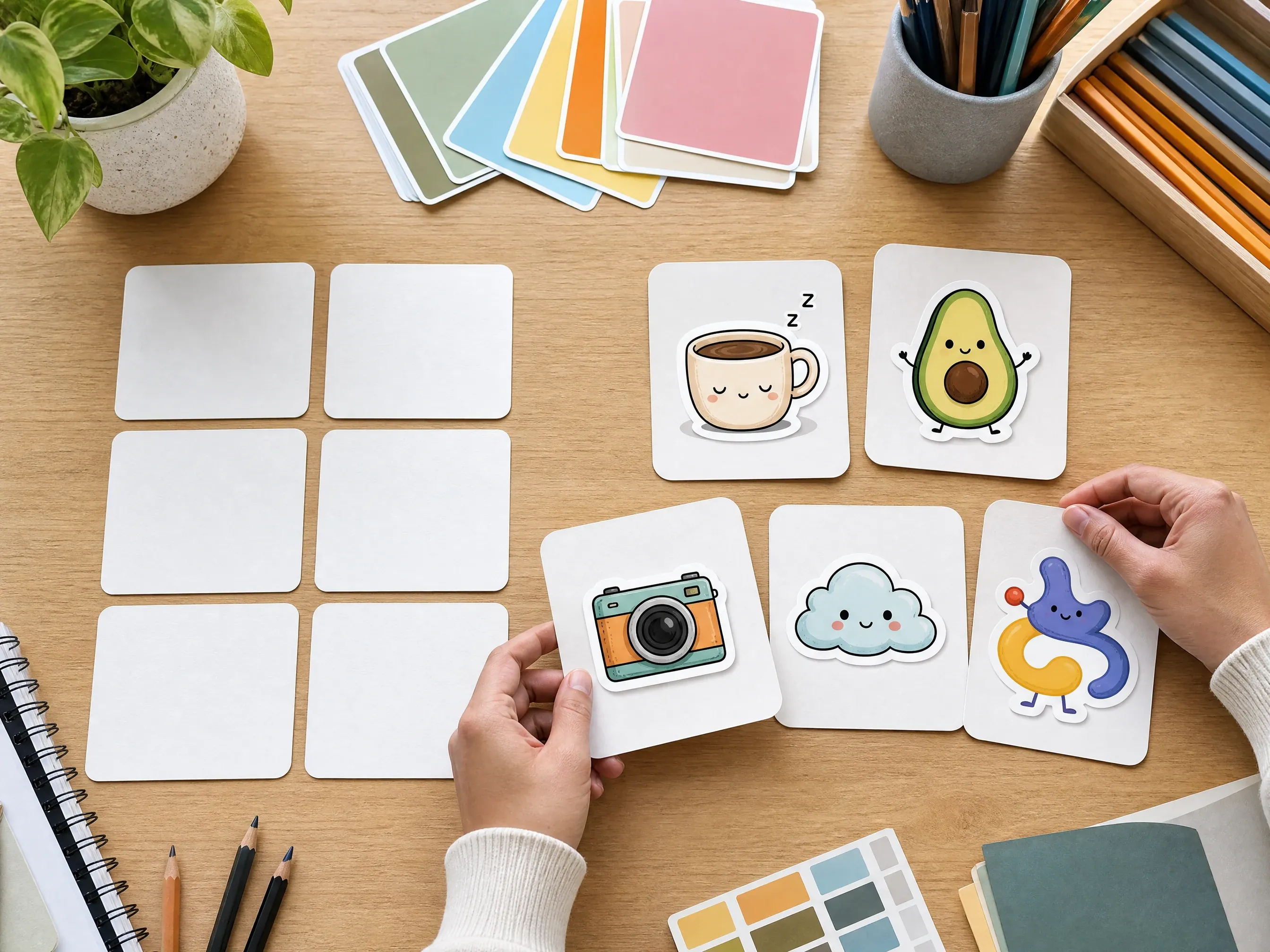
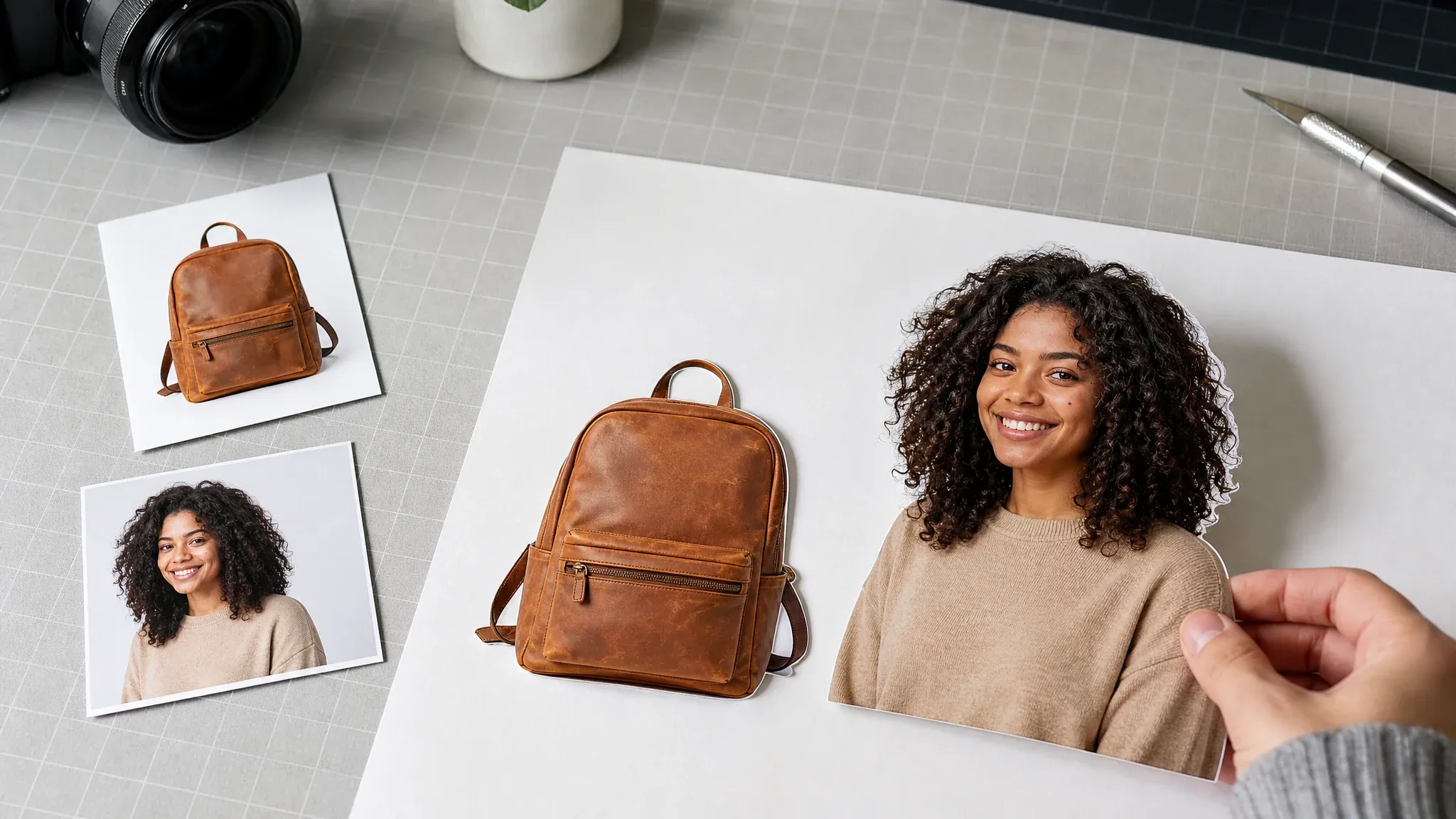
根据真正的阻碍选择下一款 Face AI 工具。字体和矢量文件请在 Face AI 之外完成;这里的工具适合拓展视觉、制作贴纸徽章、清理图片、分离背景或制作营销图。



AI Logo 生成器 FAQ
关于 Logo 概念板、企业名称、矢量文件、透明输出、品牌手册、版权和提示写法的直接回答。
它会生成栅格 Logo 概念图,默认输出是一张包含九种不同方向的 3×3 概念板。
是的。打开工作台即可使用当前免费的 1K 输出生成栅格 Logo 概念。
直接打开工作台,按照页面步骤生成、审阅并下载栅格 Logo 概念。
可以。你可以选择极简标志、字母组合灵感、吉祥物徽章、抽象符号、几何徽章、复古徽章、科技图标、奢华字标灵感或趣味贴纸 Logo。
不能。Face AI 生成的是栅格概念草图。真正使用前,请把选中的方向重绘为矢量。
不能。请把结果视为栅格概念板,在设计工具中重绘后再制作透明 PNG、SVG、EPS、图标和组合文件。
此页面用于概念评审,不是最终 Logo 套件交付。请在产品流程中检查生成文件,并在发布任何免水印品牌素材前重绘选定概念。
不能保证。只把类似字标的形状当作氛围参考,在设计工具中加入准确企业名称和标语。
不能。色板、字体规则、图标套装、样机、指南和品牌系统仍需要独立的设计工作。
请避免要求复制真实 Logo、商标、受版权保护的吉祥物、公共机构或受保护的品牌风格。
任何自动工具都无法保证这一点。请把结果当灵感,并进行正式的商标、原创性和法律审查。
你需要对提示、来源想法、最终重绘、权利审查和使用场景负责。不要发布与受保护标志相似的概念。
说明行业、受众、个性、符号气质、色彩方向和品牌感受,保持简洁。
Logo 灵感需要比较。九条方向放在一张板上,更容易在细化前选定路线。
开始制作免费的 AI Logo 概念板
写一份聚焦的品牌简介,选择风格,生成九种栅格 Logo 灵感,再用完整的设计控制完成选中的标志。