शुरुआती बिंदु
हमारा
एक साफ पोर्ट्रेट और टेक्स्ट या ऑडियो।
अन्य वर्कफ़्लो
अवतार स्टूडियो में फिर से उपयोग होने वाली पहचान, अवतार लाइब्रेरी या कई रेफरेंस छवियों की आवश्यकता हो सकती है।
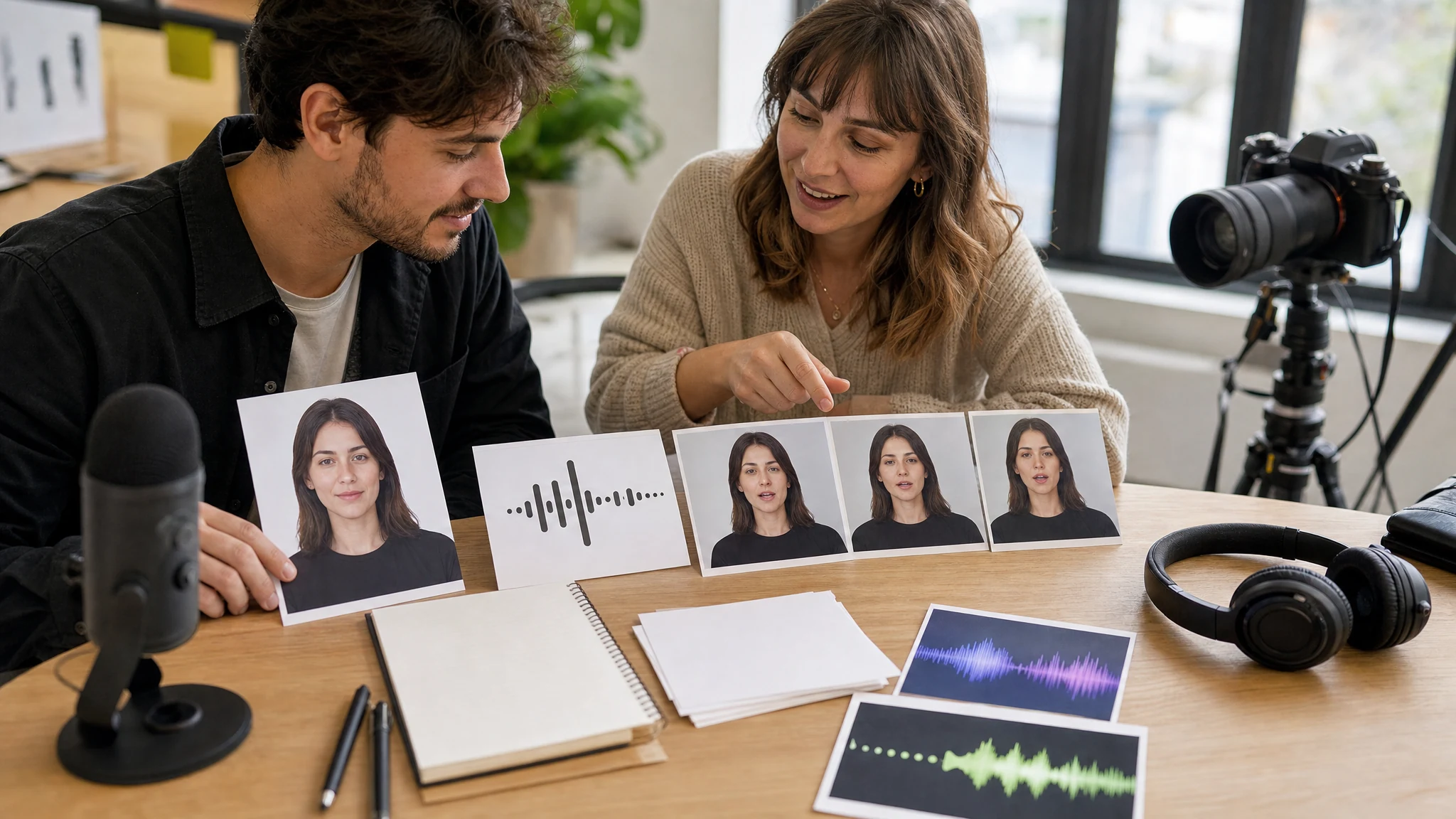
पोर्ट्रेट अपलोड करें
बोली जोड़ें
वह टेक्स्ट लिखें जो पोर्ट्रेट बोले।
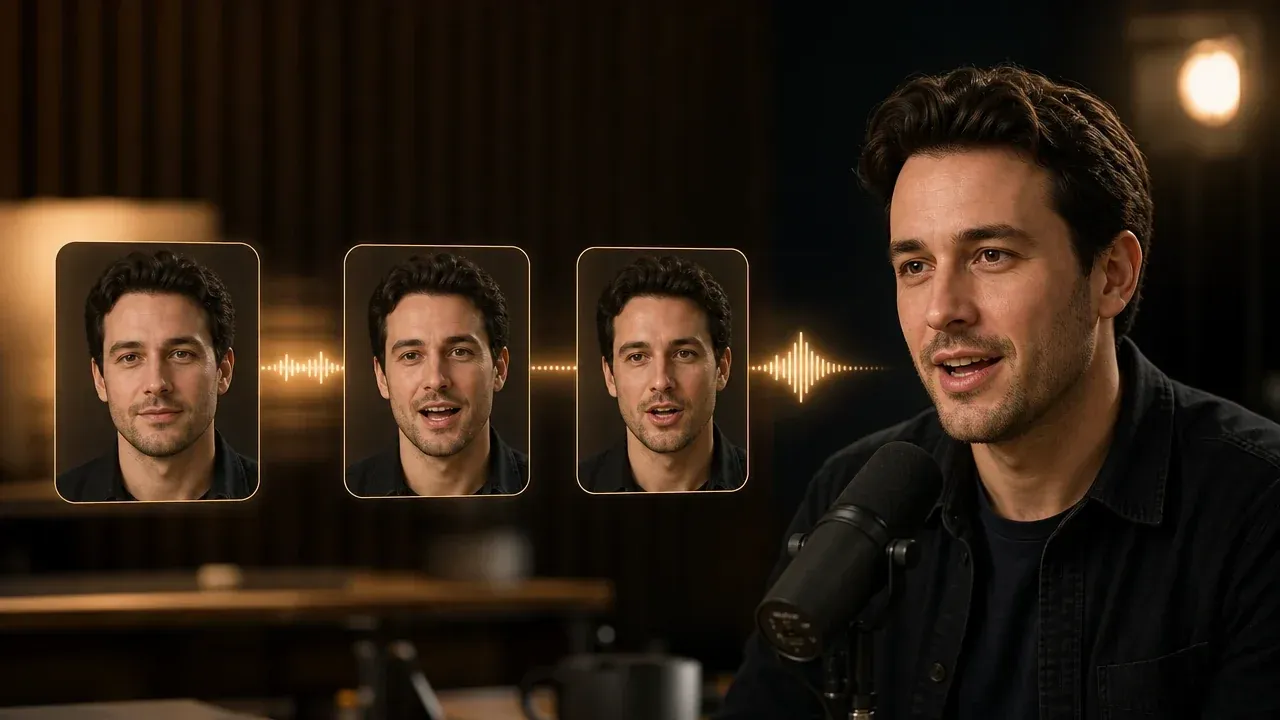
एक साफ पोर्ट्रेट को छोटे बोलते अवतार ड्राफ्ट में बदलें। फेस फोटो अपलोड करें, छोटा स्क्रिप्ट या ऑडियो जोड़ें, आवाज़ चुनें और एक बोलता वीडियो बनाएं जिसे बड़ी शूटिंग या अवतार वर्कफ़्लो से पहले समीक्षा किया जा सके।
दुनिया भर में 12,000,000+ उपयोगकर्ताओं का भरोसा।
पहला पास छोटा रखें ताकि चेहरा, आवाज़ और मुंह की हलचल का आसानी से अंदाज़ा लग सके।
खुली आंखों, दिखते मुंह और उस व्यक्ति या कैरेक्टर का उपयोग करने की अनुमति वाली सामने की तस्वीर चुनें।
छोटा स्क्रिप्ट टाइप करें, ऑडियो अपलोड करें या जब सटीक डिलीवरी मायने रखती हो तो एक छोटी पंक्ति रिकॉर्ड करें।
लोकल हिस्ट्री में रिज़ल्ट की तुलना करें, फिर क्लिप डाउनलोड करें या बड़े वीडियो वर्कफ़्लो में ले जाएं।
एक स्वीकृत पोर्ट्रेट से छोटे प्रेज़ेंटर-स्टाइल ड्राफ्ट के लिए इस वर्कफ़्लो का उपयोग करें।
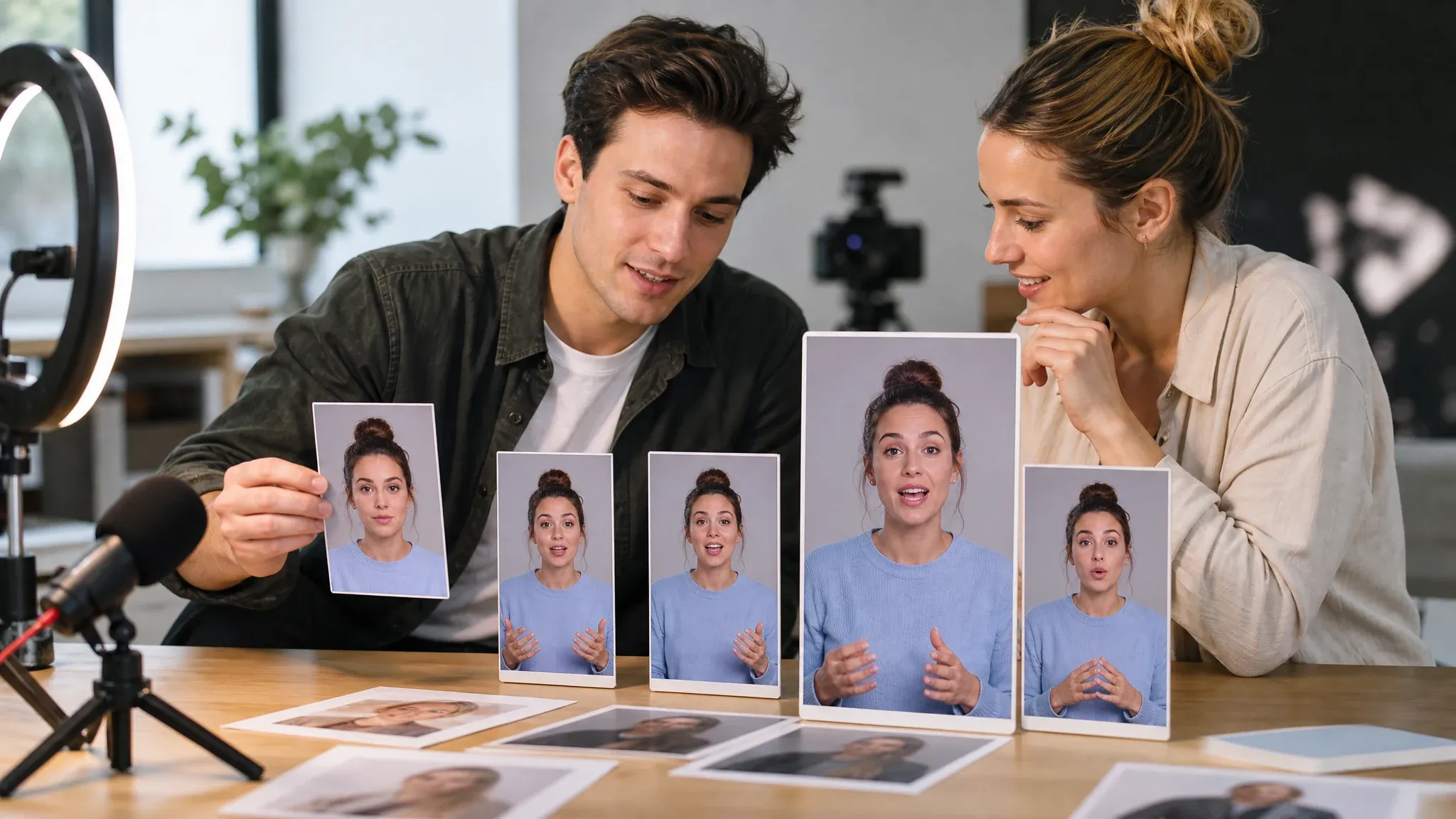
पूरा रिकॉर्डिंग सेशन बुक करने से पहले क्रिएटर या एम्बेसडर की पंक्ति टेस्ट करें।
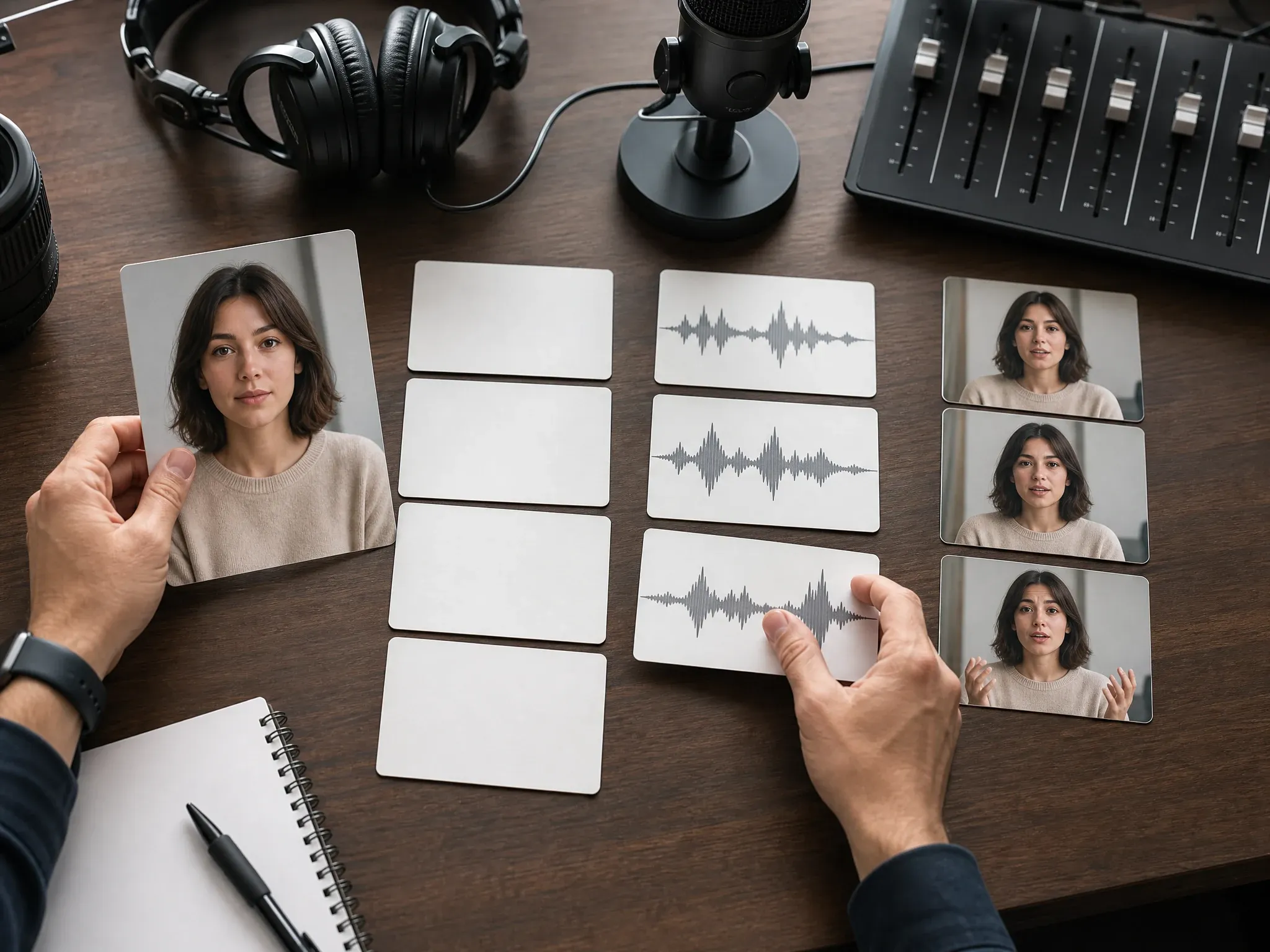
नैरेटर, गति या अंतिम डिलीवरी चुनने से पहले स्थिर पोर्ट्रेट पर बोला हुआ हुक आज़माएं।
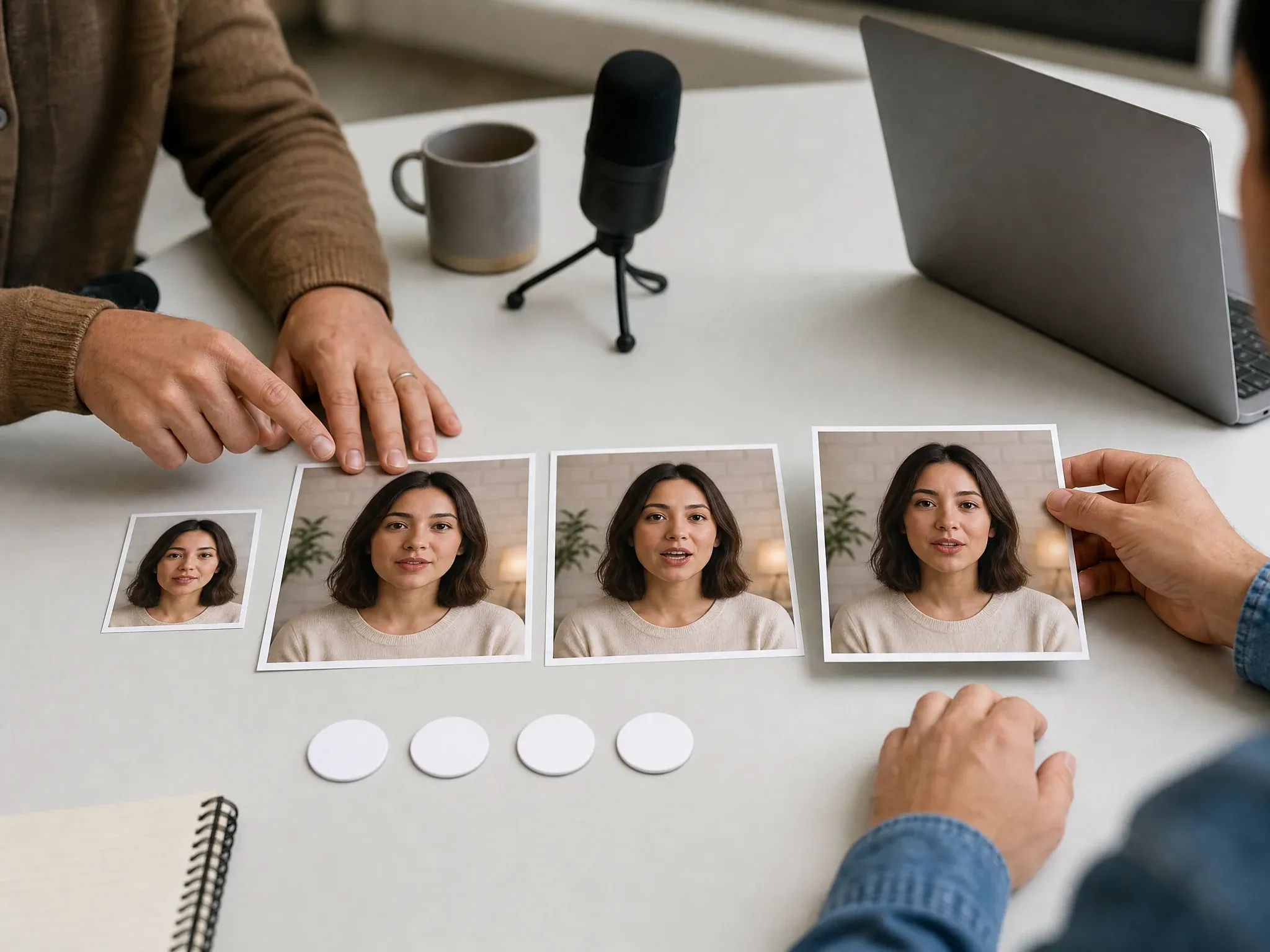
क्लिप डाउनलोड करने या वीडियो बेहतर करने से पहले मुंह की हलचल, भाव और समय की तुलना करें।
यह स्क्रिप्ट या ऑडियो इनपुट का उपयोग करके एक स्थिर पोर्ट्रेट को छोटे बोलते अवतार वीडियो में बदलता है।
किसी व्यक्ति को कैमरे पर फिल्माने के बजाय एक तस्वीर से शुरू करें।
तेज़ कॉपी समीक्षा के लिए टाइप किया टेक्स्ट या जब समय पहले से मायने रखता हो तो ऑडियो उपयोग करें।
फिर से उपयोग होने वाली अवतार पहचान या स्टूडियो एडिटिंग का दावा किए बिना बोलता ड्राफ्ट बनाएं।
लाइव वर्कबेंच से शुरू करें, बोले हुए हुक को टेस्ट करें और बड़े अवतार वर्कफ़्लो में जाने से पहले पहला रिज़ल्ट आसानी से परखने लायक रखें।
पूरा अवतार स्टूडियो लगाने के बजाय एक स्वीकृत चेहरे और छोटे संदेश से शुरू करें।
प्रीव्यू, हिस्ट्री, डाउनलोड और रिज़ल्ट एक्शन से टीमें छोटे प्रयासों की जल्दी तुलना कर सकती हैं।
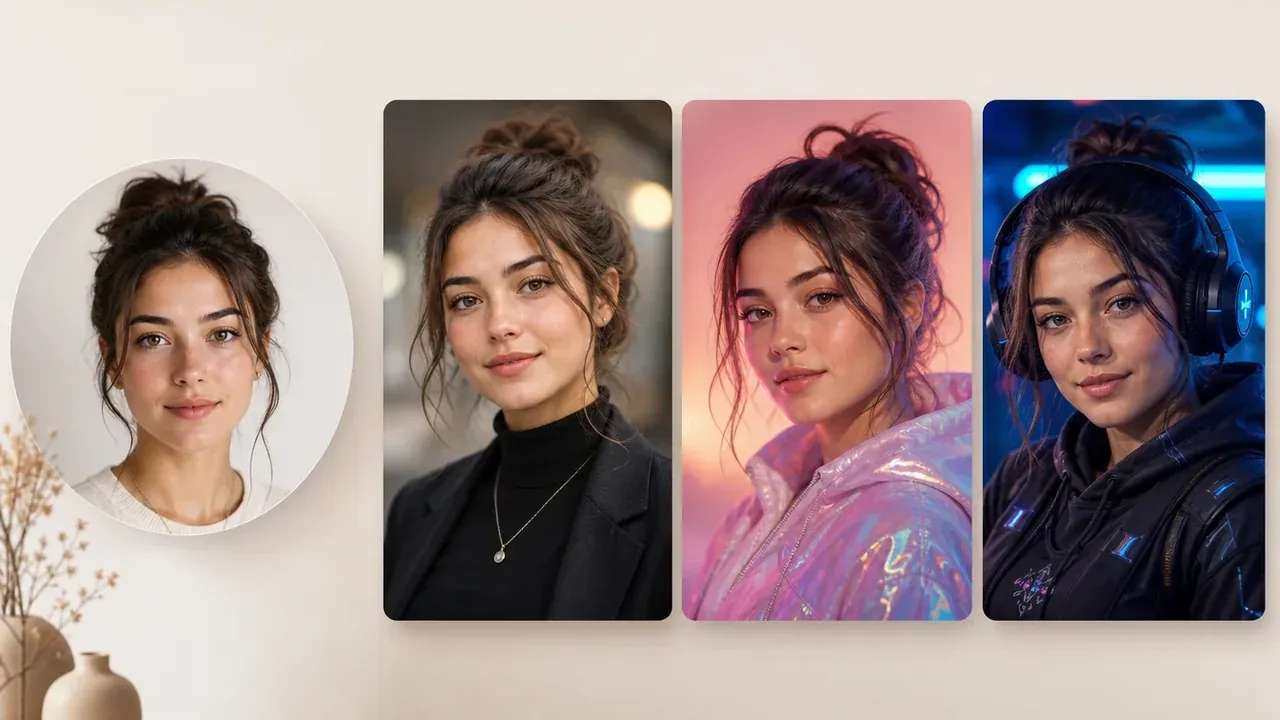
पेज त्वरित बोलती फोटो ड्राफ्ट को स्थायी अवतार लाइब्रेरी, स्टाइल पैक और मल्टी-सीन प्रेज़ेंटर टूल्स से अलग करता है।
साफ पोर्ट्रेट और छोटा स्क्रिप्ट, अधिक सेटिंग्स जोड़ने से ज्यादा महत्वपूर्ण है।
फोटो अवतार जनरेटर आज़माएंढके होंठ, साइड एंगल, कटी ठुड्डी, गहरी छाया और ग्रुप फोटो से बचें।
छोटी पहली पंक्ति बताती है कि अधिक समय लगाने से पहले पोर्ट्रेट और आवाज़ मेल खाते हैं या नहीं।
केवल वही पोर्ट्रेट, आवाज़ें, स्क्रिप्ट और ऑडियो उपयोग करें जिन्हें एनिमेट करने और साझा करने की अनुमति हो।
आपको कितना अवतार नियंत्रण चाहिए, उसके आधार पर वर्कफ़्लो चुनें।
| मानदंड | Face AIहमारा Face AI एक फोटो अवतार ड्राफ्ट | अन्य वर्कफ़्लो |
|---|---|---|
| शुरुआती बिंदु | एक साफ पोर्ट्रेट और टेक्स्ट या ऑडियो। | अवतार स्टूडियो में फिर से उपयोग होने वाली पहचान, अवतार लाइब्रेरी या कई रेफरेंस छवियों की आवश्यकता हो सकती है। |
| आउटपुट | एक पोर्ट्रेट और टेक्स्ट या ऑडियो से छोटा बोलता वीडियो ड्राफ्ट। | पूरे अवतार सूट में सीन, कैप्शन, ब्रांड किट या स्थायी पर्सना जुड़ सकते हैं। |
| सबसे अच्छा उपयोग | त्वरित प्रेज़ेंटर इंट्रो, स्क्रिप्ट टेस्ट, फाउंडर नोट्स और UGC मॉकअप। | लंबे कैंपेन और मल्टी-सीन एडिट के लिए अभी भी बेहतर एडिटर या असली शूट चाहिए। |
| ज्ञात सीमा | स्थायी अवतार लाइब्रेरी, टेम्पलेट मार्केटप्लेस या फिर से उपयोग होने वाले डिजिटल ट्विन का दावा नहीं। | समर्पित अवतार प्लेटफॉर्म अतिरिक्त सेटअप और विशेष वर्कफ़्लो के जरिए ये सुविधाएं दे सकते हैं। |
एक साफ पोर्ट्रेट और टेक्स्ट या ऑडियो।
अवतार स्टूडियो में फिर से उपयोग होने वाली पहचान, अवतार लाइब्रेरी या कई रेफरेंस छवियों की आवश्यकता हो सकती है।
एक पोर्ट्रेट और टेक्स्ट या ऑडियो से छोटा बोलता वीडियो ड्राफ्ट।
पूरे अवतार सूट में सीन, कैप्शन, ब्रांड किट या स्थायी पर्सना जुड़ सकते हैं।
त्वरित प्रेज़ेंटर इंट्रो, स्क्रिप्ट टेस्ट, फाउंडर नोट्स और UGC मॉकअप।
लंबे कैंपेन और मल्टी-सीन एडिट के लिए अभी भी बेहतर एडिटर या असली शूट चाहिए।
स्थायी अवतार लाइब्रेरी, टेम्पलेट मार्केटप्लेस या फिर से उपयोग होने वाले डिजिटल ट्विन का दावा नहीं।
समर्पित अवतार प्लेटफॉर्म अतिरिक्त सेटअप और विशेष वर्कफ़्लो के जरिए ये सुविधाएं दे सकते हैं।
टीमें बड़े प्रोडक्शन फैसलों से पहले चेहरे-केंद्रित स्क्रिप्ट टेस्ट करने के लिए इस पेज का उपयोग करती हैं।
"साफ पोर्ट्रेट और एक छोटी पंक्ति से पहली समीक्षा आसान हो जाती है। हम जल्दी बता पाते हैं कि विचार पूरा वीडियो पाने के काबिल है या नहीं।"

Camila Lopez
Influencer Partnerships Lead
"जब टीम के पास फेस फोटो पहले से हो लेकिन बोला हुआ हुक बदल रहा हो, तो यह पेज उपयोगी होता है।"

Sofia Martinez
Head of Brand Social
"पहली स्क्रिप्ट छोटी रखने से मदद मिलती है। लंबी पंक्तियां मुंह की हलचल और गति का अंदाज़ा लगाना मुश्किल बनाती हैं।"

Anya Ramos
Influencer Partnerships Director
"हम रिज़ल्ट को बोलते अवतार के प्रमाण की तरह देखते हैं, फिर तय करते हैं कि कॉन्सेप्ट को बेहतर क्रिएटर वर्कफ़्लो चाहिए या नहीं।"

Putri Handayani
KOL Marketing Manager
"पोर्ट्रेट अंदर, छोटी पंक्ति बाहर। क्रिएटर को रिकॉर्ड करने के लिए कहने से पहले हमें यही ड्राफ्ट लूप चाहिए।"

Linh Nguyen
Head of Creator Relations
"शुरुआती कॉपी जांच के लिए टेक्स्ट-टू-स्पीच काफी है। समय मंजूर होने के बाद अपलोड किया ऑडियो बाद में आता है।"

Nhi Pham
Influencer Marketing Manager
"साफ पोर्ट्रेट और एक छोटी पंक्ति से पहली समीक्षा आसान हो जाती है। हम जल्दी बता पाते हैं कि विचार पूरा वीडियो पाने के काबिल है या नहीं।"
Camila Lopez
Influencer Partnerships Lead
"जब टीम के पास फेस फोटो पहले से हो लेकिन बोला हुआ हुक बदल रहा हो, तो यह पेज उपयोगी होता है।"
Sofia Martinez
Head of Brand Social
"पहली स्क्रिप्ट छोटी रखने से मदद मिलती है। लंबी पंक्तियां मुंह की हलचल और गति का अंदाज़ा लगाना मुश्किल बनाती हैं।"
Anya Ramos
Influencer Partnerships Director
"हम रिज़ल्ट को बोलते अवतार के प्रमाण की तरह देखते हैं, फिर तय करते हैं कि कॉन्सेप्ट को बेहतर क्रिएटर वर्कफ़्लो चाहिए या नहीं।"
Putri Handayani
KOL Marketing Manager
"पोर्ट्रेट अंदर, छोटी पंक्ति बाहर। क्रिएटर को रिकॉर्ड करने के लिए कहने से पहले हमें यही ड्राफ्ट लूप चाहिए।"
Linh Nguyen
Head of Creator Relations
"शुरुआती कॉपी जांच के लिए टेक्स्ट-टू-स्पीच काफी है। समय मंजूर होने के बाद अपलोड किया ऑडियो बाद में आता है।"
Nhi Pham
Influencer Marketing Manager
"ज्यादातर अवतार पेज स्टूडियो कंट्रोल का बढ़ा-चढ़ाकर वादा करते हैं। यह पेज उपयोगी बना रहता है क्योंकि यह एक पोर्ट्रेट, एक संदेश और एक समीक्षा योग्य क्लिप पर केंद्रित है।"

Sebastian Cruz
Viral Content Manager
"साफ पोर्ट्रेट और एक छोटी पंक्ति से पहली समीक्षा आसान हो जाती है। हम जल्दी बता पाते हैं कि विचार पूरा वीडियो पाने के काबिल है या नहीं।"
Camila Lopez
Influencer Partnerships Lead
"जब टीम के पास फेस फोटो पहले से हो लेकिन बोला हुआ हुक बदल रहा हो, तो यह पेज उपयोगी होता है।"
Sofia Martinez
Head of Brand Social
"पहली स्क्रिप्ट छोटी रखने से मदद मिलती है। लंबी पंक्तियां मुंह की हलचल और गति का अंदाज़ा लगाना मुश्किल बनाती हैं।"
Anya Ramos
Influencer Partnerships Director
"हम रिज़ल्ट को बोलते अवतार के प्रमाण की तरह देखते हैं, फिर तय करते हैं कि कॉन्सेप्ट को बेहतर क्रिएटर वर्कफ़्लो चाहिए या नहीं।"
Putri Handayani
KOL Marketing Manager
"पोर्ट्रेट अंदर, छोटी पंक्ति बाहर। क्रिएटर को रिकॉर्ड करने के लिए कहने से पहले हमें यही ड्राफ्ट लूप चाहिए।"
Linh Nguyen
Head of Creator Relations
"शुरुआती कॉपी जांच के लिए टेक्स्ट-टू-स्पीच काफी है। समय मंजूर होने के बाद अपलोड किया ऑडियो बाद में आता है।"
Nhi Pham
Influencer Marketing Manager
"ज्यादातर अवतार पेज स्टूडियो कंट्रोल का बढ़ा-चढ़ाकर वादा करते हैं। यह पेज उपयोगी बना रहता है क्योंकि यह एक पोर्ट्रेट, एक संदेश और एक समीक्षा योग्य क्लिप पर केंद्रित है।"
Sebastian Cruz
Viral Content Manager
"यह तब मददगार है जब कम्युनिटी पोस्ट को उसी दिन चेहरा और आवाज़ चाहिए, बिना यह दिखावा किए कि हर अवतार वर्कफ़्लो पहले से हल है।"

Talia Hassan
Community-Led Growth Manager
"क्रिएटिव समीक्षा के लिए मुझे चेहरा देखना, पंक्ति सुनना और रिज़ल्ट डाउनलोड करना पड़ता है। यह पेज इसी लूप को सीधा रखता है।"

Kai Nakamura
Global Creative Director
"सोर्स फोटो के टिप्स व्यावहारिक हैं। केंद्र में चेहरा और दिखता मुंह, एक और स्टाइल कंट्रोल जोड़ने से ज्यादा मायने रखते हैं।"

Nina Volkov
Visual Design Director
"यह विज्ञापन, इंट्रो और एक्सप्लेनर के लिए प्रेज़ेंटर ड्राफ्ट के रूप में सबसे अच्छा काम करता है। कैंपेन को सीन या ब्रांड किट चाहिए तो हम बड़े वीडियो वर्कफ़्लो में चले जाते हैं।"

Rafael Santos
VP of Creative
"मुझे सहमति की भावना पसंद है। चेहरे और आवाज़ वाली सामग्री को टीम के कुछ भी सार्वजनिक रूप से साझा करने से पहले स्पष्ट अधिकार जांच चाहिए।"

Priya Chen
Creative Strategy Lead
"संबंधित टूल समझ में आते हैं: पहले स्थिर अवतार बनाएं, यहां पोर्ट्रेट एनिमेट करें, फिर क्लिप रखने लायक हो तो उसे बेहतर करें।"

Devon Park
Interactive Creative Director
"सबसे मजबूत उपयोग तेज़ वैलिडेशन है। टीम बिना टैलेंट बुक किए या पूरी अवतार लाइब्रेरी बनाए बोलते चेहरे का टेस्ट कर सकती है।"

Mia Torres
Design Director
"यह तब मददगार है जब कम्युनिटी पोस्ट को उसी दिन चेहरा और आवाज़ चाहिए, बिना यह दिखावा किए कि हर अवतार वर्कफ़्लो पहले से हल है।"
Talia Hassan
Community-Led Growth Manager
"क्रिएटिव समीक्षा के लिए मुझे चेहरा देखना, पंक्ति सुनना और रिज़ल्ट डाउनलोड करना पड़ता है। यह पेज इसी लूप को सीधा रखता है।"
Kai Nakamura
Global Creative Director
"सोर्स फोटो के टिप्स व्यावहारिक हैं। केंद्र में चेहरा और दिखता मुंह, एक और स्टाइल कंट्रोल जोड़ने से ज्यादा मायने रखते हैं।"
Nina Volkov
Visual Design Director
"यह विज्ञापन, इंट्रो और एक्सप्लेनर के लिए प्रेज़ेंटर ड्राफ्ट के रूप में सबसे अच्छा काम करता है। कैंपेन को सीन या ब्रांड किट चाहिए तो हम बड़े वीडियो वर्कफ़्लो में चले जाते हैं।"
Rafael Santos
VP of Creative
"मुझे सहमति की भावना पसंद है। चेहरे और आवाज़ वाली सामग्री को टीम के कुछ भी सार्वजनिक रूप से साझा करने से पहले स्पष्ट अधिकार जांच चाहिए।"
Priya Chen
Creative Strategy Lead
"संबंधित टूल समझ में आते हैं: पहले स्थिर अवतार बनाएं, यहां पोर्ट्रेट एनिमेट करें, फिर क्लिप रखने लायक हो तो उसे बेहतर करें।"
Devon Park
Interactive Creative Director
"सबसे मजबूत उपयोग तेज़ वैलिडेशन है। टीम बिना टैलेंट बुक किए या पूरी अवतार लाइब्रेरी बनाए बोलते चेहरे का टेस्ट कर सकती है।"
Mia Torres
Design Director
जब बोलते अवतार ड्राफ्ट को स्थिर अवतार, बड़ा सीन या सफाई का चरण चाहिए, तो संबंधित Face AI टूल पर जाएं।
इनपुट पोर्ट्रेट, आवाज़ें, डाउनलोड, सहमति और अवतार सीमाओं के सीधे जवाब।
इस Face AI पेज पर, AI फोटो अवतार एक छोटा बोलता वीडियो है जो एक स्थिर पोर्ट्रेट और स्क्रिप्ट या ऑडियो इनपुट से बनता है।
नहीं। यह पेज एक पोर्ट्रेट से त्वरित बोलता वीडियो बनाता है। यह स्थायी अवतार पहचान, फिर से उपयोग होने वाले स्टाइल पैक या पूरा प्रेज़ेंटर एडिटर नहीं बनाता।
एक साफ सामने से लिया गया पोर्ट्रेट उपयोग करें जिसमें मुंह दिख रहा हो और चेहरे के आसपास पर्याप्त विवरण हो।
हां। त्वरित ड्राफ्ट के लिए टेक्स्ट-टू-स्पीच उपयोग करें, या जब गति और डिलीवरी तय हो चुकी हो तो ऑडियो अपलोड या रिकॉर्ड करें।
एक साफ पोर्ट्रेट अपलोड करें, टेक्स्ट या ऑडियो जोड़ें, आवाज़ चुनें और एक बोलता क्लिप बनाएं जिसे आप वर्कबेंच से प्रीव्यू, तुलना और डाउनलोड कर सकते हैं।
हां। सफल बोलते अवतार रिज़ल्ट को वर्कबेंच से प्रीव्यू और डाउनलोड किया जा सकता है।
केवल वही पोर्ट्रेट, स्क्रिप्ट और ऑडियो उपयोग करें जिनके अधिकार आपके पास हों। सहमति के बिना किसी व्यक्ति या आवाज़ को एनिमेट न करें।
स्थायी पहचान, कई रेफरेंस छवियां, स्टाइल या ब्रांड अवतार स्टूडियो कंट्रोल चाहिए तो समर्पित अवतार प्रोडक्ट उपयोग करें।
एक साफ पोर्ट्रेट अपलोड करें, छोटी पंक्ति या ऑडियो जोड़ें और एक बोलता अवतार ड्राफ्ट बनाएं जिसकी आप वाकई समीक्षा कर सकें।