

FaceAI AI Image Generator SEO Page Structure
Use this H1 area like the URL To Video reference: a clear explanatory block after the functional surface, paired with a strong visual panel instead of a thin paragraph. This route stays noindex and sitemap-excluded until the structure is approved.

How Should Reviewers Read This SEO Page Template?
Use this order to audit whether the page structure can become a repeatable FaceAI tool-page pattern.
Check the first screen
Confirm the shared AI image generator is the first meaningful product surface and the CTA target exists in SSR.
Check the H1 content block
Review whether the H1 explains the search intent after the workbench without pushing the tool too far down.
Check proof and FAQ depth
Inspect whether use cases, comparisons, reviews, related tools, and FAQ answer the objections a search visitor would have.
The Template Should Be Deeper Than the Current Thin Function Pages
The earlier review problem was content depth. A FaceAI function page should not stop after a tool, three steps, a few cards, and a short FAQ. It needs enough explanation to cover search intent, conversion objections, visual proof, comparison, internal links, and production-readiness checks.
This review route deliberately contains more support content than the existing face-swap page so the team can judge the full SEO pattern before applying it to a live route.
Search intent coverage
Explain what the tool does, who uses it, what inputs it needs, and what outputs it creates.
Conversion proof
Place examples, reviews, comparison, and next-step workflows before the final CTA.
Operational approval
Keep noindex until target slug, sitemap status, schema, visuals, and production copy are approved.
How a Visitor Should Move Through the AI Image Generator Page
This second step block is user-facing rather than reviewer-facing. Production pages can keep both ideas by merging review notes into real user copy.
Describe the image
Start with a clear subject, setting, style, and usage goal. The workbench should make this obvious before the user scrolls.
Generate and compare
Let the user review the latest result against local history and decide whether to refine, download, or create a variation.
Continue the workflow
Send the user to editing, image-to-image, upscaling, or animation when the first image is close but not production-ready.
AI Image Generator Use Cases That Build Trust
Real workbench first
Trust starts with an actual working tool surface instead of a generic hero block. The first screen must prove that this is a usable generator.

Generated result examples
Use case cards should show concrete output expectations, similar to VisualGPT sample/result panels.

Follow-up workflow proof
A strong page shows where users go after generation: edit, image-to-image, share, or download.
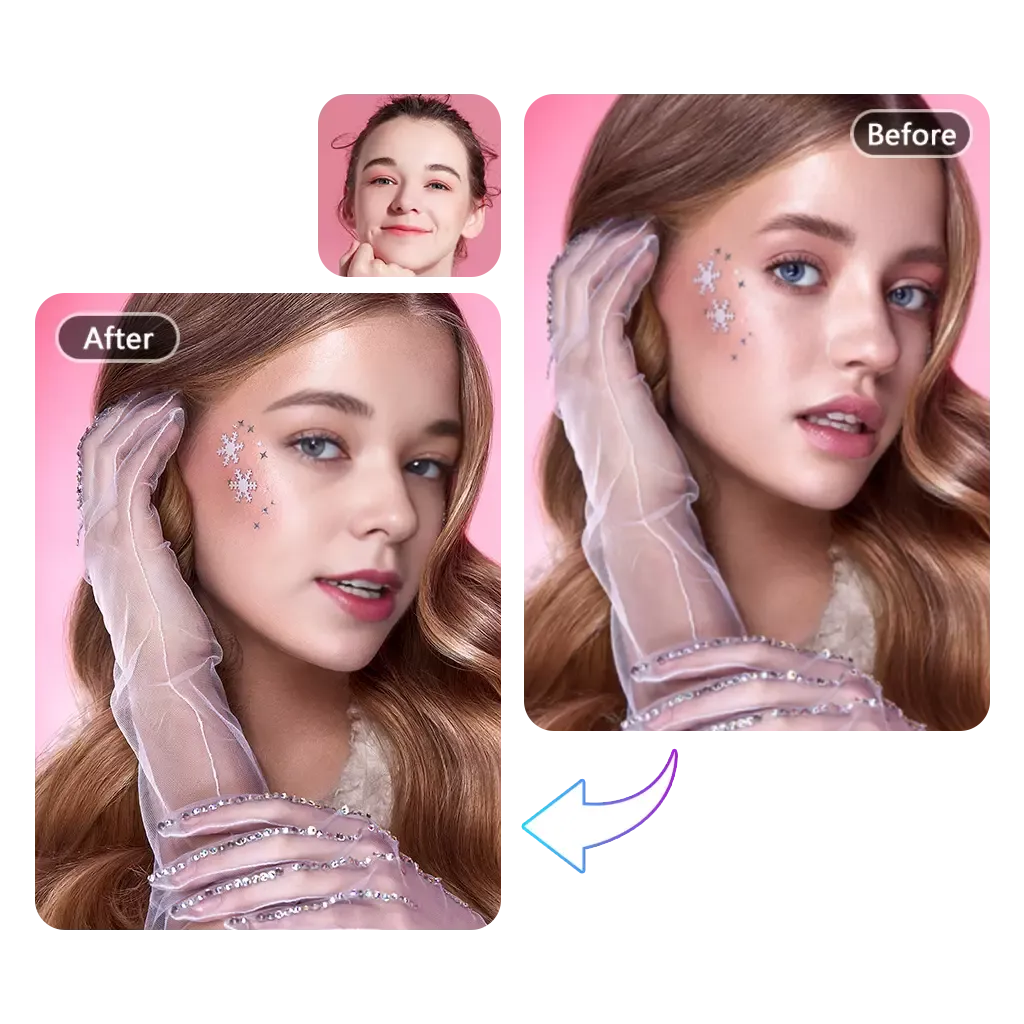
Cross-tool confidence
Related tool visuals help users trust that FaceAI has a broader creation workflow, not one isolated feature.

Prompt-to-output clarity
The page should explain what input quality, prompt specificity, and style choices produce better output.

Production next step
For production pages, show the next action after generation so visitors understand the whole creative flow.
Why This Template Combines VisualGPT and ArtingAI Patterns
VisualGPT separates the production workbench from supporting SEO content. ArtingAI keeps scalable SEO blocks such as steps, examples, feature proof, FAQ, schema, and strong visual evidence. This template keeps both ideas while staying inside the FaceAI renderer.
The structure should feel like a product workflow first and an SEO page second. That is the key difference from content-heavy pages where the generator is buried below a long article.
Tool first
The page opens with the working generator, matching high-intent visitors.
Content after action
H1 and SEO modules explain the product without delaying the first interaction.
Reusable renderer
The template uses existing FaceAI modules, schema, hreflang, and workbench wiring.
Proof before CTA
Trust modules, comparison, reviews, and FAQ appear before the final conversion push.
Tool Comparison and SEO Structure Contract
Use this table as the approval checklist before turning a reviewed template into a production route. It should look and scan closer to the stronger old FaceAI comparison table, not like a loose list of cards.
| मानदंड | Face AIहमारा | अन्य टूल |
|---|---|---|
| First screen | Actual shared workbench with stable anchor and fallback CTA target | Marketing hero first, tool hidden after long content |
| H1 placement | One H1 in the supporting content immediately after the workbench | No H1, duplicated H1, or H1 buried below many decorative blocks |
| Content depth | Multiple proof sections, workflow steps, comparison rows, reviews, related tools, and FAQ | Thin page with a short intro, few cards, and generic FAQ |
| Trust visuals | Existing FaceAI assets plus result/workflow examples | Decorative graphics that do not prove the tool output or workflow |
| Review volume | Double-row marquee with enough comments to create social proof density | Three static quotes that look like placeholders |
| Internal links | Generator, editor, image-to-image, upscaler, talking photo, and face swap paths | One or two generic links with no next-step logic |
| SEO controls | Page-level title, description, canonical, hreflang, schema, robots, and sitemap policy | Only title and description with no index policy or schema clarity |
| Production gate | Noindex review route until slug, copy, visuals, schema, and sitemap are approved | Draft content can accidentally become indexable |
What Must Be Approved Before This Becomes a Live Function Page
This template is intentionally not a production page. Before reuse, pick the target slug, write user-facing copy, confirm the visual asset set, decide whether robots should switch to index, include or exclude sitemap, and verify the page has one clear H1 and no duplicate heading confusion.
The goal is to avoid another thin page: every production version should ship with a real tool surface, proof visuals, comparison table, user reviews, related workflows, FAQ, and final CTA.
Slug and intent
Choose the exact production route and one primary search intent before rewriting copy.
Visual asset set
Use owned FaceAI images, generated examples, or local static assets that prove output quality.
Index policy
Keep review routes noindex; only switch to index after content, schema, and sitemap are final.
Heading audit
Confirm one H1, meaningful H2 sections, and H3 cards that support scanability.
What Reviewers Should Confirm Before Production Use
The tool-first structure solves the biggest conversion problem: a high-intent visitor can start creating before they are asked to read a long explanation.

Maya Chen
SEO Lead, Growth Review
The page finally feels like a real product surface. The H1 content supports the generator instead of replacing it with a marketing-only hero.

Jon Bell
Product Designer, Tool Review
This is closer to the VisualGPT pattern we wanted: creation first, then proof, comparison, workflow details, FAQ, and related next steps.

Iris Wang
Growth PM, SEO Review
It reuses the shared ai-image-generator workbench, so the template tests content structure without adding another tool shell.

Leo Martin
Frontend Reviewer
The added proof blocks answer the questions my team asks before using a generator for ads: what it creates, where the examples are, how to refine, and what happens next.

Priya Sharma
Performance Marketing Lead
The comparison table is much easier to scan now. It separates the first-screen tool, SEO content, proof, internal links, FAQ, and production checks.

Carlos Mendoza
Creative Operations Manager
The page has enough supporting content to evaluate real search intent. It is no longer a thin workbench with a few generic blocks under it.

Anisha Patel
DTC Brand Director
The tool-first structure solves the biggest conversion problem: a high-intent visitor can start creating before they are asked to read a long explanation.
Maya Chen
SEO Lead, Growth Review
The page finally feels like a real product surface. The H1 content supports the generator instead of replacing it with a marketing-only hero.
Jon Bell
Product Designer, Tool Review
This is closer to the VisualGPT pattern we wanted: creation first, then proof, comparison, workflow details, FAQ, and related next steps.
Iris Wang
Growth PM, SEO Review
It reuses the shared ai-image-generator workbench, so the template tests content structure without adding another tool shell.
Leo Martin
Frontend Reviewer
The added proof blocks answer the questions my team asks before using a generator for ads: what it creates, where the examples are, how to refine, and what happens next.
Priya Sharma
Performance Marketing Lead
The comparison table is much easier to scan now. It separates the first-screen tool, SEO content, proof, internal links, FAQ, and production checks.
Carlos Mendoza
Creative Operations Manager
The page has enough supporting content to evaluate real search intent. It is no longer a thin workbench with a few generic blocks under it.
Anisha Patel
DTC Brand Director
I like that trust visuals are not decorative only. The page asks for workbench proof, result examples, editing workflow, and cross-tool confidence.

Wei Zhang
Lifecycle Marketing Strategist
The H1 area reads like a proper explanation section after the tool. The split visual layout makes it feel intentional instead of like leftover copy.

Emma Johansson
Content Systems Lead
The structure gives translators stable modules to work with later: tool intro, steps, use cases, comparison, reviews, related tools, FAQ, and CTA.

Haruka Kimura
Localization Reviewer
A thin landing page is hard to trust. The longer structure gives enough objections, examples, and next steps for a buyer or reviewer to judge the workflow.

Ahmed Al-Rashid
Agency Founder
The review route now shows how a FaceAI function page can move from prompt to image, then into editing, image-to-image, reuse, and publishing.

Isabella Rodriguez
Social Creative Lead
This gives us a reusable outline: one workbench, one H1, multiple proof blocks, a strong comparison table, review marquee, related pages, and FAQ.

Kai Nakamura
SEO Content Manager
The extra content makes the review useful. We can see whether the template is strong enough before touching a production page.

Aaliyah Williams
Creator Tools Researcher
I like that trust visuals are not decorative only. The page asks for workbench proof, result examples, editing workflow, and cross-tool confidence.
Wei Zhang
Lifecycle Marketing Strategist
The H1 area reads like a proper explanation section after the tool. The split visual layout makes it feel intentional instead of like leftover copy.
Emma Johansson
Content Systems Lead
The structure gives translators stable modules to work with later: tool intro, steps, use cases, comparison, reviews, related tools, FAQ, and CTA.
Haruka Kimura
Localization Reviewer
A thin landing page is hard to trust. The longer structure gives enough objections, examples, and next steps for a buyer or reviewer to judge the workflow.
Ahmed Al-Rashid
Agency Founder
The review route now shows how a FaceAI function page can move from prompt to image, then into editing, image-to-image, reuse, and publishing.
Isabella Rodriguez
Social Creative Lead
This gives us a reusable outline: one workbench, one H1, multiple proof blocks, a strong comparison table, review marquee, related pages, and FAQ.
Kai Nakamura
SEO Content Manager
The extra content makes the review useful. We can see whether the template is strong enough before touching a production page.
Aaliyah Williams
Creator Tools Researcher
Related Live Pages to Compare During Review
AI Image Generator
Compare the template against the current production generator page and decide which copy blocks should graduate.
AI Image Editor
Use this page as the natural next step for visitors who generate an image and need one focused revision.
AI Image to Image
Use this page when a visitor already has a reference image and wants controlled variation instead of text-only generation.
AI Image Upscaler
Add as a quality follow-up when production pages need a post-generation improvement path.
Talking Photo
Cross-link generated portraits into animation workflows when the image page targets creator or avatar search intent.
Face Swap
Keep a broader FaceAI trust path for visitors who move from generated images into identity and entertainment workflows.
FaceAI SEO Template Review Questions
Use these questions to decide whether the structure is ready to become a production page pattern.
It is an internal review route. The page should not enter sitemap or search results until the structure, copy, visuals, schema, and target production slug are approved.
The structure borrows their visual proof patterns. For this FaceAI review route, local FaceAI assets are used to avoid external image-domain and ownership issues.
The URL To Video reference uses a denser review section. More review items let us test a two-row scrolling layout and prevent the page from feeling thin.
The old FaceAI comparison table was easier to scan than a simple card stack. The template now uses a stronger table-style layout for criteria, FaceAI, and other tools.
Do not replace the shared workbench with a standalone component unless the tool contract cannot fit the shared workbench model.
The workbench is the primary conversion surface. The H1 still exists directly below it, so search intent and semantic structure are present without delaying interaction.
No. It reuses the existing aiImageGenerator shared workbench through ToolPageModuleBlock and defineFaceAiToolConfig.
Pick the target slug, replace review-only copy with user-facing copy, decide whether robots should become index, and confirm sitemap inclusion.
It should be deeper than a thin tool page: tool surface, H1 support, steps, use cases, proof visuals, comparison, reviews, related workflows, FAQ, and final CTA.
Check that it appears once after the tool-first workbench, explains the primary search intent, provides a visual proof panel, and links back to the generator.