
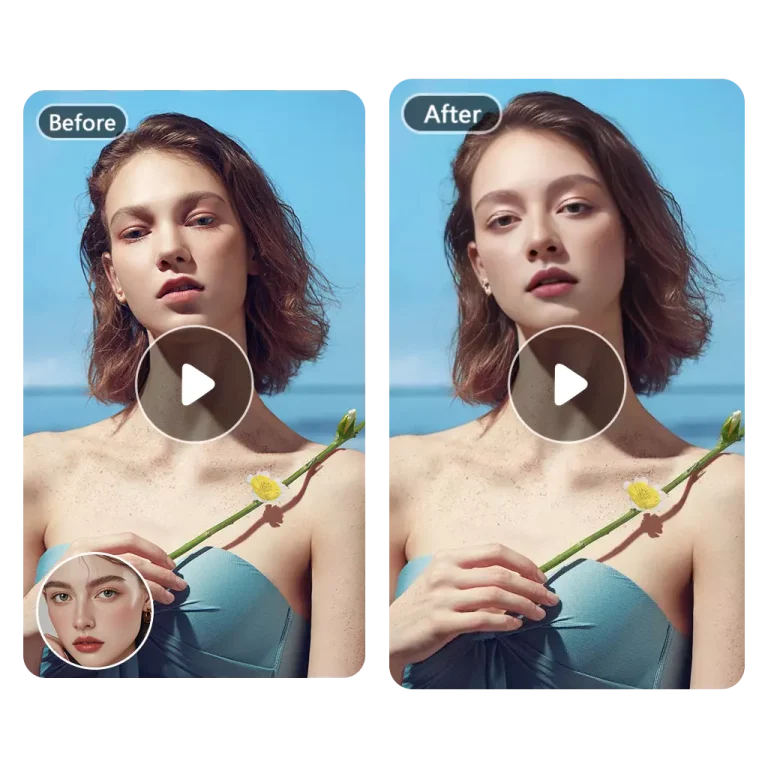
Free Multiple GIF Face Swap Online
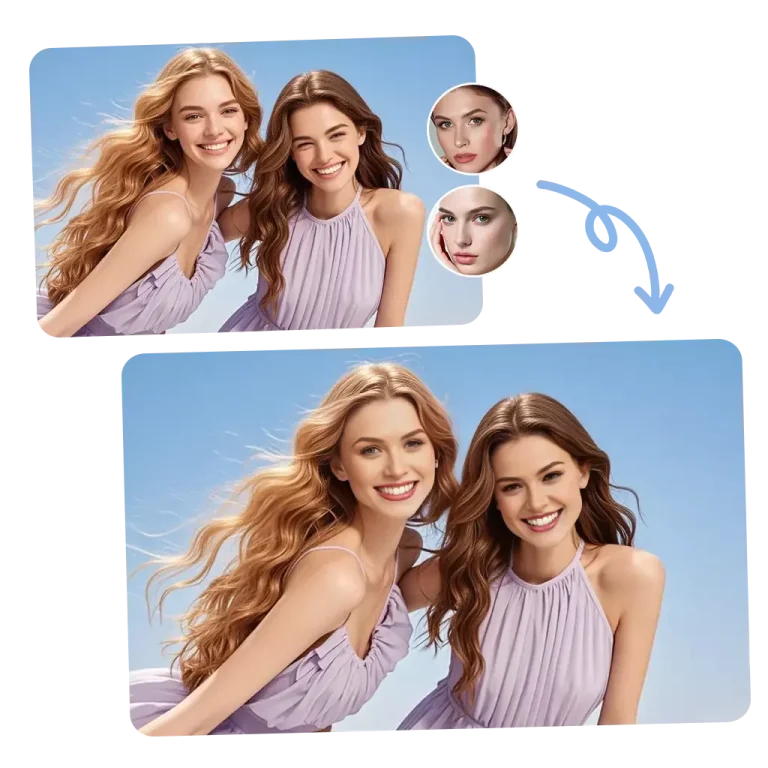
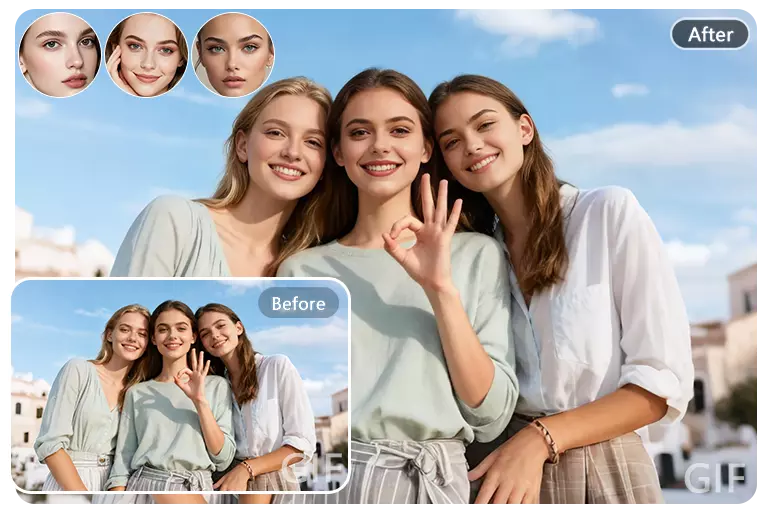
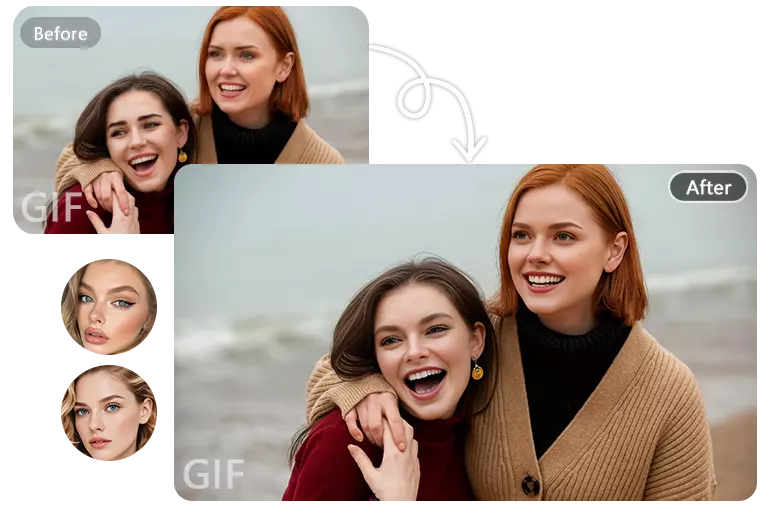
More than just a single face, our multiple GIF face swap supports swapping up to six faces in GIFs at once, bringing more possibilities and fun to your group memes.
Swap Multiple Faces in GIFs Online
Coming Soon
3 Easy Steps to Use Multiple GIF Face Swap
Swapping multiple faces in GIFs requires no complicated steps. Just upload your original GIFs and target faces, then swap the faces you want.
Upload Original GIF
Upload your original GIFs. Please make sure the file is smaller than 30MB.
Upload Target Faces
Extract faces from your GIFs, up to 6 faces, then upload the corresponding faces to swap.
Start Face Swapping
Click the button to start. It's free and takes only 3–5 seconds to complete.
Core Advantages of Multiple GIF Face Swap
Compared to GIF face swap, our multiple GIF face swap has a complete upgrade in quality, speed, and the number of faces that can be extracted, letting you easily achieve natural face swap results.
Free to use
Swap multiple faces in GIFs for free on FaceAI, with no hidden costs.
Swap up to 6 faces
Extract up to 6 faces at a time for your face swaps in GIFs without any lag.
100% privacy protected
Your original files will be permanently deleted within 48 hours with no backup.
HD face swap GIFs
Always get HD, watermark-free multiple GIF face swap results, up to 1080p.
Swap 6 Faces in GIFs Simultaneously
Normal GIF face swap tools usually don't support multiple faces, and tools that do support multiple faces often don't handle GIFs. No worries, our multiple GIF face swap is here. You can swap up to 6 faces at a time in your GIFs while enjoying the same speed and quality as a single GIF face swap.
Multiple GIF Face Swap for Group Memes
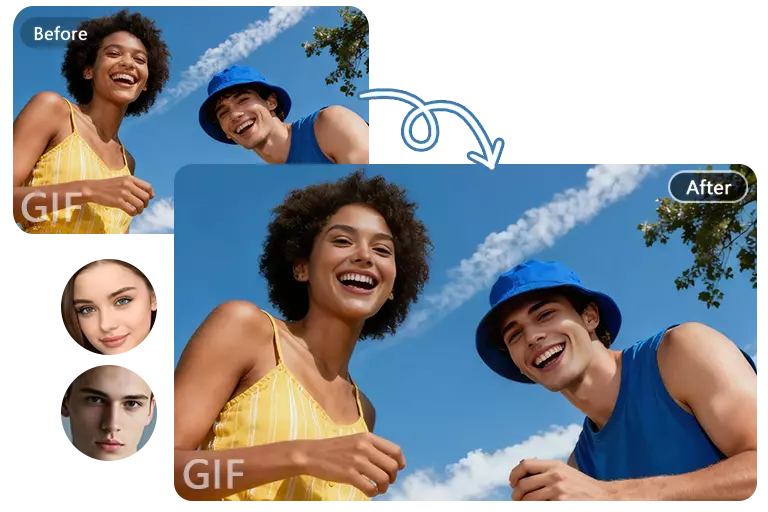
Swap your face and your friends' faces together in popular GIF memes to become part of everyday laughs. Just upload your favorite GIF meme, crop the faces from the meme, and swap them with yours and your friends' faces to achieve seamless and realistic results.
Enjoy HD Quality Multiple GIF Face Swap for All Your Projects

Simple single GIF face swaps often cannot meet the needs of multi-person scenarios. Now use our multiple GIF face swap to give your creative experience a whole new twist, group photos at parties or swapping faces in multi-person movie scenes can be done easily, all in high quality with no watermark.
Join Thousands of Our Multiple GIF Face Swap Users
At first, I was worried that swapping multiple faces in a GIF would make it blurry, but there's no need to worry at all, the results from multiple GIF face swap are extremely high-quality.
Michael Smith
Conservationist
Many tools for swapping faces in multiple GIFs require payment, but FaceAI is 100% free and can be used without logging in. I've already recommended it to a lot of my friends.
Jennifer Conely
Community leader
I was initially skeptical about trying the multiple GIF face swap tool, thinking that claiming to swap up to 6 faces at once was just a gimmick. But I was wrong, the results are real and it works very quickly.
Emma Hill
Student volunteer
Help Center
Multiple GIF Face Swap FAQs
Quick answers to questions you may have. If you have any other questions about multiple GIF face swap, please contact us directly via email.
What is multiple GIF face swap?
Multiple GIF face swap allows you to swap multiple faces at the same time in a single GIF. You can replace up to 6 faces simultaneously, creating funny memes, group GIFs, or creative content easily.
Is there a limit to how many faces I can swap in GIFs?
The maximum number of faces you can swap per GIF is 6.
Is my privacy safe when using multiple GIF face swap?
Absolutely. Your original files are deleted within 48 hours with no backups, ensuring your privacy and data security.
Will the quality decrease after swapping multiple faces in GIFs?
No, the multiple GIF face swap keeps your GIFs high-quality and smooth, matching the quality of the original GIF.
How long does it take to swap multiple faces in a GIF?
Typically, swapping up to 6 faces in a GIF takes just a few seconds, depending on the size and length of your GIF.