
Free AI Image Upscaler - Enhance Photos to 4K, 8K & 16K
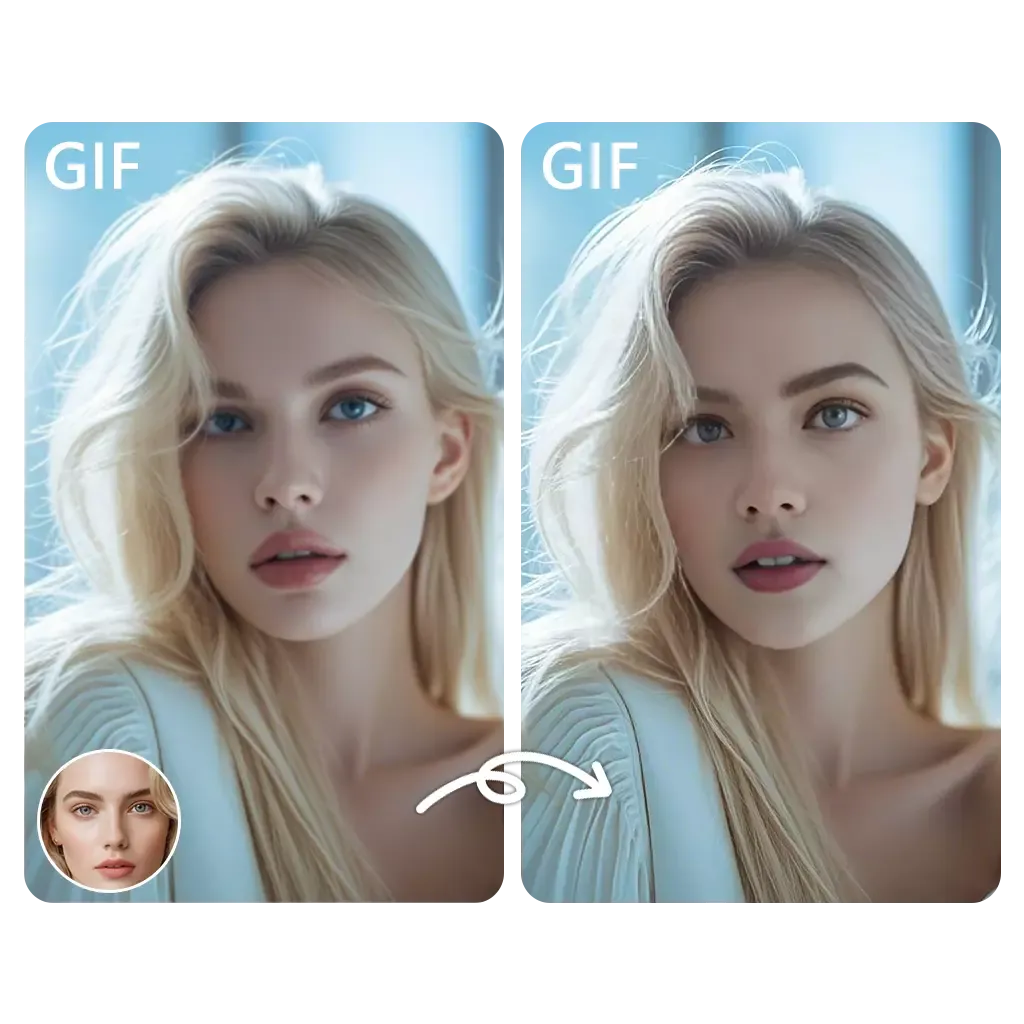
In just seconds, you can transform low-resolution images into crisp, high-quality photos. All thanks to our advanced AI image upscaler.
✓ Trusted by 10M+ users.
✓ 100% Free - No Watermark.
✓ No Signup Required.
✓ ⭐⭐⭐⭐⭐ 4.9/5 (10,000 reviews).
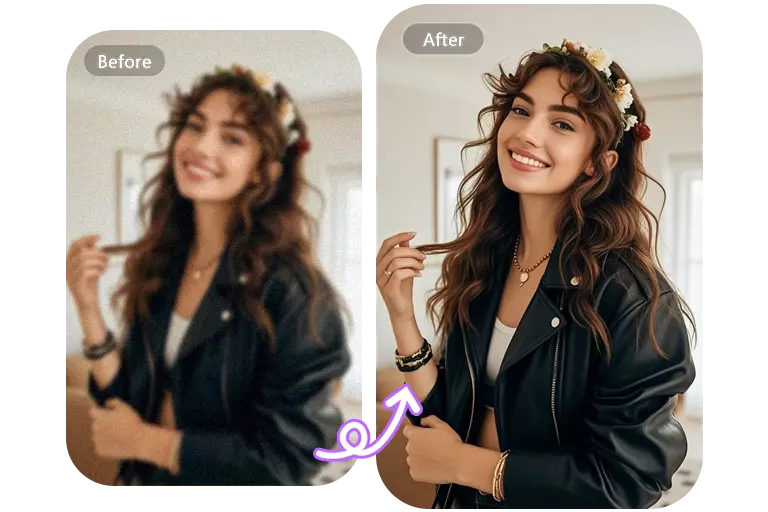
Free AI Image Upscaler Online Playground
With just two clicks, you can upscale a blurry photo into a clear, high-quality image in just a few seconds.
Key Features of Our AI Image Upscaler
Let's take a look at the features of our photo enlargement tool.
Lightning-Fast Processing
Upscale images in just 3-5 seconds. Our optimized AI engine delivers professional results without the wait.
Multiple Scaling Options
Choose from 2x, 4x, or 8x upscaling to reach 4K, 8K, or even 16K resolution.
Detail Enhancement
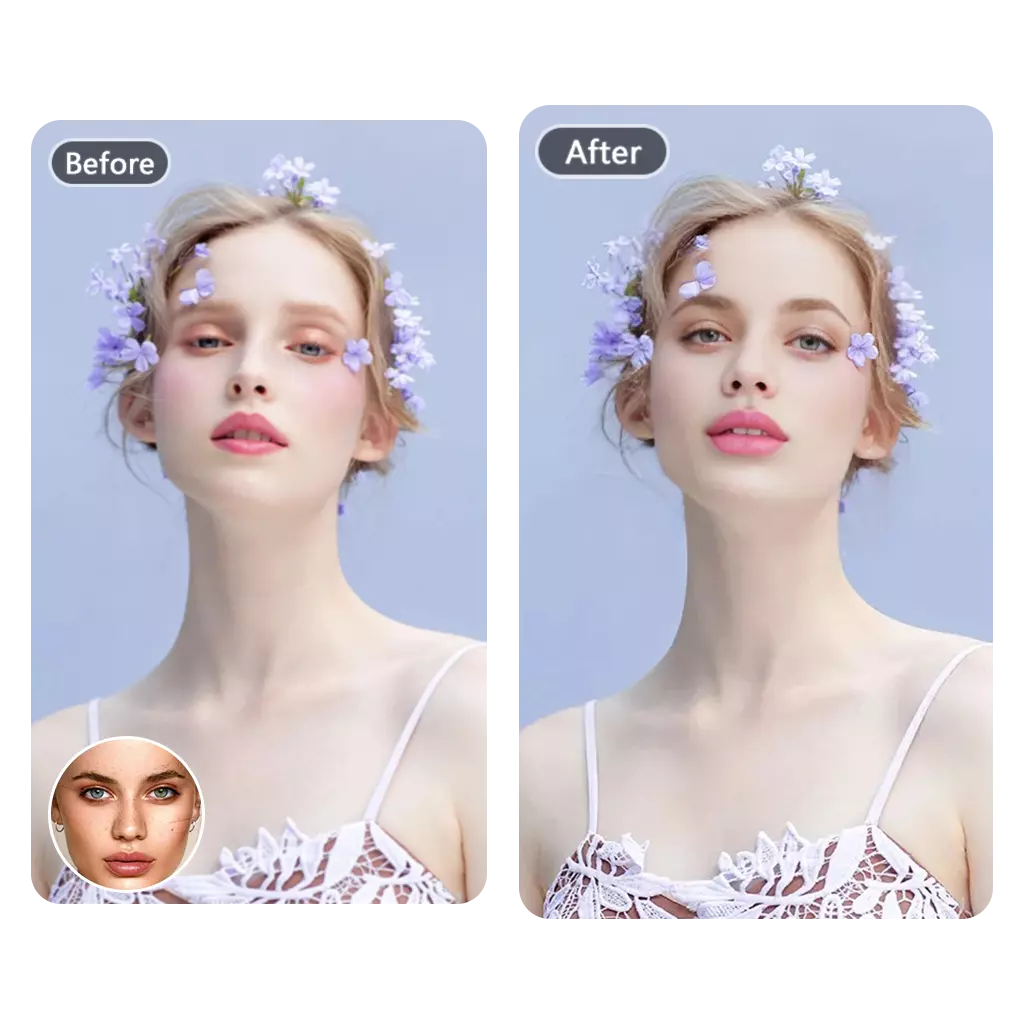
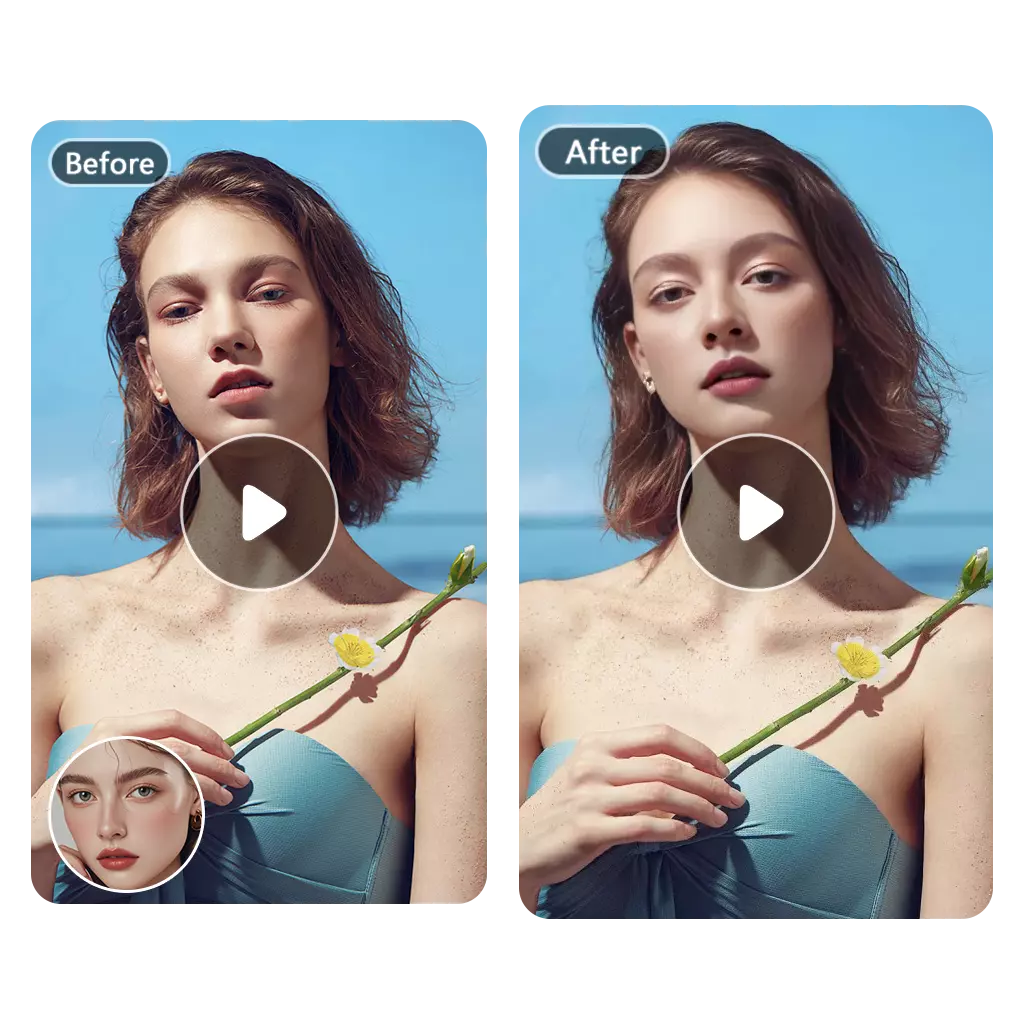
AI doesn't just enlarge - it adds realistic details, sharpens edges, and improves overall image quality.
Batch Processing
Upscale multiple images at once. Perfect for photographers, designers, and e-commerce businesses.
Format Support
Works with all common formats: JPG, PNG, WEBP, HEIC, BMP
Privacy Protected
Your images are processed securely and deleted within 24 hours. We never store or share your content.
No Watermark
Free downloads without watermarks. Use upscaled images for any purpose - personal or commercial.
No Software Required
100% browser-based. Works on desktop, tablet, and mobile devices.
What is
What is AI Image Upscaler?
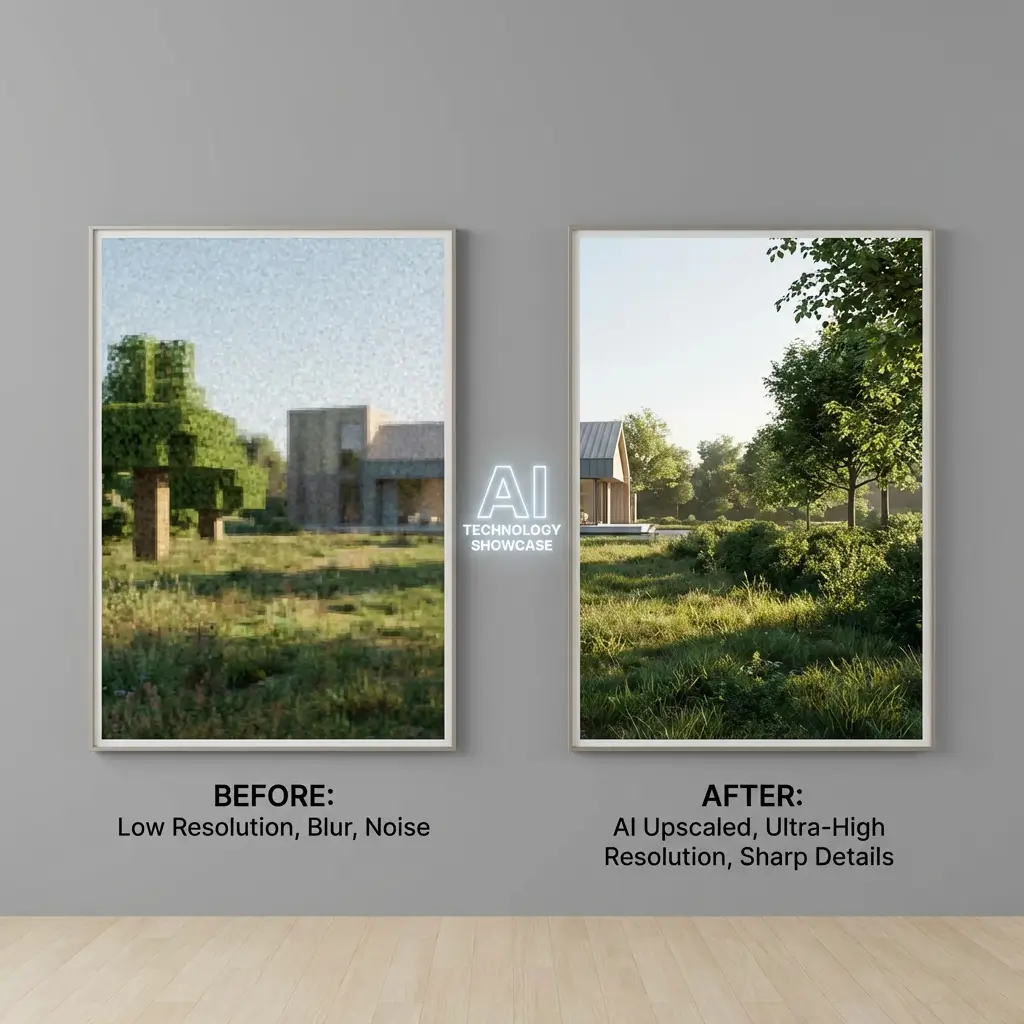
AI image upscaler utilize advanced machine learning algorithms to enlarge images while maintaining and improving image quality. Unlike traditional image scaling (which simply stretches pixels, leading to blurring and pixelation), AI image upscaler intelligently analyze the image and generate new pixels based on learned patterns, resulting in more perfect detail.
How it works
How to Upscale an Image in 3 Simple Steps
Improving image quality is very simple; it can be done with just a few clicks.
Who Benefits from AI Image Upscaling?
Who would use an AI image upscaler? This includes, but is not limited to, the following types of users:
01
Photographers & Content Creators
Enhance low-resolution shots, restore old photos, and prepare images for large-format printing.
02
E-commerce & Online Sellers
Transform product photos from suppliers into high-quality images that boost sales and customer trust.
03
Graphic Designers & Artists
Upscale logos, illustrations, and artwork for various sizes without quality loss.
04
Social Media Marketers
Create crisp, attention-grabbing visuals that stand out on Instagram, Facebook, and other platforms.
05
Real Estate Professionals
Enhance property photos to showcase details and attract potential buyers.
06
Game Developers
Upscale textures and sprites for high-resolution displays.
Discover Many More of Our Other Interesting Tools
Help Center
Questions? Answers.
Do you have questions about AI image upscalers? Check out the quick answers below for a comprehensive understanding.
What is an AI image upscaler?
How does AI image upscaling work?
Is the AI image upscaler really free?
What image formats are supported?
Can I upscale images to 4K, 8K, or 16K?
How long does it take to upscale an image?
Is my image data safe and private?
Can I use upscaled images commercially?
Do I need to sign up to use the upscaler?
What's the difference between 2x, 4x, and 8x upscaling?
Ready to Upscale Your Images?
Transform low-quality photos into stunning high-resolution images in seconds.